RadReads AMA: A productivity and notion deep-dive
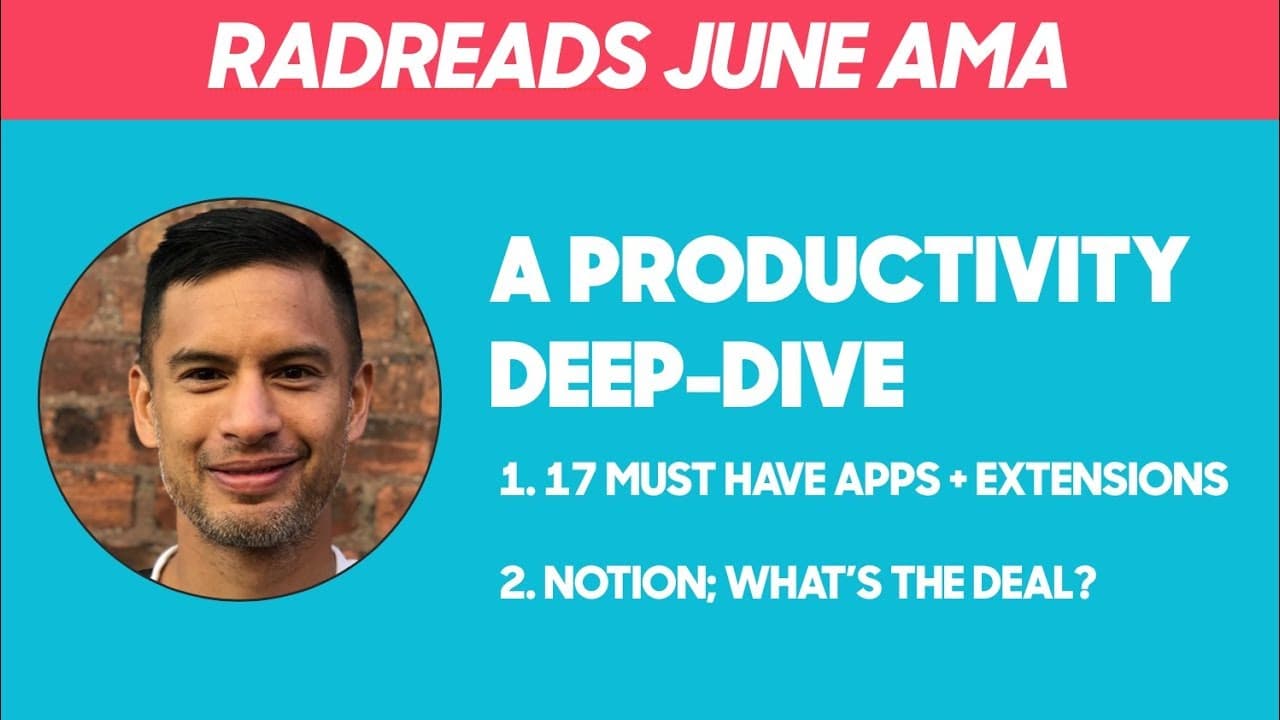
TL;DR
A deep dive into productivity tools, focusing on Notion and other apps.
Transcript
all right welcome everyone it is the first rad reads AMA and I've got two trusty and awesome rad readers here with us today like everything this is this is experimental this is in service to you guys this is a place to foster deeper connectivity beyond just kind of one way email and now we've got the slack group which is really really starting to g... Read More
Key Insights
- The RadReads AMA focuses on productivity by exploring various tools and apps, including Fantastical, OmniFocus, Evernote, and Notion, among others.
- The session emphasizes the importance of connectivity and community, encouraging participants to join Slack for further engagement.
- Fantastical is highlighted for its simplicity and efficiency in managing calendar events with minimal clicks.
- OmniFocus is praised for its unique features like forward starting tasks and a review function, setting it apart from other to-do list apps.
- Notion is described as a versatile tool that combines the functionalities of word processors, spreadsheets, and databases, offering a clean and inspiring user experience.
- The conversation covers the integration of apps like Instapaper with Evernote for efficient note-taking and information retrieval.
- The AMA discusses the balance between idea retention and creation, with Notion serving as a platform for organizing thoughts and projects.
- Participants share personal insights and experiences with productivity tools, highlighting the value of customizing tools to fit individual workflows.
Install to Summarize YouTube Videos and Get Transcripts
Explore YouTube Video Summarizer or Get YouTube Transcript Extractor
Questions & Answers
Q: What makes Fantastical a preferred calendar tool?
Fantastical is preferred for its simplicity and efficiency. It allows users to input events using natural language, minimizing the need for mouse clicks and taps. This feature is particularly appreciated by those who prefer keyboard-driven interfaces, making it a convenient choice for managing calendar events seamlessly.
Q: How does OmniFocus stand out among to-do list apps?
OmniFocus stands out due to its unique features like forward starting tasks and a review function. These features allow users to manage tasks that do not need immediate attention and periodically review them. This approach helps keep the task list organized and prevents it from becoming overwhelming with long-term tasks.
Q: Why is Notion considered a versatile productivity tool?
Notion is considered versatile because it combines the functionalities of word processors, spreadsheets, and databases. It allows users to create to-do lists, organize documents, and even build databases. Its clean and user-friendly interface makes it appealing for organizing thoughts and projects, providing a seamless user experience.
Q: What is the significance of integrating Instapaper with Evernote?
Integrating Instapaper with Evernote allows users to save and highlight articles, which are then automatically stored in Evernote. This integration facilitates efficient note-taking and information retrieval, enabling users to easily access their highlighted content and search for key insights across their saved articles.
Q: How does the AMA emphasize community engagement?
The AMA emphasizes community engagement by encouraging participants to join the RadReads Slack channel. This platform serves as a space for deeper connectivity and ongoing discussions beyond the AMA sessions, fostering a sense of community and allowing participants to share insights and support each other in their productivity journeys.
Q: What role does idea organization play in productivity according to the AMA?
Idea organization is crucial for productivity, as highlighted in the AMA. Notion's features, such as toggles and embedded pages, allow users to structure their thoughts and projects effectively. This organization helps in retaining and creating ideas, making it easier to access and build upon them when needed.
Q: How do participants customize productivity tools to fit their workflows?
Participants customize productivity tools by choosing features that align with their specific needs and preferences. For example, they may use TextExpander for frequently used responses, or OmniFocus for managing long-term tasks. Customization allows users to optimize their workflows and increase efficiency in their daily tasks.
Q: What challenges are associated with using multiple productivity tools?
Using multiple productivity tools can lead to challenges such as information overload and difficulty in managing data across platforms. The AMA suggests integrating tools where possible, like using Instapaper with Evernote, and choosing versatile tools like Notion to consolidate various functionalities, reducing the complexity of managing different apps.
Summary & Key Takeaways
-
The RadReads AMA explores various productivity tools, focusing on their unique features and benefits. The session encourages community engagement through Slack and highlights the importance of connectivity.
-
Fantastical and OmniFocus are discussed for their efficiency in managing tasks and calendar events, with OmniFocus offering unique features like forward starting tasks and a review function.
-
Notion is positioned as a versatile tool that combines the functionalities of word processors, spreadsheets, and databases, offering a clean and inspiring user experience for organizing thoughts and projects.
Read in Other Languages (beta)
Share This Summary 📚
Summarize YouTube Videos and Get Video Transcripts with 1-Click
Try YouTube Summary with ChatGPT & Claude or YouTube Transcript Generator
Explore More Summaries from Khe Hy - RadReads 📚






Summarize YouTube Videos and Get Video Transcripts with 1-Click
Try YouTube Summary with ChatGPT & Claude or YouTube Transcript Generator