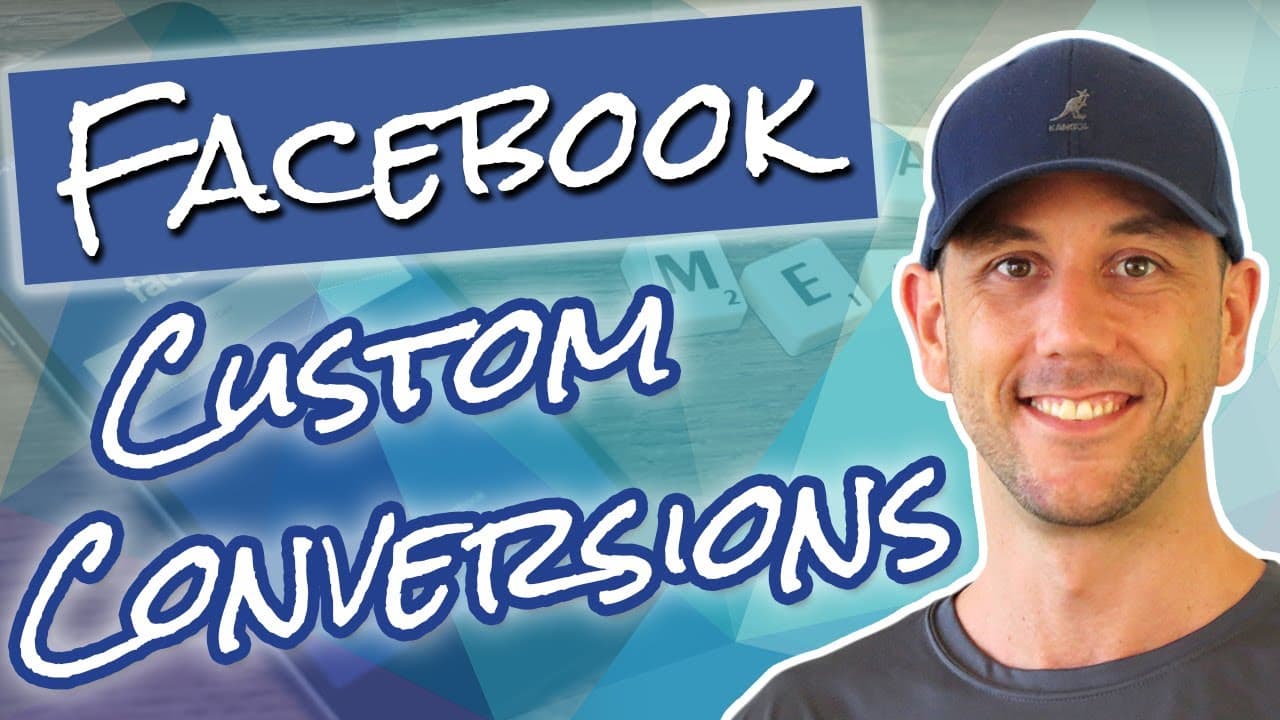
Facebook Tracking Update! How To Setup Your Facebook Pixel & Custom Conversions. DIY Sales Funnel 7
TL;DR
Learn how to install and utilize Facebook tracking pixel and custom conversions on a WordPress website for accurate data tracking and better advertising decisions.
Transcript
hey miles here miles Becker calm and in this video we're going to look at how to set up the Facebook tracking pixel and how to set up custom conversions so you can track the actions of users on your website all the way to your Facebook Ads account this will allow you to create custom audiences that you can remark it to you can create look-alike aud... Read More
Key Insights
- ❓ Accurate data tracking is crucial for effective advertising decisions.
- 🛃 Setting up Facebook tracking pixel and custom conversions provides reliable data and enables the creation of custom audiences.
- 👨💻 The process involves installing the pixel code on the website, checking its functionality, and creating custom conversions for desired pages and actions.
- 🆘 Facebook pixel helper extension helps ensure proper functioning of the tracking pixel.
- 🥺 Custom conversions allow businesses to track specific actions such as landing page views, leads, and purchases.
- 🥺 The data collected can be used to create look-alike audiences and retarget leads.
- 😄 It is essential to consider data accuracy, ease of setup, and manageability when choosing a tracking system.
Install to Summarize YouTube Videos and Get Transcripts
Explore YouTube Video Summarizer or Get YouTube Transcript Extractor
Questions & Answers
Q: How does setting up Facebook tracking pixel and custom conversions benefit businesses?
Setting up Facebook tracking pixel and custom conversions allows businesses to accurately track user actions on their website, create targeted custom audiences, and make data-driven advertising decisions based on reliable data.
Q: What is the advantage of using this method compared to other tracking systems?
This method provides better data accuracy, as the numbers of conversions shown in Facebook Ads Manager are closer to the actual conversions in the shopping cart and email systems. Additionally, it is easier to set up and manage.
Q: How can I check if the tracking pixel is working correctly?
Install the Facebook pixel helper extension on your Chrome browser. When you load a page, the extension will indicate if the pixel is firing. Clicking on it will provide detailed information and ensure that the pixel is functioning properly.
Q: How can I create custom conversions based on specific pages and actions?
In the Facebook Ads Manager, go to "Custom Conversions" and click on "Create Custom Conversions." Specify the URL of the page you want to track, select the corresponding category (e.g., view content, lead, purchase), and assign a conversion value if desired. Repeat this process for each desired conversion.
Key Insights:
- Accurate data tracking is crucial for effective advertising decisions.
- Setting up Facebook tracking pixel and custom conversions provides reliable data and enables the creation of custom audiences.
- The process involves installing the pixel code on the website, checking its functionality, and creating custom conversions for desired pages and actions.
- Facebook pixel helper extension helps ensure proper functioning of the tracking pixel.
- Custom conversions allow businesses to track specific actions such as landing page views, leads, and purchases.
- The data collected can be used to create look-alike audiences and retarget leads.
- It is essential to consider data accuracy, ease of setup, and manageability when choosing a tracking system.
- This method is demonstrated on a WordPress website using Thrive Themes, but it can be adapted to other systems and themes.
Summary & Key Takeaways
-
The video provides a step-by-step guide on setting up Facebook tracking pixel and custom conversions on a WordPress website.
-
By using this setup, marketers can track user actions on their site, create custom audiences for remarketing, and make data-driven decisions in their Facebook Ads Manager.
-
The process involves installing the Facebook pixel code on the website's header and scripts, checking the pixel's functionality, and creating custom conversions for specific pages and actions.
Read in Other Languages (beta)
Share This Summary 📚
Summarize YouTube Videos and Get Video Transcripts with 1-Click
Try YouTube Summary with ChatGPT & Claude or YouTube Transcript Generator
Explore More Summaries from Miles Beckler 📚





Summarize YouTube Videos and Get Video Transcripts with 1-Click
Try YouTube Summary with ChatGPT & Claude or YouTube Transcript Generator