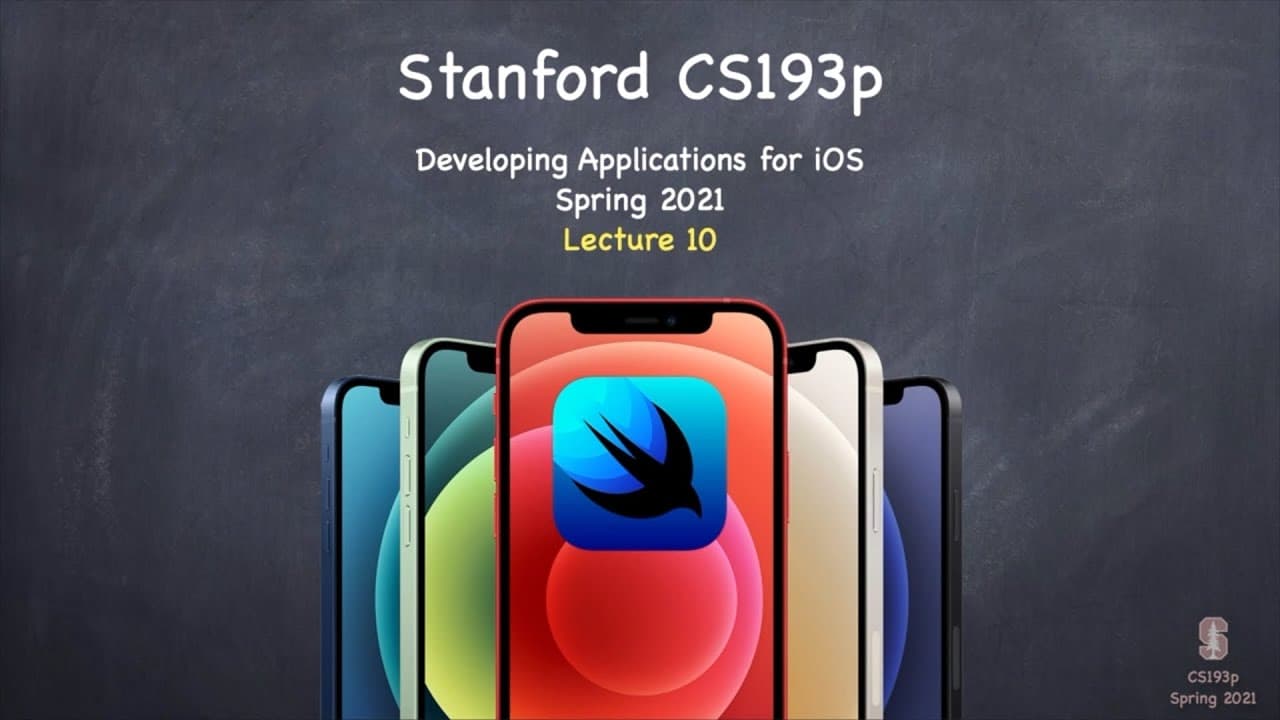
Lecture 10: Multithreading Demo Gestures
TL;DR
Learn how to implement multithreading and handle gestures to enhance the functionality and user experience in SwiftUI apps.
Transcript
(upbeat music) - [Announcer] Stanford University. - [Instructor] We're going to jump right back into the demo here at the start of Lecture 10 of Stanford CS 193p, Spring of 2021. We learned all about multithreading at the end of the last lecture. And so now we're going to start off this lecture with an EmojiArt demo that uses multithreading. Well, ... Read More
Key Insights
- 😀 Multithreading in SwiftUI allows for performing time-consuming tasks without blocking the UI, improving overall app performance and user experience.
- 🤟 Understanding the different types of gestures in SwiftUI, such as discrete and non-discrete gestures, enables the implementation of interactive and intuitive user interactions.
- 🤟 Using gesture modifiers and @GestureState properties, along with appropriate updates to the view, helps manage the state and behavior of gestures in SwiftUI.
Install to Summarize YouTube Videos and Get Transcripts
Explore YouTube Video Summarizer or Get YouTube Transcript Extractor
Questions & Answers
Q: How can I implement multithreading in my SwiftUI app?
To implement multithreading, you can use the DispatchQueue and loadObjects methods in SwiftUI. Dispatching tasks to background threads using DispatchQueue allows your app to perform tasks without freezing the UI. The loadObjects method, when used with drag and drop functionality, enables the app to handle the dropping of images and URLs using different data types.
Q: What are discrete gestures in SwiftUI?
Discrete gestures in SwiftUI are simple gestures that only have an onEnded closure. They are used to handle actions that occur at a precise point in time, such as double-tapping or long-pressing on a view. These gestures are implemented using the gesture modifier and can be customized to perform specific actions based on user interactions.
Q: How do I handle non-discrete gestures like pinching in SwiftUI?
Non-discrete gestures like pinching or dragging require tracking changes and updates as the gesture occurs. These gestures involve handling onEnded and onChanged closures. The onChanged closure allows you to update the view continuously as the user interacts with the gesture. To handle these gestures, you can use the @GestureState property wrapper to manage the state of the view during the gesture.
Q: How can I prevent views from drawing outside their designated space in SwiftUI?
To restrict views from drawing outside their space, you can apply the .clipped view modifier. This modifier ensures that the view only draws within its bounding rectangle and does not overflow. It can be used to keep views, such as images or text, contained within a specific area on the screen.
Summary & Key Takeaways
-
The content covers implementing multithreading in SwiftUI apps, specifically focusing on using the DispatchQueue and loadObjects methods to enable drag and drop functionality for images and URLs.
-
It also explains the concept of gestures in SwiftUI, including discrete gestures like double tap and non-discrete gestures like pinching. It demonstrates how to handle these gestures using gesture modifiers and update the view accordingly.
-
The tutorial emphasizes the importance of using @GestureState and @State properties to manage the state of gestures and update the view in real-time.
-
Additionally, it highlights the use of the .clipped view modifier to prevent drawing outside the designated view space.
Read in Other Languages (beta)
Share This Summary 📚
Summarize YouTube Videos and Get Video Transcripts with 1-Click
Try YouTube Summary with ChatGPT & Claude or YouTube Transcript Generator
Explore More Summaries from Stanford 📚


Summarize YouTube Videos and Get Video Transcripts with 1-Click
Try YouTube Summary with ChatGPT & Claude or YouTube Transcript Generator