My Ultimate (Quick) Traffic Hack
TL;DR
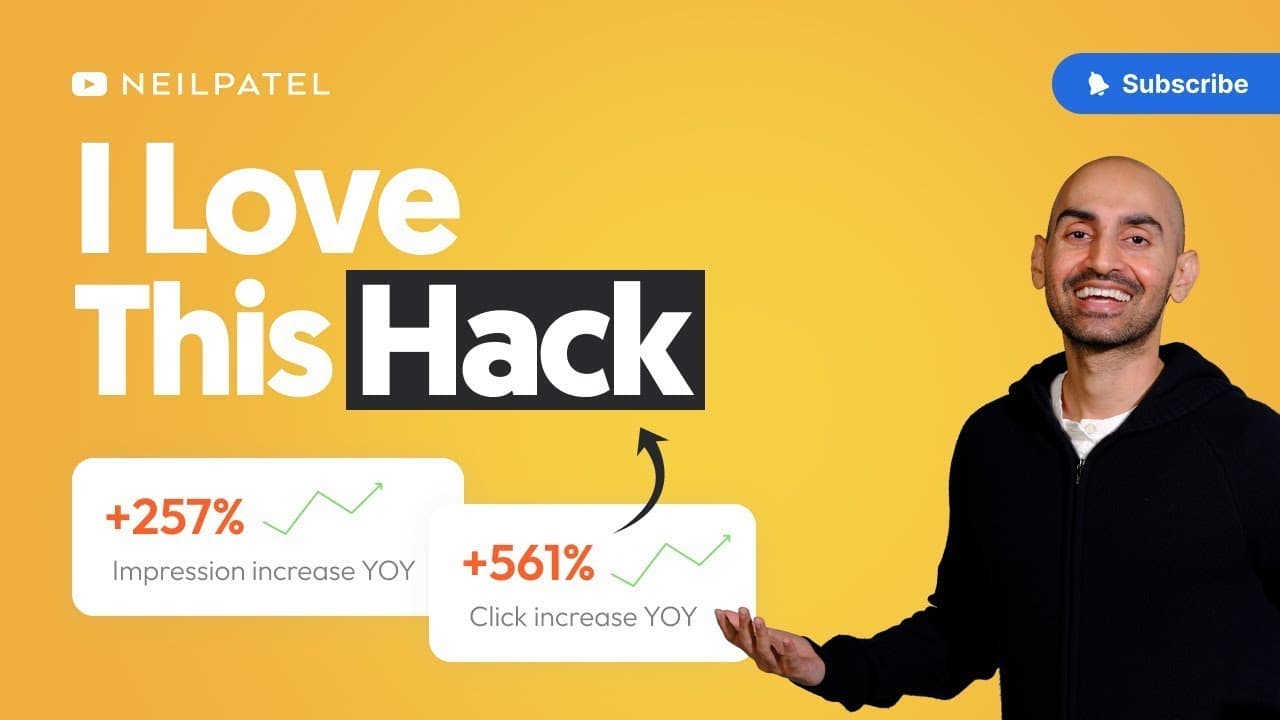
Adding the current year to your title tag can boost click-through rates and SEO traffic by around 5-6%.
Transcript
My ultimate quick traffic hack. I bet you heard of a thousand different SEO experts and marketing experts tell you about their favorite quick traffic hack. But you want to know which one I rely on all the time that's super quick, super simple and actually makes a difference? There's a bigger version of it and one that requires more effort that you'... Read More
Key Insights
- 💄 Google values relevant and recent content, making it essential to update content regularly.
- ☠️ Adding the current year to the title tag of informational pages can improve search rankings and click-through rates.
- ⚡ SEO plugins like All-in-One SEO and Yoast SEO offer features to easily modify title tags.
- 🚥 This quick traffic hack can lead to a 5-6% increase in SEO traffic.
- ❓ The year addition is particularly effective for educational content and advanced topics.
- 💁 It is crucial to ensure that the content itself is also updated and doesn't contain outdated information from previous years.
- ❤️🩹 The hack should be implemented at the beginning of each year or the end of the previous year.
Install to Summarize YouTube Videos and Get Transcripts
Explore YouTube Video Summarizer or Get YouTube Transcript Extractor
Questions & Answers
Q: Why is it important to update the content title with the current year?
Google prefers fresh and up-to-date content, and adding the year to the title tag signals that the content is recent and relevant. This can lead to improved search rankings and click-through rates.
Q: Can this traffic hack be applied to all types of content?
While it is suitable for informational pages and educational content, not all types of content require the year to be included in the title. For evergreen topics like tying a tie, the year is not essential. However, for subjects that need frequent updates and advancements, such as SEO and marketing, including the year can be beneficial.
Q: Are there any specific SEO plugins that can assist with updating title tags?
Yes, popular SEO plugins like All-in-One SEO and Yoast SEO provide options to easily modify title tags. By accessing the specific page you want to edit, you can add the year to the title tag and preview how it will appear in search engine results.
Q: How much of an impact can adding the year to the title tag have on traffic?
This quick traffic hack has been found to increase SEO traffic by approximately 5-6% when the title tag is updated with the latest year. Although it may not seem significant, it is a simple and effective method that can be done in just a few minutes.
Key Insights:
- Google values relevant and recent content, making it essential to update content regularly.
- Adding the current year to the title tag of informational pages can improve search rankings and click-through rates.
- SEO plugins like All-in-One SEO and Yoast SEO offer features to easily modify title tags.
- This quick traffic hack can lead to a 5-6% increase in SEO traffic.
- The year addition is particularly effective for educational content and advanced topics.
- It is crucial to ensure that the content itself is also updated and doesn't contain outdated information from previous years.
- The hack should be implemented at the beginning of each year or the end of the previous year.
- While the traffic increase may seem small, the simplicity and ease of implementation make it a worthwhile strategy.
Summary & Key Takeaways
-
Google favors relevant and up-to-date content, so adding the year to your title tag can improve visibility and click-through rates.
-
This quick traffic hack involves simply updating the title tag of informational pages with the current year.
-
SEO plugins like All-in-One SEO and Yoast SEO can help with easily editing and previewing the updated title tags.
Read in Other Languages (beta)
Share This Summary 📚
Summarize YouTube Videos and Get Video Transcripts with 1-Click
Try YouTube Summary with ChatGPT & Claude or YouTube Transcript Generator
Explore More Summaries from Neil Patel 📚




Summarize YouTube Videos and Get Video Transcripts with 1-Click
Try YouTube Summary with ChatGPT & Claude or YouTube Transcript Generator