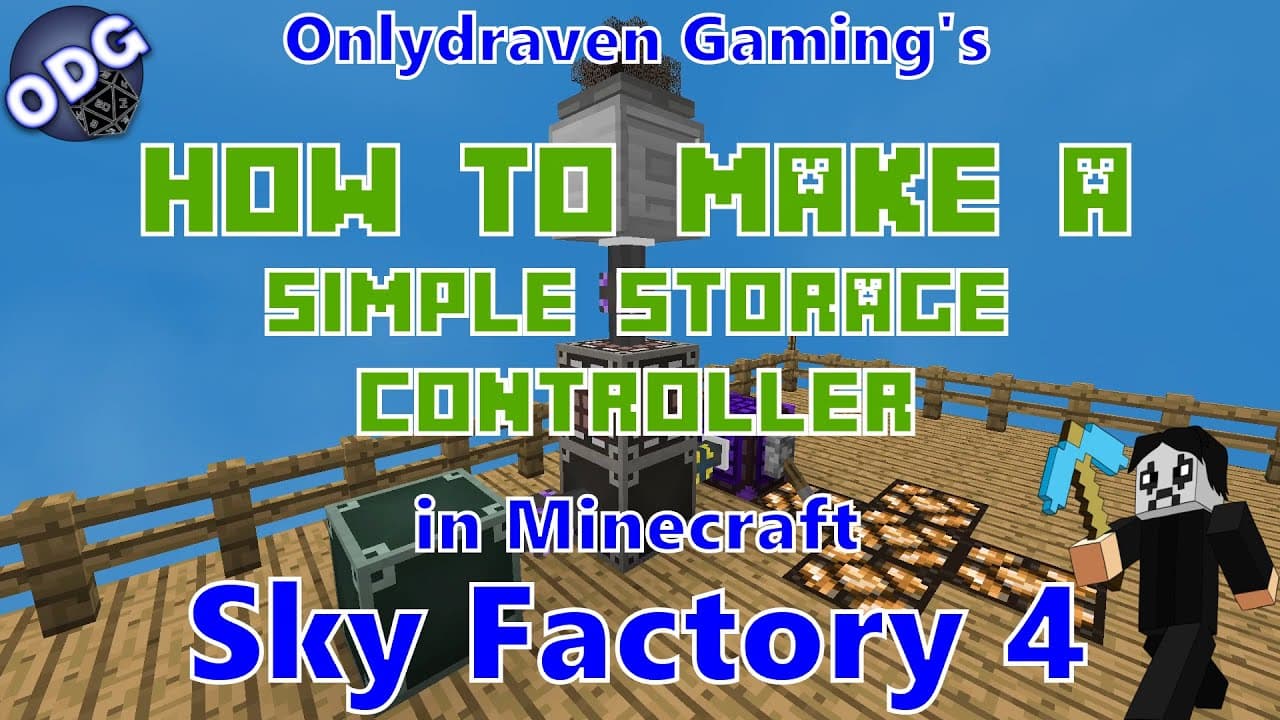
Minecraft - Sky Factory 4 - How to Make and Use a Simple Storage Controller
TL;DR
Learn how to use the controller block in Minecraft Sky Factory 4’s simple storage network.
Transcript
hello everyone onlydraven here again and today we're doing another tutorial in minecraft sky factory 4. today i'm going to be showing you how to use the controller block that is part of the simple storage network the simple storage network is literally a storage system available in sky factory 4 and is my preferred system and one of the more popula... Read More
Key Insights
- 🎮 The controller block is essential for managing multiple crafting workflows simultaneously in Minecraft Sky Factory 4, which can significantly enhance gameplay efficiency.
- 🎮 Creating the controller block does not require rare materials, making it accessible for players early in their crafting experience.
- 🚗 Players can control auto crafting from a central location, regardless of where the individual auto crafters are placed in their world.
- 👻 The interface allows players to easily switch crafting processes on and off, providing flexibility in resource management.
- 🎮 Implementing automation with the controller can streamline repetitive tasks, allowing players to focus on more creative aspects of the game.
- 🚗 The tutorial emphasizes the importance of combining various components such as processing cables and auto crafters for effective storage network automation.
- 🍻 By linking the controller to specific crafting recipes, players can optimize resource usage, preventing overconsumption during crafting.
Install to Summarize YouTube Videos and Get Transcripts
Explore YouTube Video Summarizer or Get YouTube Transcript Extractor
Questions & Answers
Q: What is the purpose of the controller block in the simple storage network?
The controller block is designed to manage multiple crafting processes within the simple storage network in Minecraft Sky Factory 4. By connecting processing cables, players can control various auto crafting stations from one interface, making it easier to automate production without having to navigate to each individual setup.
Q: How do you create the controller block?
Crafting the controller block requires one piece of obsidian or lapis blocks and four processing cables. This construction is straightforward and can be easily achieved early in gameplay once players have access to basic resources in the Sky Factory environment.
Q: Can the simple storage network operate without power?
Yes, the simple storage network itself does not require power to function, which is advantageous for players. However, if you're using auto crafters within the network, they will need a power source, such as a creative energy battery or any RF energy source to operate efficiently.
Q: How do I manage multiple crafting processes using the controller?
The controller allows you to turn on or off different crafting processes with a simple interface. You can set limits on how much of an item to produce and manage these crafts regardless of their physical location in your world. This function is especially useful when dealing with numerous different automation tasks at once.
Q: What materials are needed for automating the production of iron amber?
To automate iron amber crafting, you need four iron acorns and five iron resins. Setting up an auto crafter with this specific recipe allows you to produce iron amber continually, making the process of resource gathering more efficient.
Q: How do you connect the controller to the storage network?
To integrate the controller into the simple storage network, players must use a storage link cable. After physically placing the controller near the system and connecting it, users can use it to manage processes across the entire network effectively.
Q: What strategies are recommended for reducing resource waste in crafting setups?
Players should consider using the controller to limit production quantities, allowing them to manage their resources more efficiently. Additionally, only activating crafting processes as needed, rather than keeping all automation constantly running, helps save materials and energy in the game.
Summary & Key Takeaways
-
The tutorial focuses on utilizing the controller block from the simple storage network in Minecraft Sky Factory 4, enhancing crafting automation.
-
Creating the controller block requires easy-to-obtain materials like obsidian and processing cables, and an auto crafter for the crafting process.
-
The controller allows players to manage multiple automated crafting processes from a single location, streamlining production and reducing confusion in crafting management.
Read in Other Languages (beta)
Share This Summary 📚
Summarize YouTube Videos and Get Video Transcripts with 1-Click
Try YouTube Summary with ChatGPT & Claude or YouTube Transcript Generator
Explore More Summaries from Onlydraven Gaming 📚




Summarize YouTube Videos and Get Video Transcripts with 1-Click
Try YouTube Summary with ChatGPT & Claude or YouTube Transcript Generator