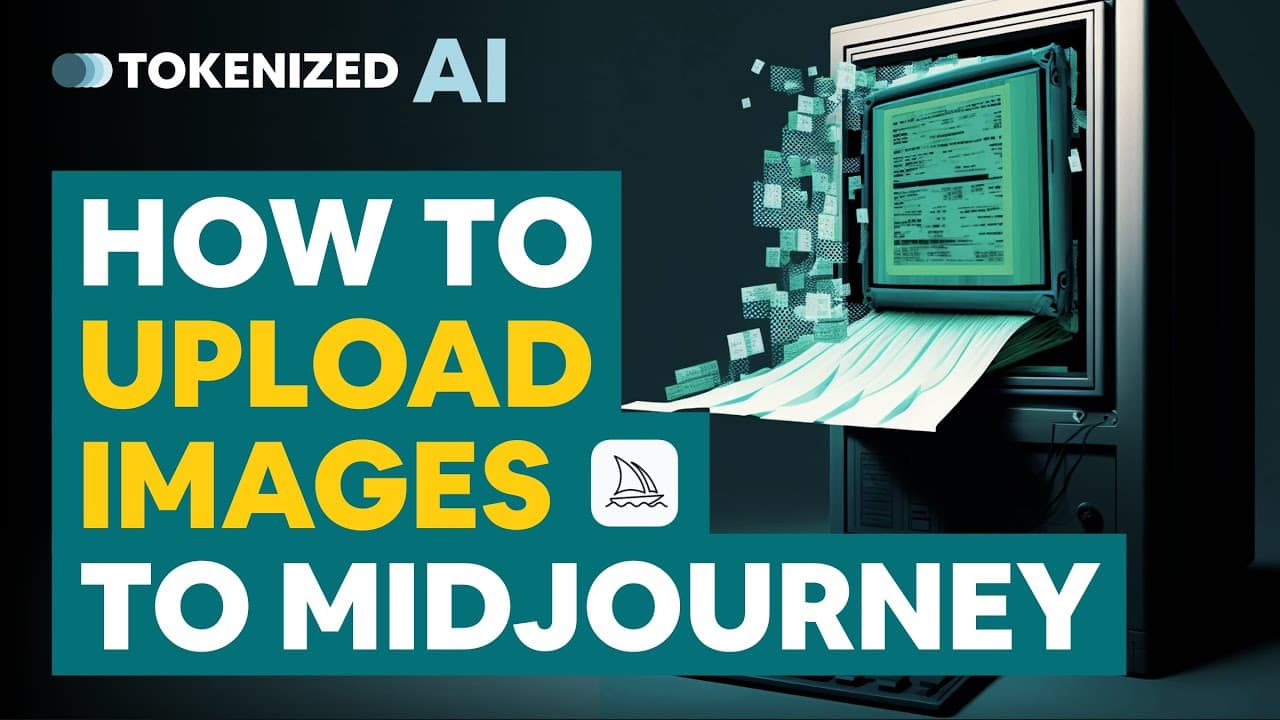
How to Upload Images to Midjourney
TL;DR
Learn how to upload images into Mid-Journey and use them to create new and unique prompts.
Transcript
do you want to use image prompts in mid-journey or perhaps you want to take two separate images and combine them into something completely new well in either of those cases you're going to need to know how to upload images into mid journey and I'm going to show you how to do that in today's video but before we get started if you'd like to get updat... Read More
Key Insights
- 👻 Mid-Journey now allows users to combine two images to create unique prompts, expanding creative possibilities.
- 🍻 Uploading images into Mid-Journey can be done from websites or your hard drive by copying the image address/link.
- 🏪 Prompt generators like Noon Shots provide an integrated upload function for convenience.
- 🤗 Using the open original option when clicking on an uploaded image ensures maximum image information is used.
- 💁 Combining two images without additional information may not always result in realistic or visually appealing images.
- 🎮 A separate video will be released on effectively combining two images in Mid-Journey for better results.
- 📂 The process of uploading images in Mid-Journey involves selecting files, clicking on open original, and copying the image address to use as a prompt.
Install to Summarize YouTube Videos and Get Transcripts
Explore YouTube Video Summarizer or Get YouTube Transcript Extractor
Questions & Answers
Q: Why would I want to upload images into Mid-Journey instead of using classic image prompts?
Uploading images into Mid-Journey allows you to combine two images and create completely unique prompts, opening up more creative possibilities.
Q: Can I upload images from websites instead of my hard drive?
Yes, you can easily upload images from websites by right-clicking on the image and copying the image address/link. This way, you don't need to download the images to your hard drive before uploading them into Mid-Journey.
Q: Is there an alternative method to upload images into Mid-Journey?
Yes, you can also use a prompt generator like Noon Shots to upload your images. It automatically populates the prompt with the necessary URL for ease of use.
Q: Can I use private images with the integrated upload function on Noon Shots?
It's recommended not to use private images on Noon Shots as they may be deleted after use. However, if you're using random images from the internet, it is safe to upload them.
Key Insights:
- Mid-Journey now allows users to combine two images to create unique prompts, expanding creative possibilities.
- Uploading images into Mid-Journey can be done from websites or your hard drive by copying the image address/link.
- Prompt generators like Noon Shots provide an integrated upload function for convenience.
- Using the open original option when clicking on an uploaded image ensures maximum image information is used.
- Combining two images without additional information may not always result in realistic or visually appealing images.
- A separate video will be released on effectively combining two images in Mid-Journey for better results.
- The process of uploading images in Mid-Journey involves selecting files, clicking on open original, and copying the image address to use as a prompt.
- Liking the video and subscribing to the channel helps support the creator and stay updated on future videos.
Summary & Key Takeaways
-
Mid-Journey now allows users to combine two images to create something new, expanding the creative possibilities.
-
You can easily upload images from websites or your hard drive by right-clicking and copying the image address/link.
-
In Mid-Journey, you can upload images by clicking the plus button in the message field, selecting the files, and copying the image address to use as a prompt.
Read in Other Languages (beta)
Share This Summary 📚
Summarize YouTube Videos and Get Video Transcripts with 1-Click
Try YouTube Summary with ChatGPT & Claude or YouTube Transcript Generator
Explore More Summaries from Tokenized AI by Christian Heidorn 📚
Summarize YouTube Videos and Get Video Transcripts with 1-Click
Try YouTube Summary with ChatGPT & Claude or YouTube Transcript Generator