PLACE a Character in ACTION Scenes – Midjourney Character Design
TL;DR
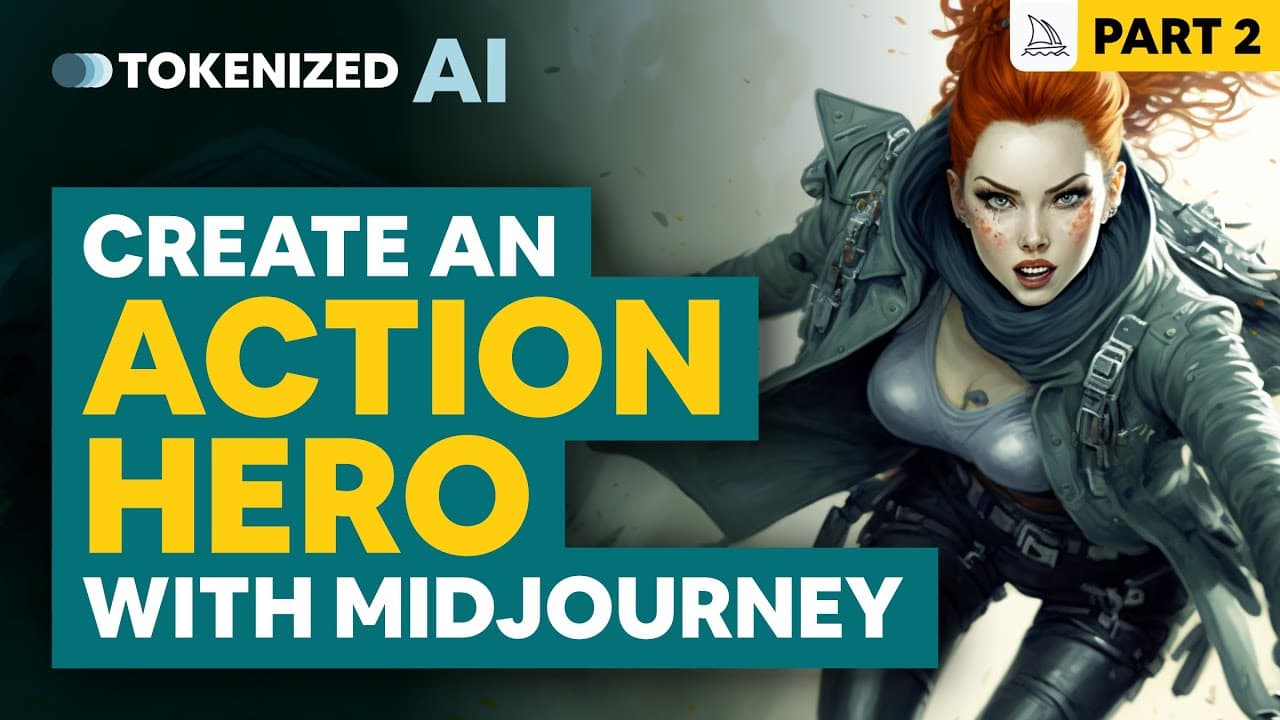
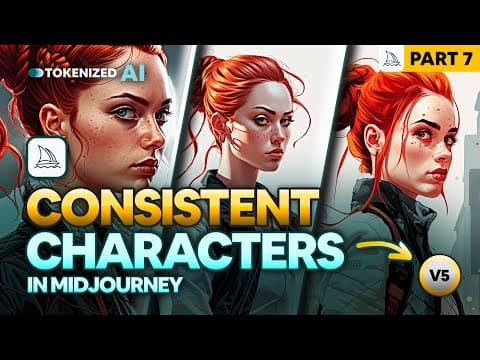
Learn how to create cinematic scenes, change camera angles, and add action to images of Carla Caruso using the Mid-Journey algorithm.
Transcript
in last week's video we created our very first fictional character in mid-journey we named her Carla Caruso and decided to give her bright red hair in a braided bun hairstyle and a gray leather jacket we also created portrait shots of Carla in different locations we dressed her up according to Movie themes and we also changed the style of the image... Read More
Key Insights
- 🎥 Creating cinematic scenes and changing camera angles with Carla Caruso, a fictional character, is the focus of the video tutorial.
- 🎨 The prompt for Carla Caruso is simplified to imagine a beautiful woman with a braided bun, bright red hair, and a gray leather jacket.
- 🎞️ Adjusting the prompt to include a Marvel comic book style and positioning Carla on top of a skyscraper creates a more cinematic look.
- 🔍 Zooming out and adding a wide-angle shot and full body image enhances the composition, allowing Carla's feet to be included in the scene.
- 🎭 The style of the image can be changed with different prompts, such as an Indiana Jones comic book style or a Blade Runner style in Neo Tokyo.
- 💥 Carla can be placed in various scenes and situations, such as alongside an army tank or running across a battlefield, to create action-packed comic book panels.
- 🗣️ Adding more characters to the scenes allows for the development of a proper story and interactions within the comic book world.
- 🔥 Manipulating the prompt can ensure consistency in Carla's appearance across different images, such as her hairstyle, outfit, and overall look.
Install to Summarize YouTube Videos and Get Transcripts
Explore YouTube Video Summarizer or Get YouTube Transcript Extractor
Questions & Answers
Q: How can you create cinematic scenes using the Mid-Journey algorithm?
To create cinematic scenes, you can use the Mid-Journey algorithm to change camera angles, zoom levels, and add elements like objects and action to the images of Carla Caruso.
Q: Why is it important to add details to prompts in order to achieve the desired scene?
Adding details to prompts helps the algorithm understand the specific scene you want to create and ensures that it includes the desired elements, such as camera angles or objects in the background.
Q: Can you mix different styles and concepts in one prompt?
Yes, you can mix different styles and concepts in one prompt to create unique and varied scenes. The tutorial suggests re-rolling prompts with different seeds to achieve different compositions and styles.
Q: How can you make Carla Caruso look consistent in all the images?
By using a technique shown in Part 3 of the character design series, you can make Carla Caruso look consistent in all the images by maintaining the same hairstyle, outfit, and other visual characteristics.
Q: Can you place Carla Caruso in different locations and scenarios?
Yes, you can place Carla Caruso in different locations and scenarios, such as standing on a skyscraper, riding a horse, or even running through a temple. The Mid-Journey algorithm allows for creating diverse scenes.
Q: How can you add other characters to the scenes with Carla Caruso?
Adding other characters to the scenes with Carla Caruso can be achieved by fine-tuning the prompts and using the Mid-Journey algorithm. It helps in building a proper story and interactions between the characters.
Q: Can you create action-packed scenes with Carla Caruso?
Yes, you can create action-packed scenes with Carla Caruso, such as running across a battlefield and shooting a gun at a target. The tutorial demonstrates how to add action and dynamic elements to the images.
Q: How can you ensure consistency in Carla Caruso's appearance across different scenes and styles?
Consistency in Carla Caruso's appearance across different scenes and styles can be achieved by defining specific visual characteristics in the prompts and using the Mid-Journey algorithm. Additionally, Part 3 of the series provides more insights on this topic.
Summary & Key Takeaways
-
The video tutorial explains how to create cinematic scenes and position Carla Caruso in different locations using the Mid-Journey algorithm.
-
The tutorial shows how to change camera angles, zoom levels, and add elements like objects and action to the images.
-
It emphasizes the importance of adding details to prompts and experimenting with different styles and concepts.
Read in Other Languages (beta)
Share This Summary 📚
Summarize YouTube Videos and Get Video Transcripts with 1-Click
Try YouTube Summary with ChatGPT & Claude or YouTube Transcript Generator
Explore More Summaries from Tokenized AI by Christian Heidorn 📚

Summarize YouTube Videos and Get Video Transcripts with 1-Click
Try YouTube Summary with ChatGPT & Claude or YouTube Transcript Generator