Blend Images with Reverse Engineering in Midjourney
TL;DR
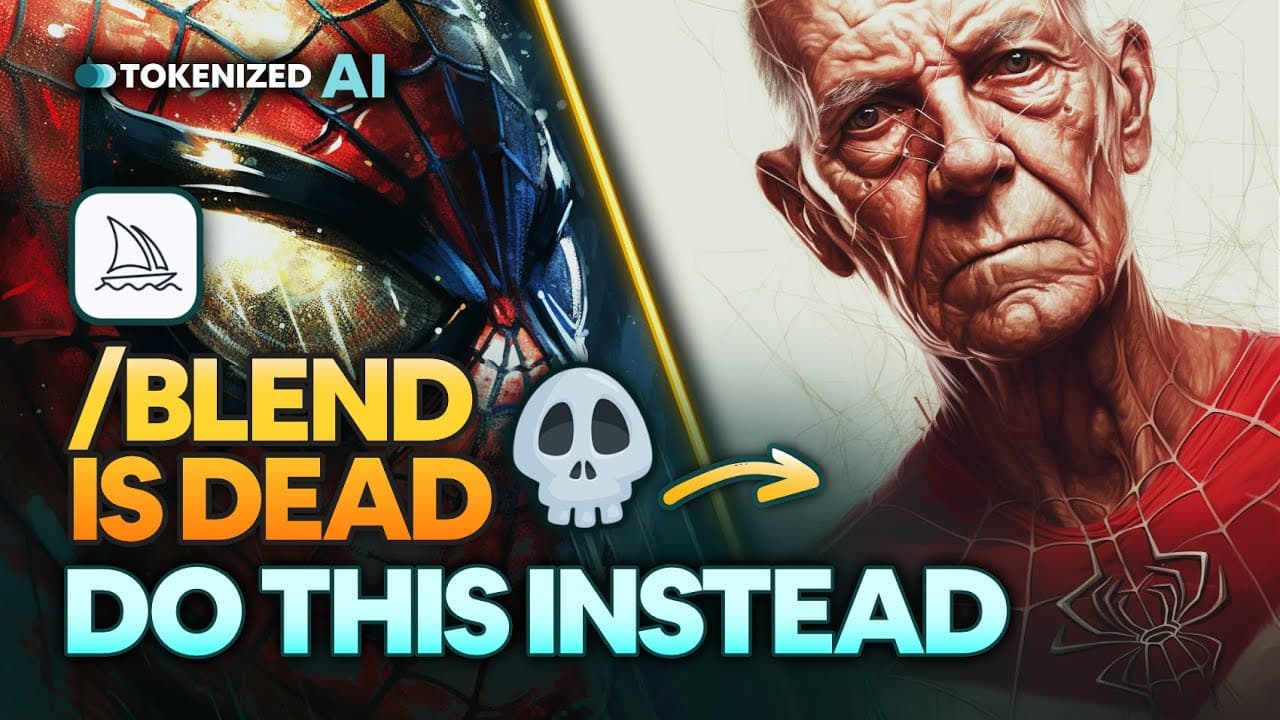
Blend, a popular image blending feature, is limited and produces poor results. This video demonstrates how to use the describe command and multi-prompts in Mid-Journey for better and more creative image blending.
Transcript
blend is dead that's right the popular feature that makes blending two or more images together so unbelievably easy doesn't seem that great anymore not only is it incredibly Limited in its functionality it just doesn't produce particularly good results I mean just look at the artifacts in these images they basically make the entire image completely... Read More
Key Insights
- 😘 Blend, a popular feature in Mid-Journey, is limited and produces low-quality results.
- ❓ The describe command in Mid-Journey generates starter prompts for more creative image blending.
- 🎮 Multi-prompts in Mid-Journey offer versatility and control in blending by combining descriptions of multiple images.
- 🤗 Experimentation and open-mindedness can lead to unexpected and interesting results in image blending.
- 🛀 The blending methods shown in the video can be applied to various types of images, expanding the possibilities for creativity in Mid-Journey.
- 🏋️ Using multi-prompts and adjusting weights can further customize and refine the blending results.
- 🧡 Mid-Journey offers a wide range of applications, including blending images, creating graphic novels, and product design.
Install to Summarize YouTube Videos and Get Transcripts
Explore YouTube Video Summarizer or Get YouTube Transcript Extractor
Questions & Answers
Q: Why is blending images using the Blend feature in Mid-Journey not ideal?
The Blend feature in Mid-Journey is limited and produces artifacts and black borders, resulting in low-quality images.
Q: How does the describe command in Mid-Journey improve image blending?
The describe command in Mid-Journey generates starter prompts based on an image, providing more variation and creativity in the blending process.
Q: What is the advantage of using multi-prompts for image blending?
Multi-prompts in Mid-Journey allow for blending by describing multiple images, providing more control and versatility in the blending process.
Q: Can the blending methods shown in the video be used for other types of images?
Yes, the blending methods demonstrated in the video can be applied to various types of images, including landscapes, portraits, and even creating graphic novels or product designs.
Key Insights:
- Blend, a popular feature in Mid-Journey, is limited and produces low-quality results.
- The describe command in Mid-Journey generates starter prompts for more creative image blending.
- Multi-prompts in Mid-Journey offer versatility and control in blending by combining descriptions of multiple images.
- Experimentation and open-mindedness can lead to unexpected and interesting results in image blending.
- The blending methods shown in the video can be applied to various types of images, expanding the possibilities for creativity in Mid-Journey.
- Using multi-prompts and adjusting weights can further customize and refine the blending results.
- Mid-Journey offers a wide range of applications, including blending images, creating graphic novels, and product design.
- The video provides supporting materials and prompts for viewers to experiment with the demonstrated blending methods.
Summary & Key Takeaways
-
Blend, a feature in Mid-Journey, is limited in functionality and produces low-quality results.
-
The describe command in Mid-Journey can be used to generate starter prompts for blending images.
-
Multi-prompts are a versatile method for blending images and allow for more creativity and control over the final result.
Read in Other Languages (beta)
Share This Summary 📚
Summarize YouTube Videos and Get Video Transcripts with 1-Click
Try YouTube Summary with ChatGPT & Claude or YouTube Transcript Generator
Explore More Summaries from Tokenized AI by Christian Heidorn 📚
Summarize YouTube Videos and Get Video Transcripts with 1-Click
Try YouTube Summary with ChatGPT & Claude or YouTube Transcript Generator