How to Calibrate Your 3D Printer
TL;DR
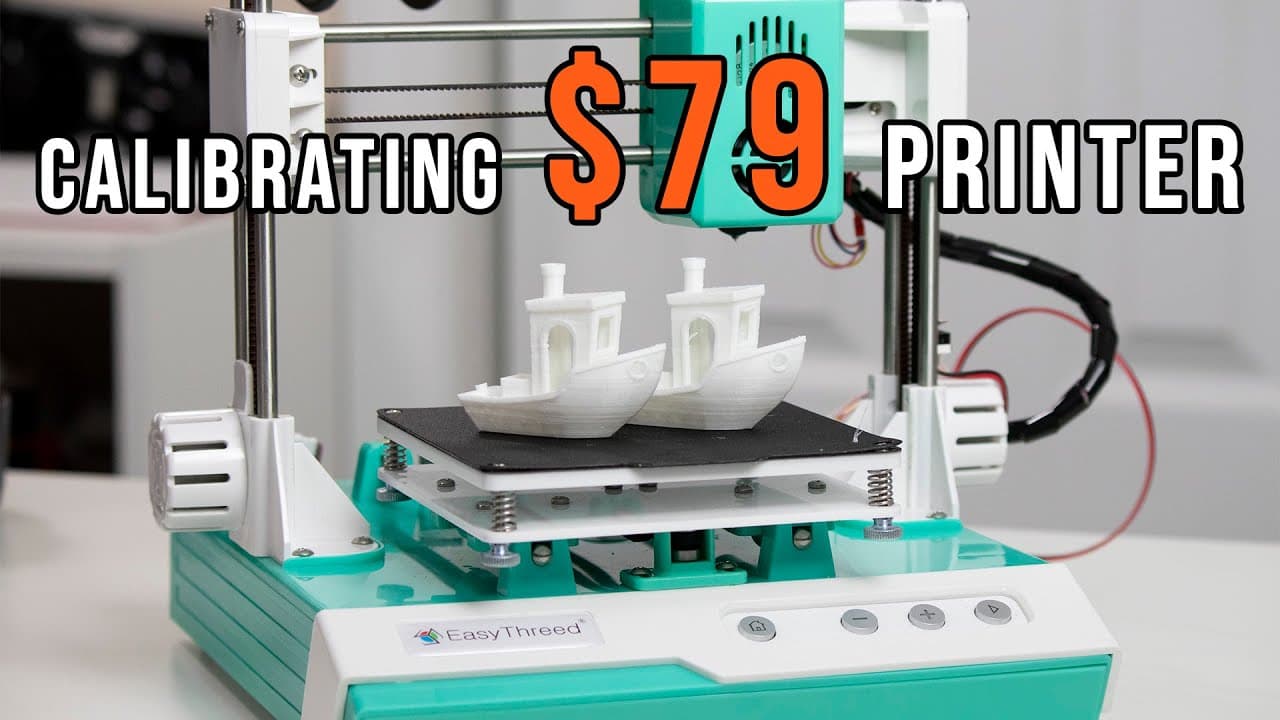
A tutorial on calibrating a budget-friendly 3D printer for better print quality.
Transcript
hey guys don here from nova spare tech and welcome back to our channel and today we are going to be calibrating this ultra affordable 79 3d printer so let's get started a couple of weeks ago i reviewed this ultra affordable 3d printer which was 79 at that time but now i think it's 80 ish or something like that which i see on amazon which i will sti... Read More
Key Insights
- ☠️ The calibration process can significantly enhance a budget 3D printer's performance, addressing common issues like under-extrusion and imprecise flow rates.
- ☠️ Implementing a structured approach to e-step, flow rate, and retraction settings can yield noticeable improvements in print quality.
- ❓ Utilizing resources from experienced creators, such as YouTube tutorials and dedicated calibration websites, provides valuable guidance for DIY calibrations.
- 🖨️ Regular lubrication of printer components is essential to minimize wear and tear, aiding in smoother operation and better print outcomes.
- 😩 Budget printers may require ongoing adjustments to settings as they experience wear, emphasizing the need for routine maintenance.
- 👤 Calibration techniques can be adapted for various 3D printer models, making them versatile tools for all users.
- 👣 Observing the differences in print quality before and after calibration underscores the importance of fine-tuning settings for optimal results.
Install to Summarize YouTube Videos and Get Transcripts
Explore YouTube Video Summarizer or Get YouTube Transcript Extractor
Questions & Answers
Q: What are the main issues addressed in calibrating the 3D printer?
The main issues addressed include under-extrusion, poor retraction settings, and overall print quality. The calibration process aims to optimize settings to ensure that the 3D printer performs efficiently and produces smoother, more accurate prints.
Q: How was the e-step calibration conducted?
The e-step calibration involved measuring 120 millimeters of filament, marking it, and instructing the printer to extrude 100 millimeters. The actual extruded length was measured to identify under-extrusion. Adjustments to the e-step settings were made based on calculations from a specified website.
Q: Why is flow rate calibration important?
Flow rate calibration is crucial because it determines the amount of filament flowing through the nozzle, affecting the print's wall thickness. By printing a hollow cube and measuring the wall width against the target, the correct flow rate can be established to improve print accuracy.
Q: What issues were discovered with the printer's retraction settings?
The original retraction setting was too high, leading to print artifacts. Through a series of test prints, the retraction rate was reduced from 6.5 mm to 5.0 mm, significantly improving the print's quality by minimizing the issue of excess filament causing blobs or strings.
Q: How did lubrication factor into the calibration process?
Lubrication was emphasized to reduce friction between moving parts of the printer, particularly in the rear gear, which was causing grinding. Using a dry lubricant helped maintain smooth operation without attracting dust, contributing to overall print quality improvement.
Q: What impact did the calibration have on the print quality?
The calibration resulted in smoother lines, improved overhang performance, and less gap filling in the print. However, persistent issues with gear play remained, indicating a need for further adjustments or new part designs to achieve optimal results.
Summary & Key Takeaways
-
The video showcases the calibration process for a budget 3D printer, addressing common printing issues like under-extrusion and retraction problems.
-
The calibration focuses on three primary settings: e-steps, flow rate, and retraction rate, utilizing techniques from a previous YouTube tutorial.
-
Despite improvements in print quality, ongoing issues with gear play may require additional adjustments and modifications to fully optimize performance.
Read in Other Languages (beta)
Share This Summary 📚
Summarize YouTube Videos and Get Video Transcripts with 1-Click
Try YouTube Summary with ChatGPT & Claude or YouTube Transcript Generator
Explore More Summaries from Novaspirit Tech 📚






Summarize YouTube Videos and Get Video Transcripts with 1-Click
Try YouTube Summary with ChatGPT & Claude or YouTube Transcript Generator