What is a Gate? // AUDIO Production Tools Part IV of V // How to use a Gate tutorial
TL;DR
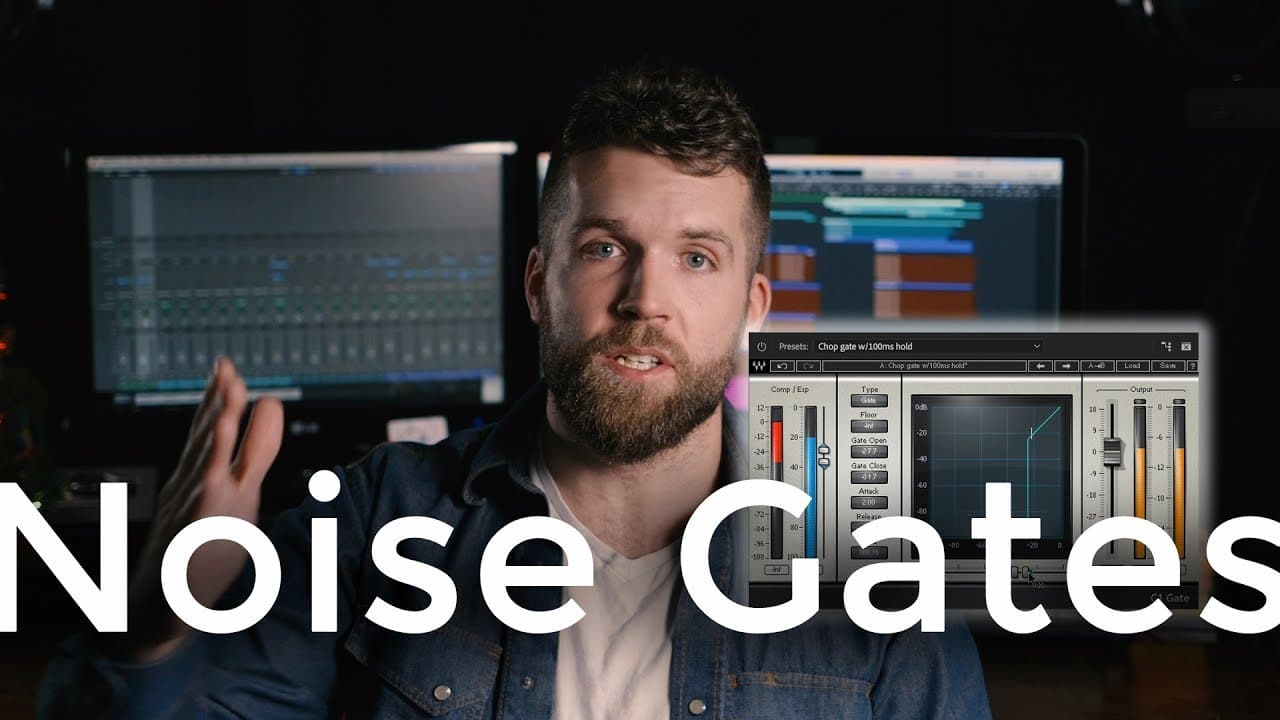
Gates are dynamics processors that remove audio below a threshold, making them useful for isolating human voices and reducing unwanted noise in audio recordings.
Transcript
five weeks in a row talking about audio tools this is week four of five and today we're talking about gates what is a gate how do you use one and in fact why would you want to use a gate hi thanks so much for tuning back in for another video I appreciate whole heartedly each and every one of you who are watching and each and every one of you to sub... Read More
Key Insights
- 🎮 Gates are effective tools for removing background noise and isolating specific audio signals in video production.
- 🚚 In voiceover recordings, gates can be used to maintain a clean and focused delivery of the content.
- 🥹 The parameters of a gate, such as threshold, attack, release, and hold, can be adjusted to achieve the desired audio effect.
- 🏑 While gates are commonly used in video production, they can also be used in other creative fields such as music composing and audio production.
- 🔬 Adobe Premiere does not have a standalone gate plugin, but the gate functionality can be accessed through the dynamics plugin.
- 😒 Understanding how a gate works and how to use its parameters effectively can greatly enhance the quality of audio recordings.
- 👂 When using a gate, it is important to find a balance between noise reduction and maintaining a natural sound.
Install to Summarize YouTube Videos and Get Transcripts
Explore YouTube Video Summarizer or Get YouTube Transcript Extractor
Questions & Answers
Q: What is the purpose of using a gate in audio production?
A gate is used to remove unwanted noise and isolate specific audio signals, such as human voices, by muting any audio below a designated threshold.
Q: How does a gate differ from a compressor?
While both a gate and a compressor are dynamics processors, a compressor attenuates audio above a threshold, while a gate attenuates audio below a threshold.
Q: When would it be appropriate to use a gate in an interview scenario?
In interview-based videos, using a gate can help to remove any background noise and focus the listener's attention on the interview subject's voice.
Q: What are the key parameters to consider when using a gate?
The key parameters of a gate include threshold (the level at which the gate engages), open and closed (the levels at which the gate opens and closes), attack (how quickly the gate engages), release (how quickly the gate disengages), and hold (how long the gate stays open after the audio falls below the threshold).
Key Insights:
- Gates are effective tools for removing background noise and isolating specific audio signals in video production.
- In voiceover recordings, gates can be used to maintain a clean and focused delivery of the content.
- The parameters of a gate, such as threshold, attack, release, and hold, can be adjusted to achieve the desired audio effect.
- While gates are commonly used in video production, they can also be used in other creative fields such as music composing and audio production.
- Adobe Premiere does not have a standalone gate plugin, but the gate functionality can be accessed through the dynamics plugin.
- Understanding how a gate works and how to use its parameters effectively can greatly enhance the quality of audio recordings.
- When using a gate, it is important to find a balance between noise reduction and maintaining a natural sound.
- The upcoming video in the series will cover the topic of limiters, which is the final piece of the five-week audio tools discussion.
Summary & Key Takeaways
-
A gate is a dynamics processor that attenuates audio below a specified threshold, effectively muting any sound that falls below it.
-
Gates are commonly used in video production for voiceovers and interviews, as they help isolate human voices and reduce background noise.
-
There are six parameters to consider when using a gate: threshold, open and closed, attack, release, and hold.
Read in Other Languages (beta)
Share This Summary 📚
Summarize YouTube Videos and Get Video Transcripts with 1-Click
Try YouTube Summary with ChatGPT & Claude or YouTube Transcript Generator
Explore More Summaries from Oliver J Hughes 📚
Summarize YouTube Videos and Get Video Transcripts with 1-Click
Try YouTube Summary with ChatGPT & Claude or YouTube Transcript Generator