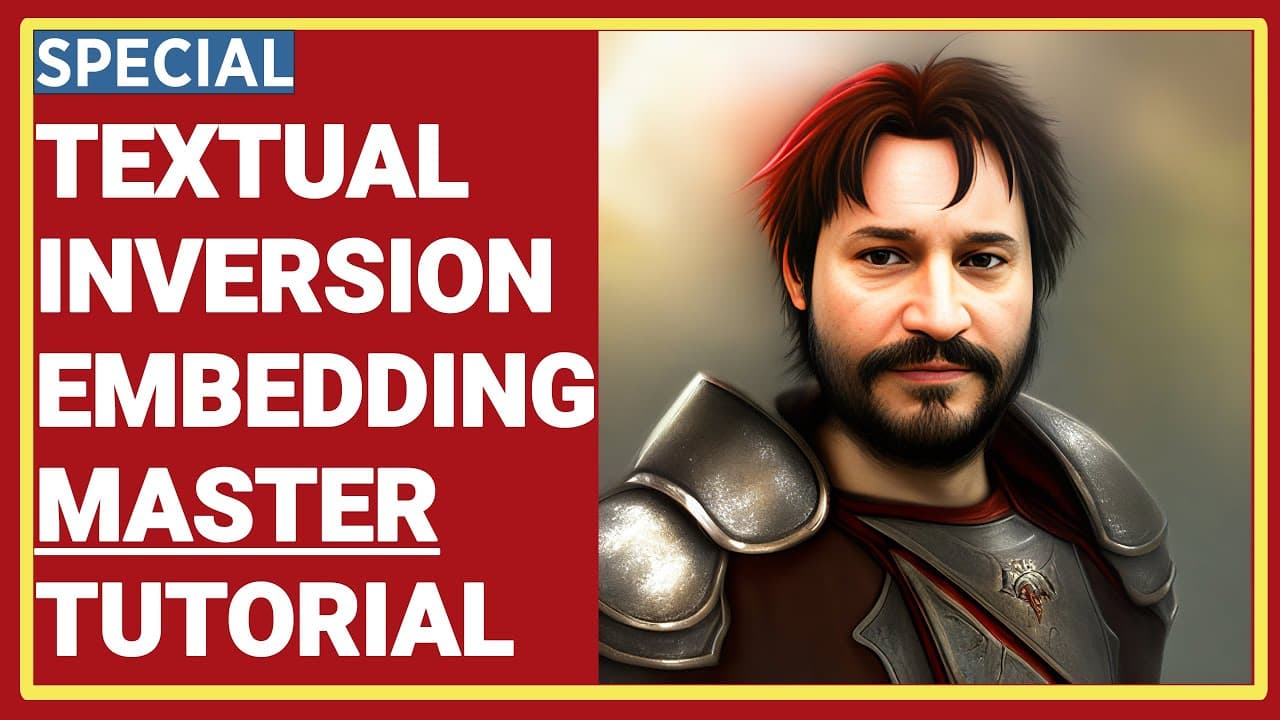
How To Do Stable Diffusion Textual Inversion (TI) / Text Embeddings By Automatic1111 Web UI Tutorial
TL;DR
This tutorial provides a detailed guide on using Stable Diffusion Text Embeddings, including installation, training, and generating high-quality images.
Transcript
Greetings everyone. Welcome to the most comprehensive, technical, detailed and yet still beginner-friendly Stable Diffusion Text Embeddings, also known as Textual Inversion training tutorial. In this video I am going to cover all of the topics that you see here and more. Currently I am hovering my mouse over there. You can pause the video... Read More
Key Insights
- 🚄 Stable Diffusion Text Embeddings allows users to generate high-quality images by training embedding models with specific prompts and parameters.
- 😫 The tutorial provides comprehensive instructions on installing and setting up the Automatic1111 web UI for Stable Diffusion Text Embeddings.
- ☠️ Training parameters, such as vector count, learning rate, and batch size, can be adjusted to optimize the training process and image quality.
- 🌸 Monitoring loss and vector strength can help determine if the model is overtrained or producing desired results.
Install to Summarize YouTube Videos and Get Transcripts
Explore YouTube Video Summarizer or Get YouTube Transcript Extractor
Questions & Answers
Q: What is Stable Diffusion Text Embeddings?
Stable Diffusion Text Embeddings is a technique for training and generating high-quality images using text prompts and pre-trained models.
Q: How can I set up the Automatic1111 web UI for Stable Diffusion Text Embeddings?
The tutorial provides step-by-step instructions on cloning and setting up the Automatic1111 web UI, including installing Git Bash and specifying the desired version.
Q: What are some key features of Stable Diffusion Text Embeddings?
Stable Diffusion Text Embeddings allows users to generate high-quality images by training specific embedding models, manipulating prompt templates, and optimizing training parameters.
Q: How can I determine if I am overtraining my Stable Diffusion Text Embeddings model?
By analyzing the loss and strength of the vectors, users can determine if they have reached the point of overtraining. The tutorial also provides a script for analyzing embeddings' training progress.
Q: Can Stable Diffusion Text Embeddings be used for training different subjects or objects?
Yes, Stable Diffusion Text Embeddings can be used for training various subjects, objects, or styles by creating different embeddings and manipulating the training data sets and prompt templates accordingly.
Key Insights:
- Stable Diffusion Text Embeddings allows users to generate high-quality images by training embedding models with specific prompts and parameters.
- The tutorial provides comprehensive instructions on installing and setting up the Automatic1111 web UI for Stable Diffusion Text Embeddings.
- Training parameters, such as vector count, learning rate, and batch size, can be adjusted to optimize the training process and image quality.
- Monitoring loss and vector strength can help determine if the model is overtrained or producing desired results.
- Stable Diffusion Text Embeddings can be used for a wide range of applications, including training faces, objects, and styles.
Summary & Key Takeaways
-
This video tutorial covers all the topics related to Stable Diffusion Text Embeddings, including installation, setup, and training.
-
The presenter explains how to clone the Automatic1111 web UI, set up the specific version, and install the necessary files.
-
The tutorial demonstrates how to preprocess images, set up the training parameters, and monitor the progress of the training.
-
The video also provides insights into using different models, such as Protogen or SD 2.1, and optimizing prompt templates for training.
Read in Other Languages (beta)
Share This Summary 📚
Summarize YouTube Videos and Get Video Transcripts with 1-Click
Try YouTube Summary with ChatGPT & Claude or YouTube Transcript Generator
Explore More Summaries from SECourses 📚


Summarize YouTube Videos and Get Video Transcripts with 1-Click
Try YouTube Summary with ChatGPT & Claude or YouTube Transcript Generator