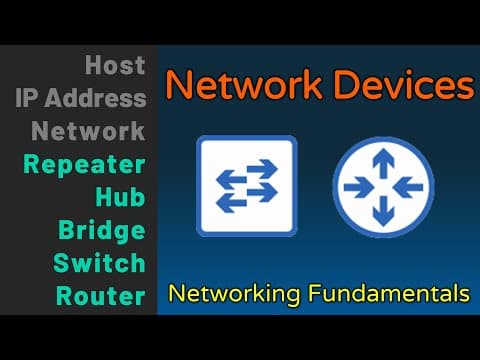
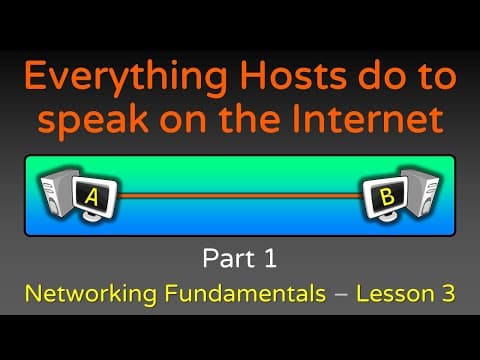
Network Devices - Hosts, IP Addresses, Networks - Networking Fundamentals - Lesson 1a
TL;DR
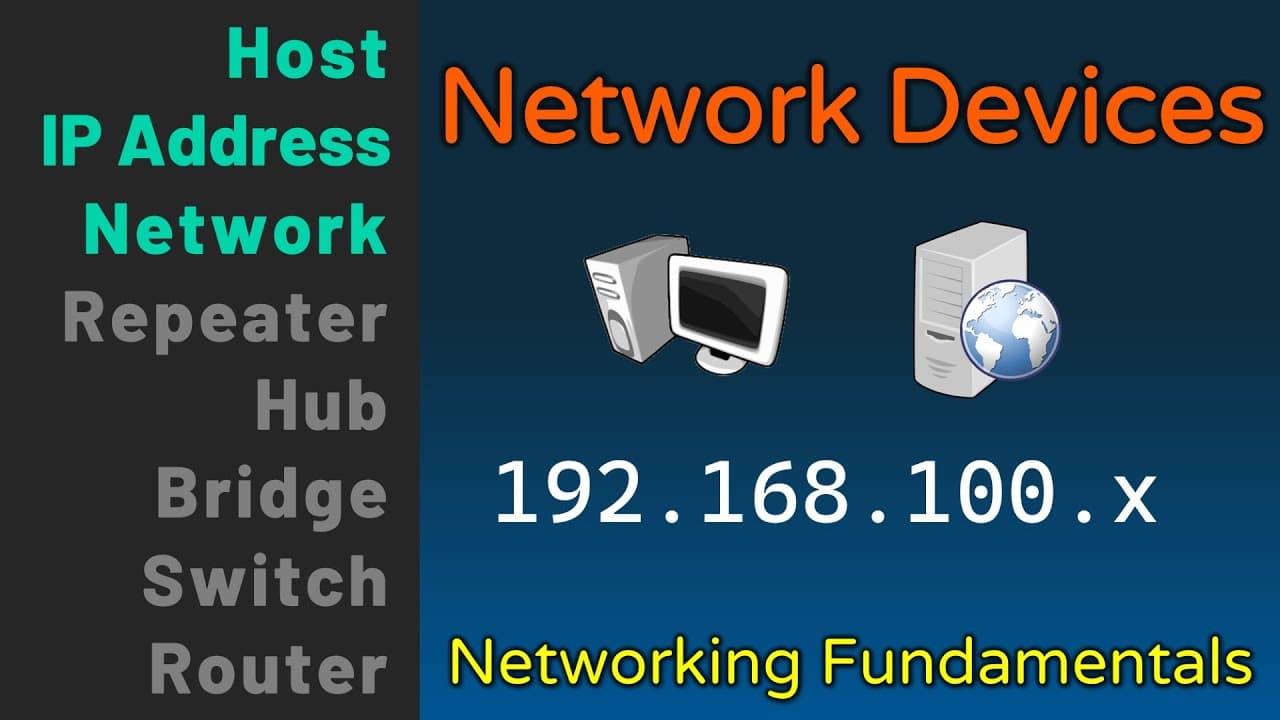
This lesson provides an overview of hosts, IP addresses, and networks in networking fundamentals.
Transcript
hello welcome to the first lesson in the first module of my new course on networking fundamentals in this module we'll be exploring how data flows through the internet crucial to that is understanding the various devices which are involved to make that possible in this lesson we'll be exploring these various devices and the related concepts we'll b... Read More
Key Insights
- 👻 Devices like computers, smartphones, and printers are considered hosts in networking and follow the same rules for data transfer.
- 🤐 IP addresses serve as the identity of each host and are stamped on all communication packets for source and destination identification.
- 👻 Networks are logical groupings of hosts with similar connectivity requirements and allow for the transportation of traffic between hosts.
- 🛟 Clients initiate requests, while servers respond to requests, and these roles can vary depending on the specific communication.
- 🧡 IP addresses are assigned in a hierarchical manner, and each organization or network may have its own range of IP addresses.
- 👻 Networks can contain subnetworks or subnets, which allows for further segmentation and organization of hosts.
- 👨🏫 The internet is a collection of interconnected networks, including company networks, school networks, and customer networks.
Install to Summarize YouTube Videos and Get Transcripts
Explore YouTube Video Summarizer or Get YouTube Transcript Extractor
Questions & Answers
Q: What are hosts in networking, and why are they crucial?
Hosts are devices that send and receive traffic, such as computers, smartphones, and servers. They are crucial because they follow the same rules for communication and data transfer on the internet.
Q: What is the difference between a client and a server?
A client is a host that initiates a request, while a server is a host that responds to requests. The terms client and server are relative to a specific communication at a given time.
Q: How are IP addresses assigned and represented?
IP addresses are assigned in a hierarchical manner, with certain organizations owning specific IP address ranges. IP addresses are represented as 32-bit combinations of ones and zeros, divided into four octets and converted into decimal form.
Q: What is the purpose of networks in networking?
Networks are logical groupings of hosts that require similar connectivity. They enable the transportation of traffic between hosts and facilitate automated data sharing and communication.
Key Insights:
- Devices like computers, smartphones, and printers are considered hosts in networking and follow the same rules for data transfer.
- IP addresses serve as the identity of each host and are stamped on all communication packets for source and destination identification.
- Networks are logical groupings of hosts with similar connectivity requirements and allow for the transportation of traffic between hosts.
- Clients initiate requests, while servers respond to requests, and these roles can vary depending on the specific communication.
- IP addresses are assigned in a hierarchical manner, and each organization or network may have its own range of IP addresses.
- Networks can contain subnetworks or subnets, which allows for further segmentation and organization of hosts.
- The internet is a collection of interconnected networks, including company networks, school networks, and customer networks.
- Repeating devices like repeaters, hubs, bridges, switches, and routers will be discussed in the following lessons of the course.
Summary & Key Takeaways
-
Hosts are devices that send and receive traffic, including computers, smartphones, printers, and cloud servers.
-
IP addresses are the identity of each host and are stamped on all communication packets, allowing for source and destination identification.
-
Networks are logical groupings of hosts that require similar connectivity, and they facilitate the transportation of traffic between hosts.
Read in Other Languages (beta)
Share This Summary 📚
Summarize YouTube Videos and Get Video Transcripts with 1-Click
Try YouTube Summary with ChatGPT & Claude or YouTube Transcript Generator
Explore More Summaries from Practical Networking 📚
Summarize YouTube Videos and Get Video Transcripts with 1-Click
Try YouTube Summary with ChatGPT & Claude or YouTube Transcript Generator