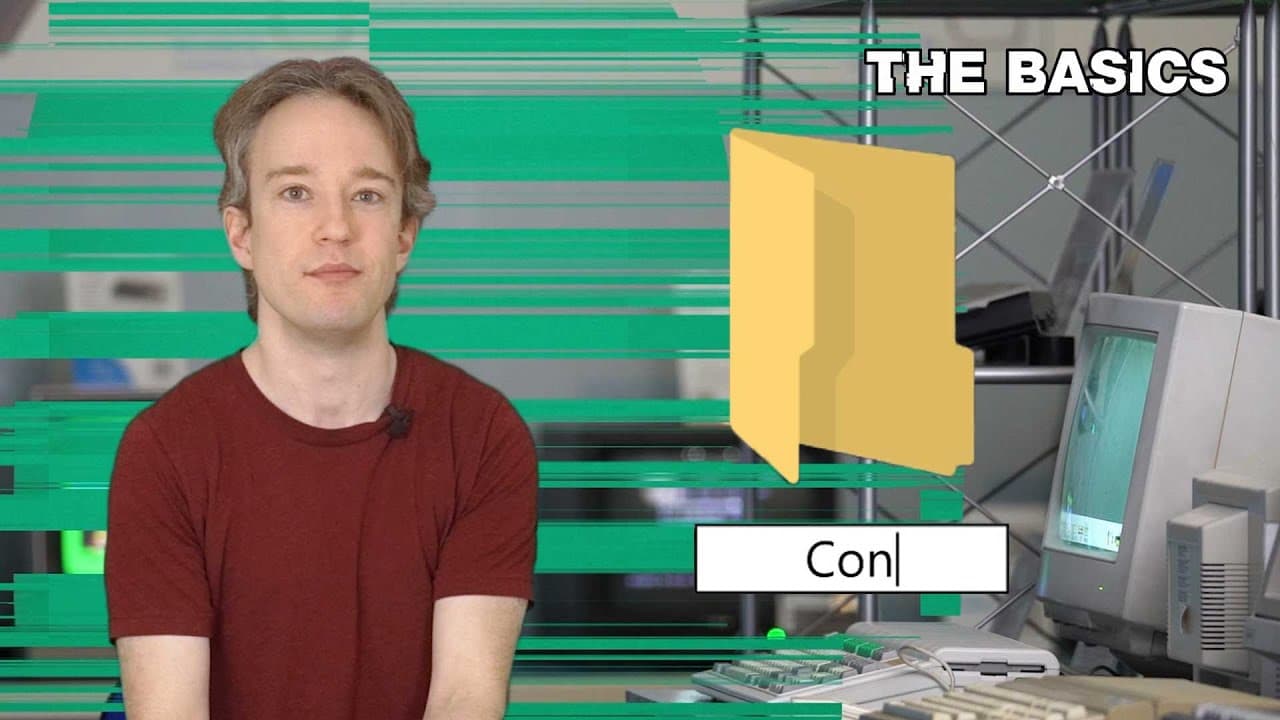
Why You Can't Name A File CON In Windows
TL;DR
Backwards compatibility allows old software and hardware to still be used on new systems, maintaining familiarity and convenience.
Transcript
Normally, when I film these videos, I’m at the Centre for Computing History in Cambridge. Unfortunately, it is April 2020 as I record this, and times being as they are, I have to make do with a green-screen. But why simulate that same location? I could be anywhere with this, right? Well, first, this would have been a great subject to film at the co... Read More
Key Insights
- 😒 Backwards compatibility preserves the ability to access and use older software and hardware on newer systems.
- 🥶 Microsoft has prioritized backwards compatibility in their products, ensuring compatibility with older documents and software.
- 🥶 Backwards compatibility can limit innovation and introduce bugs from older systems.
- 👤 Balancing familiarity and novelty is essential for user acceptance in technology.
- 🇲🇰 Mac and Apple products are known for limited backwards compatibility compared to Microsoft's Windows.
- 🏪 Backwards compatibility can provide convenience and convenience to users who rely on older technology.
- ❓ Companies must eventually phase out backwards compatibility as it becomes impractical or conflicts with their product direction.
Install to Summarize YouTube Videos and Get Transcripts
Explore YouTube Video Summarizer or Get YouTube Transcript Extractor
Questions & Answers
Q: Why can't you name a file "Con" in Windows 10?
In Windows 10, you cannot name a file "Con" because it is a reserved name used for device files in MS-DOS. The system still maintains this restriction to ensure compatibility with old printers and devices.
Q: What is the purpose of device files in MS-DOS?
Device files in MS-DOS served as an interface between programs and external devices like printers. Programs could save data to device files, and the device driver would handle the communication and functionality with the specific device.
Q: How does backwards compatibility affect video games?
Backwards compatibility in video games allows older games to be played on newer consoles, but it has limitations. Emulation is often required to translate commands between systems, and some bugs may be carried over from the older games.
Q: Why does Microsoft Excel still consider the 29th of February, 1900 a leap year?
Microsoft Excel copied a bug from Lotus 1-2-3, a competing program, that incorrectly identified 1900 as a leap year. This bug remains in Excel for backwards compatibility reasons, as changing it could break existing spreadsheets.
Key Insights:
- Backwards compatibility preserves the ability to access and use older software and hardware on newer systems.
- Microsoft has prioritized backwards compatibility in their products, ensuring compatibility with older documents and software.
- Backwards compatibility can limit innovation and introduce bugs from older systems.
- Balancing familiarity and novelty is essential for user acceptance in technology.
- Mac and Apple products are known for limited backwards compatibility compared to Microsoft's Windows.
- Backwards compatibility can provide convenience and convenience to users who rely on older technology.
- Companies must eventually phase out backwards compatibility as it becomes impractical or conflicts with their product direction.
- Backwards compatibility benefits industries, such as museums, that need to access older software and documents without the original hardware.
Summary & Key Takeaways
-
Backwards compatibility allows old programs and hardware to work on new systems, ensuring users can still access their files and data.
-
Microsoft's MS-DOS and Windows operating systems have maintained backwards compatibility to support old printers and devices.
-
Backwards compatibility can have drawbacks, such as carrying over bugs and limiting innovation, but it helps strike a balance between familiarity and novelty.
Read in Other Languages (beta)
Share This Summary 📚
Summarize YouTube Videos and Get Video Transcripts with 1-Click
Try YouTube Summary with ChatGPT & Claude or YouTube Transcript Generator
Explore More Summaries from Tom Scott 📚






Summarize YouTube Videos and Get Video Transcripts with 1-Click
Try YouTube Summary with ChatGPT & Claude or YouTube Transcript Generator