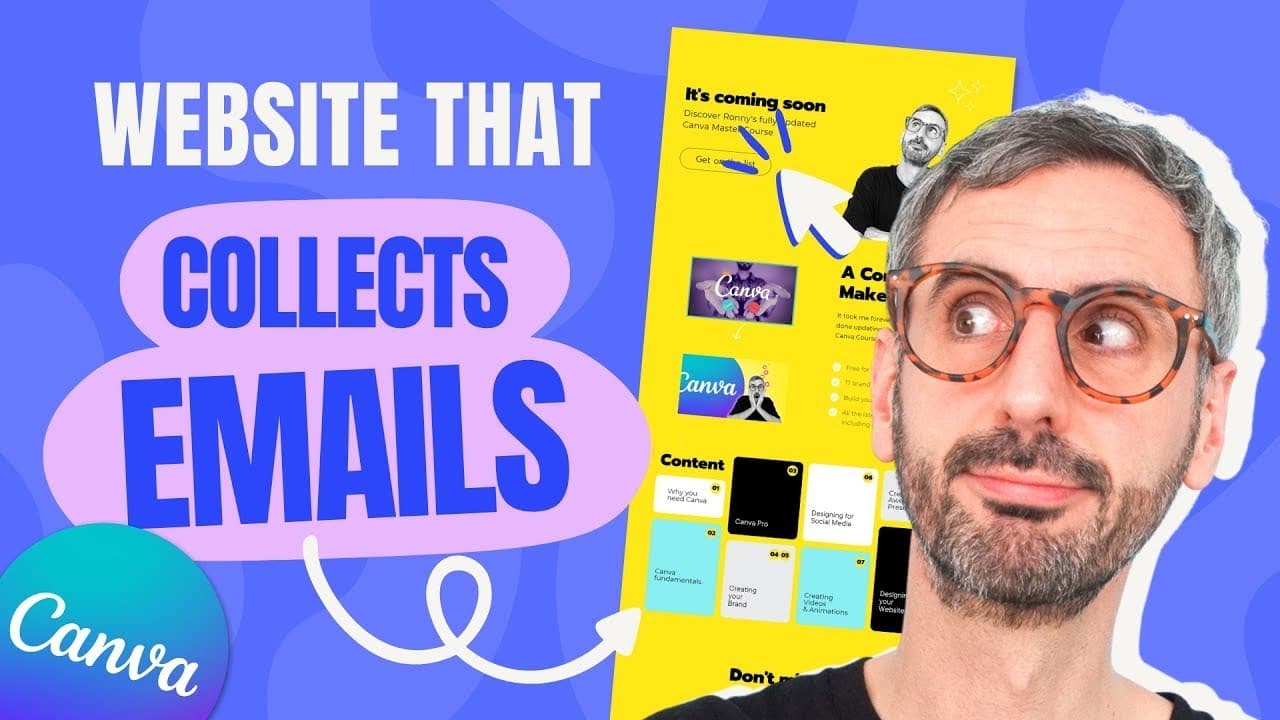
How to make a Canva Website to collect emails
TL;DR
Learn how to create a Canva website and integrate it with a Google form to collect email addresses in this step-by-step tutorial.
Transcript
a lot of you asked me ronnie can i create a canva website that also collects email addresses well the answer is that today as of june of 2022 canva doesn't allow you to do this but the good news is that in this video i'm going to show you a simple nine step process that will allow you to create a google form a canva website and mix them together to... Read More
Key Insights
- 💌 Canva does not currently support email collection on their websites, but there is a workaround using a Google form.
- ©️ Proper preparation of copy and visuals is crucial for a successful Canva website.
- 👀 Customizing Canva templates and ensuring on-brand design is important for a professional-looking website.
- 💁 The Google form plays a key role in collecting email addresses and should include mandatory fields for important information.
- 👻 Styling options in Canva and Google forms allow for customization to match your branding.
- 👋 Previewing the website on different devices ensures responsiveness and a good user experience.
- 💌 Publishing the website and integrating the Google form completes the process of collecting email addresses.
- 🎨 Copywriting and design choices impact the effectiveness of marketing messaging on the website.
Install to Summarize YouTube Videos and Get Transcripts
Explore YouTube Video Summarizer or Get YouTube Transcript Extractor
Questions & Answers
Q: Can I collect email addresses on a Canva website?
As of June 2022, Canva does not offer the ability to collect email addresses directly on their websites. However, in this video, the creator demonstrates how to use a Google form to collect email addresses and integrate it with a Canva website.
Q: Why is copywriting important in marketing messaging?
Copywriting plays a crucial role in conveying your message effectively and persuasively. Well-crafted copy can attract and engage your audience, leading to better results in marketing campaigns.
Q: How can I prepare visuals for my Canva website?
Before designing your Canva website, it's helpful to gather all the visuals you'll need. If you're a Canva Pro user, you can upload them to a specific folder in Canva. Otherwise, you can upload visuals using the upload button.
Q: How do I select the right template for my Canva website?
Canva offers a wide range of website templates. When selecting a template, trust your instincts and choose one that catches your attention and aligns with your vision for a clean and visually appealing website.
Q: What is the purpose of the Google form in this process?
The Google form is used to collect email addresses from visitors to your Canva website. By integrating the form with your website, you can capture leads and use the email addresses for marketing purposes.
Key Insights:
- Canva does not currently support email collection on their websites, but there is a workaround using a Google form.
- Proper preparation of copy and visuals is crucial for a successful Canva website.
- Customizing Canva templates and ensuring on-brand design is important for a professional-looking website.
- The Google form plays a key role in collecting email addresses and should include mandatory fields for important information.
- Styling options in Canva and Google forms allow for customization to match your branding.
- Previewing the website on different devices ensures responsiveness and a good user experience.
- Publishing the website and integrating the Google form completes the process of collecting email addresses.
- Copywriting and design choices impact the effectiveness of marketing messaging on the website.
- The Canva website and Google form combination provides a way to promote products or services and gather email addresses for future marketing campaigns.
Summary & Key Takeaways
-
Canva does not currently allow email collection on their websites, but this video provides a workaround using Google forms.
-
The process involves preparing copy and visuals, selecting the right Canva templates, customizing the templates, styling the website to be on brand, creating a Google form, and integrating the form with the Canva website.
-
The final step is to publish the website and start collecting email addresses for marketing purposes.
Read in Other Languages (beta)
Share This Summary 📚
Summarize YouTube Videos and Get Video Transcripts with 1-Click
Try YouTube Summary with ChatGPT & Claude or YouTube Transcript Generator
Explore More Summaries from Design with Canva 📚






Summarize YouTube Videos and Get Video Transcripts with 1-Click
Try YouTube Summary with ChatGPT & Claude or YouTube Transcript Generator