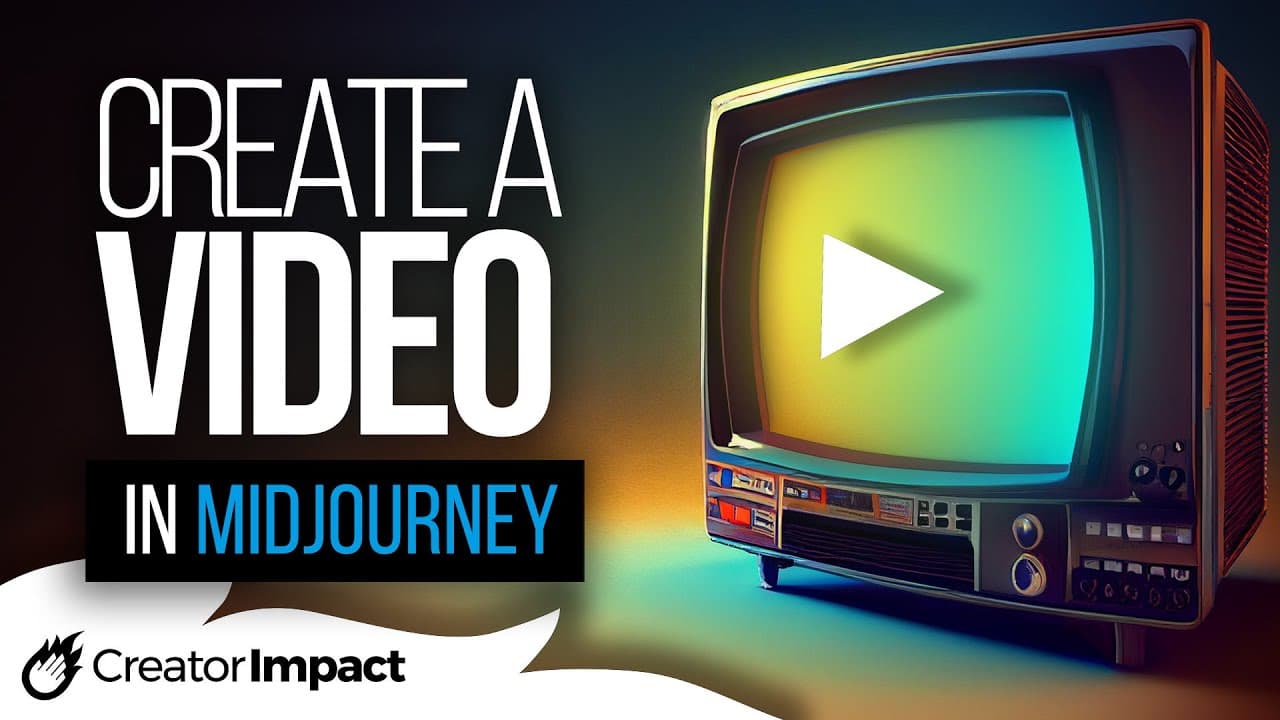
Create an AI Art progress video using Midjourney (--video prompt code)
TL;DR
Learn how to make progress videos in Mid-Journey by following simple steps and using specific prompts and commands.
Transcript
so in today's video I'm going to show you how you can make cool little progress videos like this when creating art in mid Journey now it does have some limitations but there are a few things you can do to get some pretty cool little effects and we're going to get straight into it so the first thing we're going to do is going to come up with some ki... Read More
Key Insights
- 🖕 Mid-Journey offers a feature to create progress videos of artwork.
- 🎮 Adding the command "--video" after typing a prompt generates the progress video.
- 🥳 To have a video with only one image, an aspect ratio of 16:9 can be added before the "--video" command.
- 💌 The envelope tool is used to activate the video in Mid-Journey.
- 🎮 Progress videos can be downloaded and saved on different devices.
- 🎮 Mid-Journey does not support upscaling the image for progress videos.
- 🖕 Mid-Journey offers a playlist and additional videos for more information about the platform.
Install to Summarize YouTube Videos and Get Transcripts
Explore YouTube Video Summarizer or Get YouTube Transcript Extractor
Questions & Answers
Q: How can progress videos be created in Mid-Journey?
To create a progress video, type a prompt for artwork and add the command "--video". Then, click on the envelope tool and select the blank envelope to activate the video.
Q: What should be done to have a video with only one image?
To have a video with only one image, add the aspect ratio command "--AR 16:9" before the "--video" command. This will make the image wider and prevent Mid-Journey from generating multiple variations.
Q: Can progress videos be downloaded?
Yes, progress videos can be downloaded by clicking on the link provided in the video. They can be saved on a computer or a phone.
Q: Are progress videos limited to artwork created in Mid-Journey only?
Yes, progress videos can only be created for artwork made in Mid-Journey using specific prompts and commands.
Key Insights:
- Mid-Journey offers a feature to create progress videos of artwork.
- Adding the command "--video" after typing a prompt generates the progress video.
- To have a video with only one image, an aspect ratio of 16:9 can be added before the "--video" command.
- The envelope tool is used to activate the video in Mid-Journey.
- Progress videos can be downloaded and saved on different devices.
- Mid-Journey does not support upscaling the image for progress videos.
- Mid-Journey offers a playlist and additional videos for more information about the platform.
- Liking the video and subscribing to the channel is encouraged.
Summary & Key Takeaways
-
The video tutorial teaches viewers how to create progress videos in Mid-Journey by using prompts and commands.
-
By typing in a prompt for artwork and adding the command "--video", users can generate a video of their artwork.
-
To ensure the video only contains one image, an aspect ratio of 16:9 can be added before the "--video" command.
Read in Other Languages (beta)
Share This Summary 📚
Summarize YouTube Videos and Get Video Transcripts with 1-Click
Try YouTube Summary with ChatGPT & Claude or YouTube Transcript Generator
Explore More Summaries from Wade McMaster - Creator Impact 📚
Summarize YouTube Videos and Get Video Transcripts with 1-Click
Try YouTube Summary with ChatGPT & Claude or YouTube Transcript Generator