Midjourney + Generative Fill (Photoshop Beta) for INCREDIBLE AI ART!
TL;DR
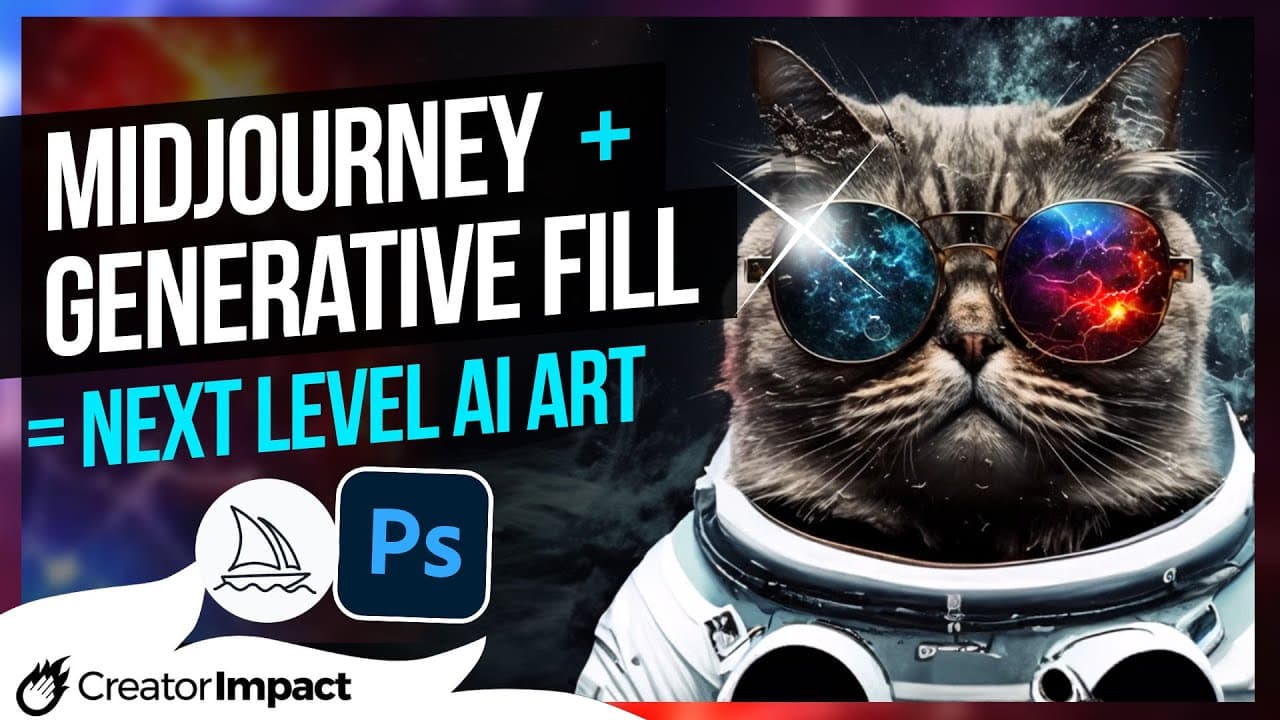
Learn how to take your mid-generate art to the next level by combining it with the generative fill feature in Adobe Photoshop beta.
Transcript
today we're going to combine mid-journey and Adobe photoshop's new generative fill feature to show you how you can take mid generate art to the next level by combining it with Photoshop beta I've got this image here I'm going to look at ways we can take it to the next level and I'm going to start is just showing you you can actually extend your mid... Read More
Key Insights
- 🖌️ The mid-journey and Adobe Photoshop combination allows for easy extension of images, creating a seamless and immersive experience.
- 🔄 Generative fill in Photoshop's beta version mimics the chosen style to a satisfactory degree, resulting in stunning AI art.
- 🔀 Photoshop's generative fill feature can be used to create seamless patterns, even without using the tile feature, by offsetting and merging layers.
- 👥 Generative AI in Photoshop offers quick and effective solutions for editing faces, including changing eye color, removing blemishes, and altering makeup.
- 🎑 Photoshop's generative fill allows for the addition of backgrounds to images, although blending and fine-tuning may be necessary.
- 🌊 The combination of mid-journey and Photoshop enables seamless blending of objects, such as placing a frog on water and creating realistic reflections.
- 📈 Using an AI upscaler, like Topaz Gigapixel, can enhance the resolution of generated images, allowing for the addition of smaller details.
- 🎨 The mid-journey and Photoshop integration offers a powerful tool for creating unique and high-resolution digital art, suitable for various purposes.
Install to Summarize YouTube Videos and Get Transcripts
Explore YouTube Video Summarizer or Get YouTube Transcript Extractor
Questions & Answers
Q: How can you extend the size of a Mid-Journey image and maintain the style?
To extend the size of a Mid-Journey image while maintaining the style, open the image in Adobe Photoshop, use the crop tool to add white space around the image, select around the subject, and use the generative fill feature to generate additional image content that matches the style.
Q: Can generative fill be used to create AI art?
Yes, generative fill can be used to create AI art. By selecting a subject and providing a description of the desired artwork, such as a cat wearing a space suit, the generative fill feature will generate several options that mimic the style to a certain degree.
Q: How can you create seamless patterns using generative fill?
To create seamless patterns using generative fill, first, offset the image horizontally using the filter menu. Then, select a strip of the image that needs to be joined, apply generative fill, leave it blank, and generate the image. Repeat the process in the opposite direction to ensure the pattern tiles seamlessly.
Q: Can generative fill be used to edit and enhance facial features?
Yes, generative fill can be used to edit and enhance facial features in an image. By selecting specific elements, such as eyes or hair, and applying generative fill, it is possible to change the color of eyes, remove unwanted hair, or even alter the appearance of lips by changing lipstick color.
Q: How can generative fill be used to fix cropped or unwanted elements in images?
Generative fill can be used to fix cropped or unwanted elements in images. By selecting the cropped or unwanted area and applying generative fill, the feature will generate content to fill the selected area, seamlessly blending it with the rest of the image. This technique can be used to remove objects, fix black bars, or add missing elements.
Summary & Key Takeaways
-
The video demonstrates how to extend and enhance Mid-Journey images using the generative fill feature in Adobe Photoshop beta.
-
The generative fill feature can be used to create AI art, seamless patterns, edit faces, remove unwanted elements, and add backgrounds to images.
-
Combining Mid-Journey with an AI upscaler like Topaz Gigapixel enables the creation of high-resolution digital art.
Read in Other Languages (beta)
Share This Summary 📚
Summarize YouTube Videos and Get Video Transcripts with 1-Click
Try YouTube Summary with ChatGPT & Claude or YouTube Transcript Generator
Explore More Summaries from Wade McMaster - Creator Impact 📚
Summarize YouTube Videos and Get Video Transcripts with 1-Click
Try YouTube Summary with ChatGPT & Claude or YouTube Transcript Generator