Midjourney Logo Design: Prompts & Tutorial
TL;DR
Learn to create logos using AI with Midjourney prompts.
Transcript
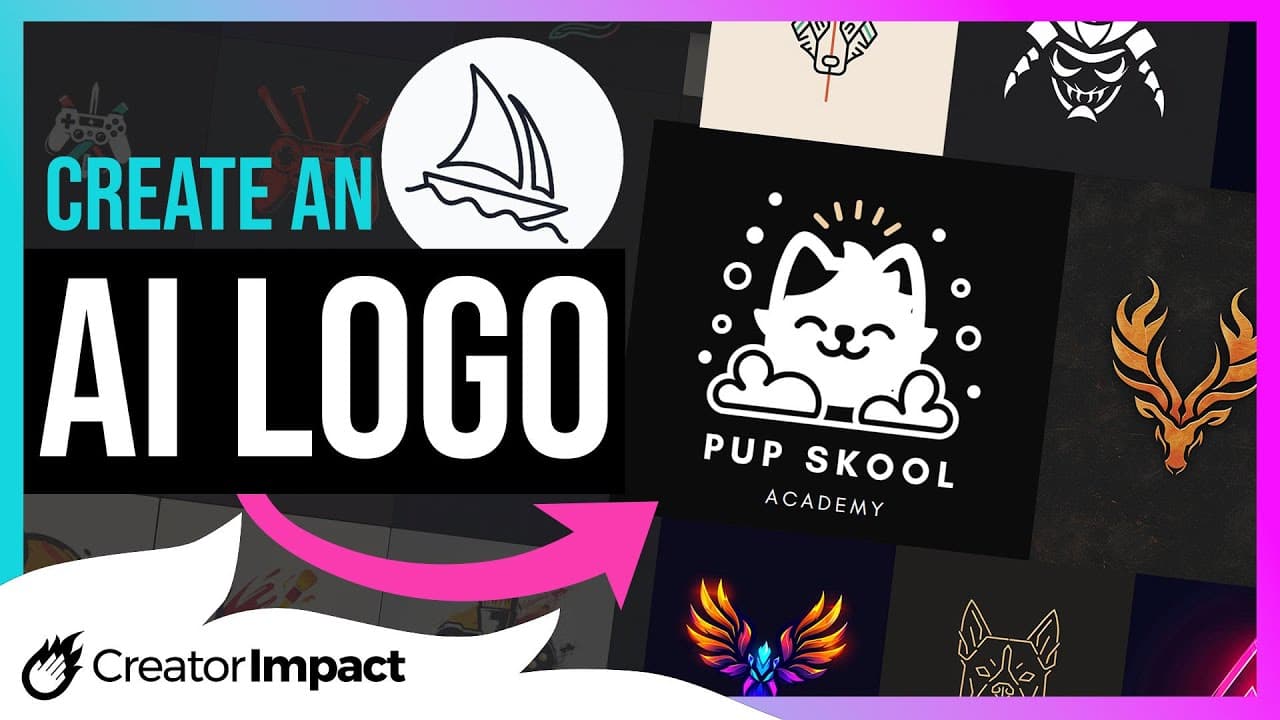
I'm going to show you how to create a logo in mid Journey using certain tips Styles and phrases in your prompt to create an image for one of the following purposes one either to hopefully convert straight to Vector for use or simply something to get started to find inspiration for or maybe even take to a graphic designer or to create a basi... Read More
Key Insights
- Midjourney offers a platform to create logo designs using specific prompts, useful for initial inspiration or temporary use.
- Basic logo creation involves using phrases like 'logo', 'emblem', or 'minimalist logo', which can be adjusted for detail and style.
- The platform is not a substitute for professional designers, who provide complete branding elements like color schemes and fonts.
- Users can specify shapes and attributes like flat colors or geometric shapes to tailor the logo's appearance.
- Negative prompts can help remove unwanted elements such as complex shapes or gradients, enhancing the logo's simplicity.
- Text can be added to logos, though results may vary, and external tools like Canva are recommended for precise text integration.
- Color control is possible, allowing users to specify palettes like warm, cool, or neon, although vector conversion may require professional software.
- Exploring existing Midjourney logos can inspire new designs, and tools like Vectorizer AI or Adobe Express can assist in vector conversion.
Install to Summarize YouTube Videos and Get Transcripts
Explore YouTube Video Summarizer or Get YouTube Transcript Extractor
Questions & Answers
Q: How can Midjourney assist in logo design?
Midjourney assists in logo design by allowing users to generate images using specific prompts. These prompts can describe various elements such as style, shape, and color, providing a starting point for logo creation. While not a replacement for professional design, it offers a platform for inspiration and initial design ideas.
Q: What are the limitations of using Midjourney for logo design?
The limitations of using Midjourney for logo design include its inability to produce logos as polished as those created by professional designers. It lacks comprehensive branding elements like cohesive color schemes and font selections. Additionally, the platform may not always generate precise results, especially when adding text or complex shapes.
Q: How can users control the design elements in Midjourney?
Users can control design elements in Midjourney by using descriptive prompts. These prompts can specify shapes, such as circles or triangles, and attributes like flat colors or geometric shapes. Negative prompts can help exclude unwanted elements, allowing for a more tailored and simplified logo design.
Q: What role do negative prompts play in Midjourney logo design?
Negative prompts in Midjourney logo design help users exclude undesirable elements from their designs. By specifying what should not be included, such as complex shapes or gradients, users can achieve a cleaner and more focused logo. This feature aids in simplifying designs and enhancing their suitability for vector conversion.
Q: How can text be integrated into Midjourney logos?
Text can be integrated into Midjourney logos by including it in the design prompt. However, the results may vary, and achieving precise text placement can be challenging. Users are advised to use external tools like Canva for better text integration, allowing for more control over font style and positioning.
Q: What options are available for color control in Midjourney?
Midjourney offers color control options through descriptive prompts, allowing users to specify color palettes such as warm, cool, or neon. While these options enable customization, converting the resulting images to vector format may require professional design software to maintain color integrity and precision.
Q: How can existing Midjourney designs inspire new logo creations?
Existing Midjourney designs can inspire new logo creations by providing examples of successful design prompts and styles. Users can explore the Midjourney website to view logos created by others, offering a source of inspiration and ideas for their own designs. This exploration can also highlight effective prompts and design techniques.
Q: What tools are recommended for vector conversion of Midjourney designs?
For vector conversion of Midjourney designs, tools like Vectorizer AI and Adobe Express are recommended. These platforms allow users to convert PNG images into vector formats, enabling easier manipulation and scalability. While these tools offer automated conversion, professional design software is suggested for more precise and detailed vectorization.
Summary & Key Takeaways
-
Midjourney provides a platform for creating logo designs using AI, ideal for those seeking initial design inspiration or temporary solutions.
-
Users can manipulate design elements through descriptive prompts, controlling aspects like shape, color, and the inclusion of text.
-
While Midjourney offers a variety of design options, professional designers are recommended for comprehensive branding solutions.
Read in Other Languages (beta)
Share This Summary 📚
Summarize YouTube Videos and Get Video Transcripts with 1-Click
Try YouTube Summary with ChatGPT & Claude or YouTube Transcript Generator
Explore More Summaries from Wade McMaster - Creator Impact 📚
Summarize YouTube Videos and Get Video Transcripts with 1-Click
Try YouTube Summary with ChatGPT & Claude or YouTube Transcript Generator