Midjourney Prompt Tips, Codes & Tricks (Perfect for AI Art Beginners!)
TL;DR
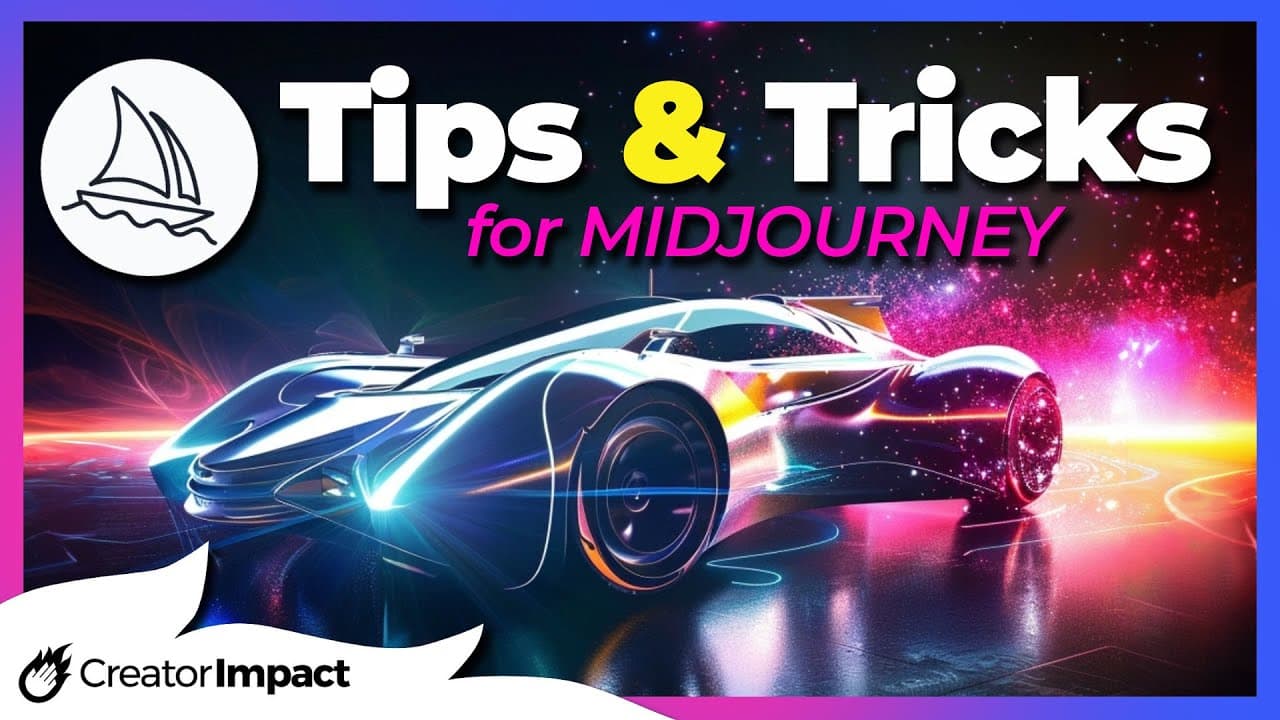
Learn how to enhance and customize your AI art in Mid-Journey using different prompt codes and algorithms.
Transcript
today's video I've got some tips and tricks for you for mid-journey AI art to help make your art more interesting and have a bit more fun with the platform and we're going to start with some prompt codes just simply add these to the end of your prompt and see what results you can get the first code is aspect ratio where we type in our prompt and we... Read More
Key Insights
- 🎨 Using prompt codes such as aspect ratio (dash dash AR) and creative (dash dash creative) allows for control and increased creativity in AI-generated art.
- 🖼️ The use of different algorithms like test (dash dash test) and test P (dash dash test P) can yield different artistic and photographic results in AI-generated images.
- 🌈 The stylize command (dash dash stylize) can drastically change the interpretation and style of an image, providing unique and creative results.
- ❌ Using negative keywords (dash dash no) in prompts can exclude specific elements, such as trees or water, from AI-generated images.
- 📹 The video command (dash dash video) allows for the creation of videos showcasing the process of generating AI art, providing an engaging visual experience.
- 🔍 Adjusting the quality setting (dash dash queue) can result in different levels of detail and rendering time for AI-generated images.
- 🔄 Remix mode and dash dash seed can be used to create variations or similar images based on existing prompts, offering flexibility and exploration in AI art creation.
- 💥 Adjusting the chaos parameter (dash dash chaos) can control the level of unpredictability and chaos in the AI algorithm's interpretation of prompts, leading to diverse and interesting outcomes.
Install to Summarize YouTube Videos and Get Transcripts
Explore YouTube Video Summarizer or Get YouTube Transcript Extractor
Questions & Answers
Q: What is the purpose of using prompt codes in Mid-Journey AI art creation?
Prompt codes in Mid-Journey allow users to customize their AI art by controlling aspects like aspect ratio, creativity, stylization, quality, chaos, and more. By adding these codes to their prompts, artists can achieve specific results and enhance their creative output.
Q: How does the "creative" tag affect the results in Mid-Journey AI art?
Adding the "creative" tag to the prompt in Mid-Journey AI art generation enhances the creativity of the resulting images. It adds unique elements and makes the artwork more visually interesting, as demonstrated by the example shown in the video.
Q: What is the difference between the "test" and "test P" algorithms in Mid-Journey?
The "test" algorithm in Mid-Journey produces artistic-looking images, while the "test P" algorithm focuses on creating more photorealistic results. By choosing the appropriate algorithm, artists can achieve different styles and levels of realism in their AI-generated artwork.
Q: How does the "stylize" command affect the appearance of AI art in Mid-Journey?
The "stylize" command allows Mid-Journey to apply a stylizing effect to the AI-generated artwork. By adjusting the stylization parameters, such as the value from 0 to 60,000, artists can modify the level of stylization and create unique interpretations of their prompts.
Q: What is the purpose of using negative keywords in Mid-Journey AI art creation?
Negative keywords, indicated by the "no" command, allow artists to exclude specific elements from their AI-generated artwork. By specifying the elements they don't want, such as trees or water, artists can influence the final output and create images that align more closely with their vision.
Q: How can artists generate a video of the creation process in Mid-Journey?
Artists can create a video of the AI art creation process in Mid-Journey by adding the command "video" to their prompt. After the initial prompt shows up, artists can click on the envelope icon to generate a message containing the video. They can then watch the video within the Mid-Journey platform or download it in MP4 format.
Q: How does the "quality" command affect the rendering of AI art in Mid-Journey?
The "quality" command in Mid-Journey allows artists to adjust the rendering quality of their AI-generated images. By specifying a value from 1 to 5, with 5 being the highest, artists can achieve more detailed and higher-quality results. A higher quality value may increase rendering time.
Q: What are some additional tips for improving AI art in Mid-Journey?
Some additional tips for enhancing AI art in Mid-Journey include learning Adobe Photoshop to have more freedom and control over the final artwork, exploring different algorithms and versions available in Mid-Journey, backing up images to prevent loss, and utilizing prompt codes and tools to achieve desired results.
Summary & Key Takeaways
-
Use prompt codes like aspect ratio, creative, test, test P, stylize, negative keywords, video, quality, chaos, seed to modify and enhance your AI art in Mid-Journey.
-
Experiment with different algorithms like version 3, version 4, and remaster to achieve unique and distinct results.
-
Backup your images to prevent loss and consider learning Adobe Photoshop to expand your creative possibilities.
Read in Other Languages (beta)
Share This Summary 📚
Summarize YouTube Videos and Get Video Transcripts with 1-Click
Try YouTube Summary with ChatGPT & Claude or YouTube Transcript Generator
Explore More Summaries from Wade McMaster - Creator Impact 📚
Summarize YouTube Videos and Get Video Transcripts with 1-Click
Try YouTube Summary with ChatGPT & Claude or YouTube Transcript Generator