How to Extract Dominant Colors from Photos in Canva?
TL;DR
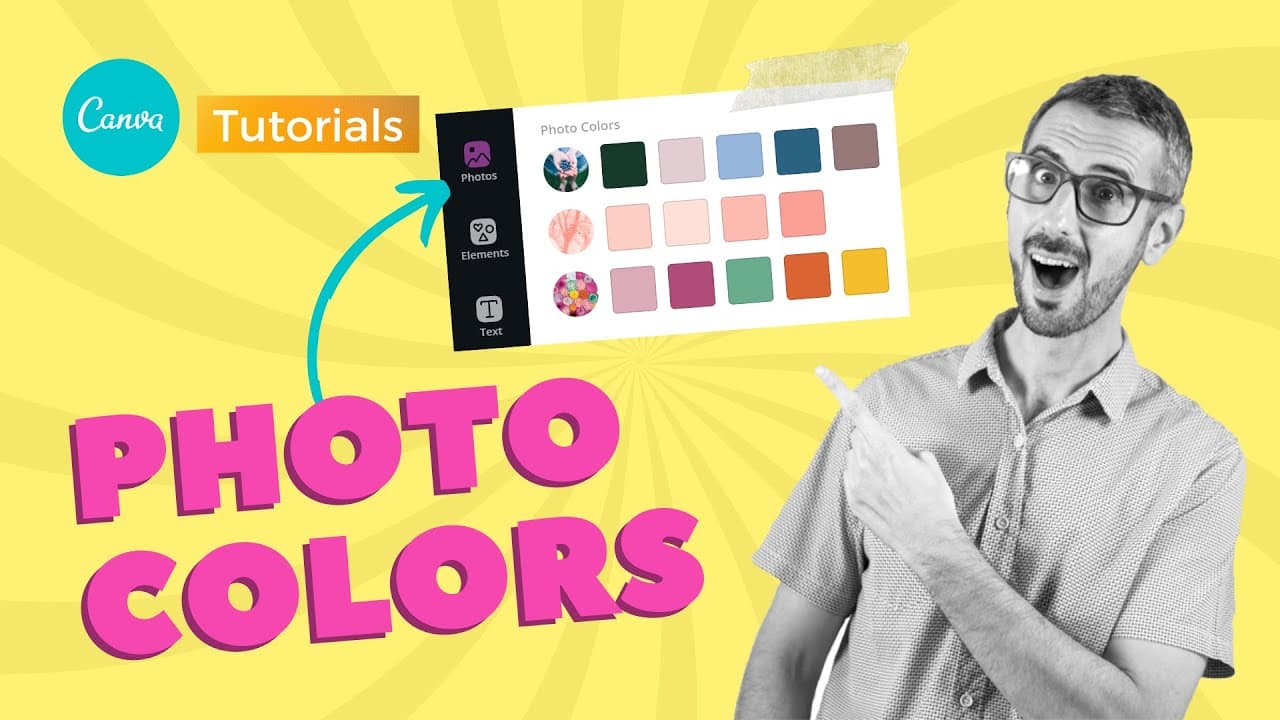
To extract dominant colors from photos in Canva, simply insert an image and navigate to the color menu, where you'll see a palette of the five dominant colors automatically generated. This feature helps create harmonious designs by ensuring that your selected colors match the tones of your images, making design cohesion easier.
Transcript
what's up everybody this is Ronnie your go-to instructor if you want to learn how to design with canva in today's video I want to talk about a new feature which is photo colors in canvas so we will have a look at photo colors which is a new feature that allows you to create more harmonious designs in terms of colors so without further ado let's jum... Read More
Key Insights
- 🎨 Canva's photo colors feature extracts five dominant colors from inserted images for design palette creation.
- 👤 Users can apply photo colors to templates to maintain design cohesion and harmony.
- 🧑🦽 The photo colors feature simplifies color selection by reducing the need for manual color picking.
- 🤑 Canva's algorithm ensures that the extracted colors are the dominant ones in the design.
- 👤 Photo colors feature helps users create harmonious designs by matching colors with inserted images.
- 👤 Users can easily harmonize their designs using colors extracted from images with photo colors.
- 🎨 Canva's photo colors feature streamlines the design process by providing a curated color palette from inserted images.
Install to Summarize YouTube Videos and Get Transcripts
Explore YouTube Video Summarizer or Get YouTube Transcript Extractor
Questions & Answers
Q: What does Canva's photo colors feature do?
Canva's photo colors feature automatically extracts five dominant colors from inserted images to create cohesive design palettes, simplifying color selection for users.
Q: How can users apply photo colors to templates?
Users can apply the extracted colors from Canva's photo colors feature to templates to ensure that the design remains cohesive and harmonious with the inserted images.
Q: Why is the photo colors feature beneficial for users?
The photo colors feature in Canva simplifies color selection by automatically extracting dominant colors from images, reducing the need for manual color picking and ensuring design harmony.
Q: How does Canva's photo colors feature differ from a traditional color picker?
Canva's photo colors feature differs from a traditional color picker by extracting five dominant colors from images, guaranteeing users that the chosen colors will harmonize with the design.
Summary & Key Takeaways
-
Canva's new feature, photo colors, extracts five dominant colors from inserted images for harmonious design palettes.
-
Users can apply these extracted colors to templates to ensure design cohesion.
-
Photo colors simplify color selection compared to manual color picking.
Read in Other Languages (beta)
Share This Summary 📚
Summarize YouTube Videos and Get Video Transcripts with 1-Click
Try YouTube Summary with ChatGPT & Claude or YouTube Transcript Generator
Explore More Summaries from Design with Canva 📚






Summarize YouTube Videos and Get Video Transcripts with 1-Click
Try YouTube Summary with ChatGPT & Claude or YouTube Transcript Generator