How to Download and Install R and RStudio for Beginners
TL;DR
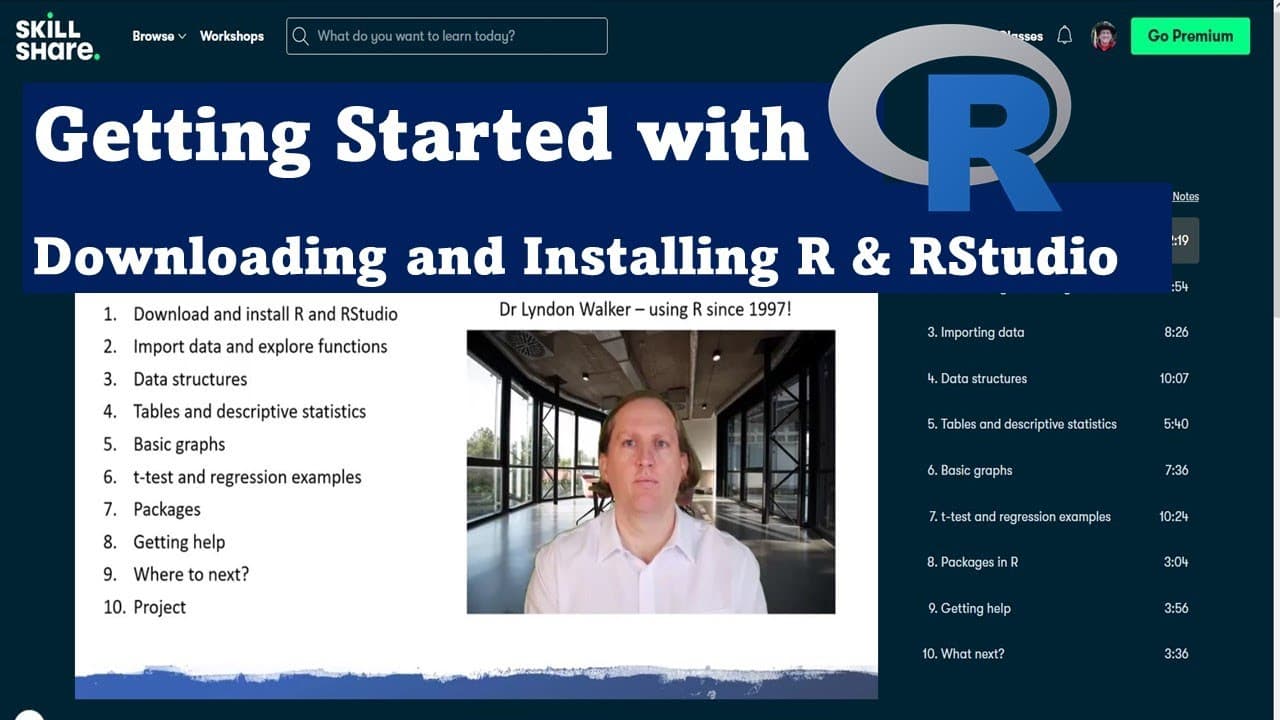
To download and install R and RStudio, first choose the appropriate version for your operating system from the CRAN website, and follow the setup prompts. RStudio enhances R's functionality with a user-friendly interface, allowing for efficient coding and project management. After installation, you can access R directly through RStudio's organized panels, making statistical analysis more manageable.
Transcript
hi i'm dr lyndon walker the following video is part of my skillshare course getting started with r here behind me you can see the various different chapters of the skillshare course you can click on the link below the video to take you to the skillshare course and you'll be able to download the data that i use in this video and work along with it i... Read More
Key Insights
- 👨🔬 R is a highly versatile tool used for statistical analysis and is essential for researchers and data scientists.
- 👤 R Studio significantly improves the experience of using R by offering a more user-friendly interface and organizational layout.
- 👤 Installation of R involves selecting the appropriate version based on the user's operating system, with clear prompts during the installation process.
- 👨💻 R Studio features multiple panels that cater to different aspects of coding, enhancing productivity and user efficiency.
- 🤗 Downloadable course materials are provided for hands-on practice, allowing learners to engage more deeply with the content.
- ❓ Community engagement through platforms like YouTube and Skillshare can provide additional support for learners.
- 👨🔬 The video aims to make advanced statistical analysis techniques accessible to beginners and those starting their research journeys.
Install to Summarize YouTube Videos and Get Transcripts
Explore YouTube Video Summarizer or Get YouTube Transcript Extractor
Questions & Answers
Q: What is R and why is it important for statistical analysis?
R is a powerful open-source statistical software package widely used in data analysis and statistical computing. Its importance lies in its versatility, extensive package ecosystem, and ability to handle large datasets. Researchers and statisticians rely on R for its rich visualization capabilities and comprehensive statistical methods, making it a preferred choice in academia and industry.
Q: How do I download R and R Studio?
The video outlines the process for downloading R from the R project website, where users can select their operating system and choose the appropriate version for installation. Following that, R Studio can be downloaded from its official website, ensuring users have an enhanced interface for coding in R. Clear installation steps are provided to guide users through both processes seamlessly.
Q: What are the features of R Studio that make it user-friendly?
R Studio offers a more intuitive interface compared to the basic R command prompt. It provides four distinct panels for different functionalities: a command prompt, a text editor for script writing, a space for viewing variables, and tabs for help, plots, and packages. This setup significantly enhances the user experience by allowing users to write, edit, and execute their code more efficiently.
Q: Can I access course materials mentioned in the video?
Yes, viewers are encouraged to click on the link provided in the video description to access the course materials. These materials include downloadable code files that will allow users to follow along with the lessons and practice using R and R Studio effectively.
Q: What should I do if I encounter issues during installation?
If you experience challenges while installing R or R Studio, consult the official documentation available on their respective websites for troubleshooting tips. Additionally, community forums and support sites can be particularly helpful in resolving installation issues. Engaging with the community may also provide insights and solutions from experienced users.
Q: Are there any prerequisites for using R and R Studio?
While R and R Studio are designed to be accessible for beginners, having a basic understanding of programming concepts can be beneficial. Familiarity with statistics and data analysis principles will enhance the learning experience, but no prior experience with R is required to get started with the content provided in the course.
Summary & Key Takeaways
-
The video introduces Dr. Lyndon Walker's Skillshare course, focusing on how to download and install R and R Studio for statistical analysis.
-
It provides step-by-step instructions for downloading R for Windows, stressing the ease of installation and the significance of using R Studio for a user-friendly experience.
-
Viewers are shown the various panels within R Studio, highlighting features like the command prompt, text editor, and variables tab that will enhance coding efficiency.
Read in Other Languages (beta)
Share This Summary 📚
Summarize YouTube Videos and Get Video Transcripts with 1-Click
Try YouTube Summary with ChatGPT & Claude or YouTube Transcript Generator
Explore More Summaries from Dr Lyndon Walker 📚





Summarize YouTube Videos and Get Video Transcripts with 1-Click
Try YouTube Summary with ChatGPT & Claude or YouTube Transcript Generator