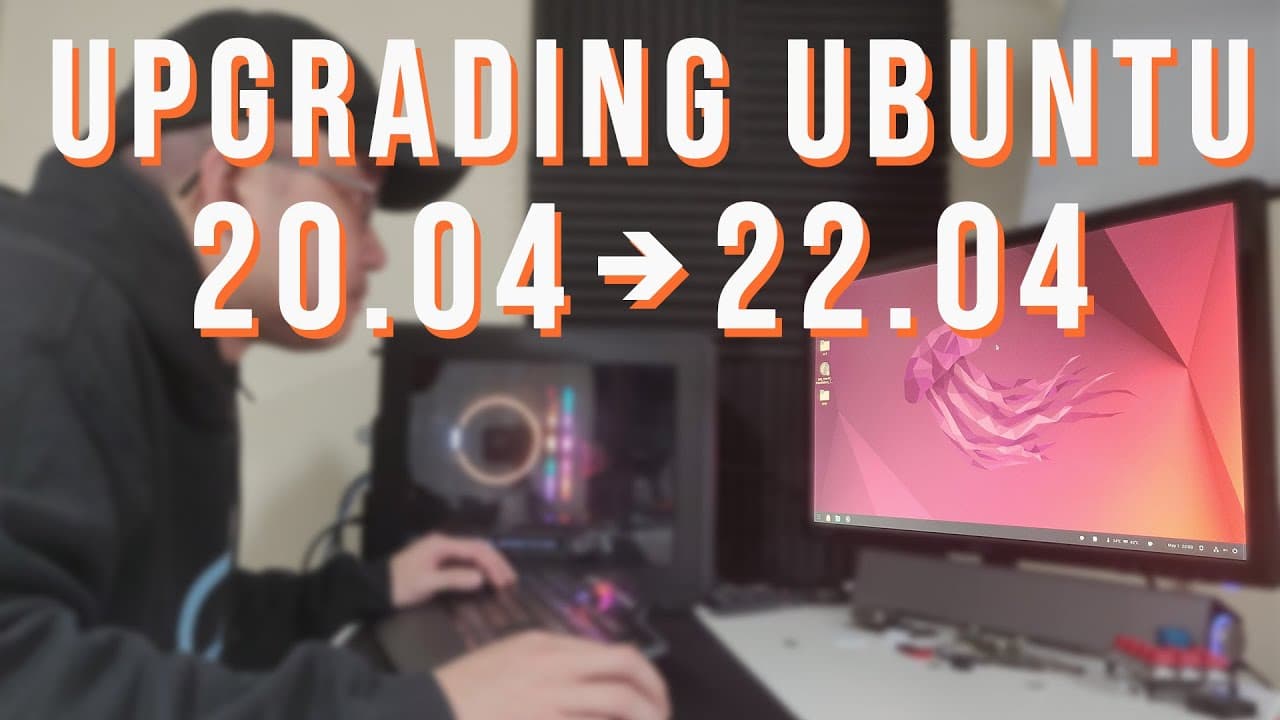
Upgrading My PC from Ubuntu 20.04 to 22.04 Jammy Jellyfish
TL;DR
User attempts to upgrade Ubuntu 20.04 to 22.04, navigating challenges and troubleshooting throughout the process.
Transcript
hey guys what's going on it's don here from nova spur tech and welcome back to our channel and today we're going to be doing an upgrade from ubuntu 204 to 2204 on this machine that we use every day so let's get started now i've done upgrades before from 20 to 2022 on other devices on a fresh install well almost fresh installed but compared to this ... Read More
Key Insights
- 🥶 Upgrade processes can experience unforeseen complications, especially with heavily customized systems or older versions.
- 🌸 Choosing to back up crucial files and settings is essential when upgrading to prevent data loss in case issues arise.
- ❓ The Software Updater may not always provide a straightforward upgrade path; terminal commands can be an effective alternative.
- 😄 Incremental upgrades can ease the transition between major versions, reducing the risk of compatibility issues.
- 👶 Compatibility of extensions and software is a major consideration when upgrading to newer versions of an operating system.
- 👤 Using Snap packages can change the interaction and experience with traditional applications, potentially affecting user configurations.
- 👤 Upgrades may necessitate changes to system settings or configurations, having an impact on user experience post-upgrade.
Install to Summarize YouTube Videos and Get Transcripts
Explore YouTube Video Summarizer or Get YouTube Transcript Extractor
Questions & Answers
Q: Why did the host choose not to perform a clean install?
The host opted not to perform a clean install because their Ubuntu 20.04 machine had been heavily customized with various applications and settings over a year of use. Performing a fresh install would require reconfiguration, which they wanted to avoid unless absolutely necessary. They prepared for potential failure by backing up crucial files but aimed to preserve their current environment through the upgrade process.
Q: What issues did the host face when attempting the upgrade through the Software Updater?
During the upgrade attempt using Software Updater, the host found that the upgrade option did not appear, even though the system was already on the latest version of 20.04. The user speculated that numerous installed applications and embedded settings might be interfering with the upgrade process, which could be a reason for being unable to initiate the upgrade when they expected to.
Q: How did switching to the terminal commands help with the upgrade process?
After facing hurdles with Software Updater, the host switched to using terminal commands, which provided a more direct method for upgrading the system. Commands like "sudo do-release-upgrade" allowed for a straightforward way to upgrade to the next releases, circumventing obstacles that the graphical interface imposed. This adaptability was key to finally reaching the desired Ubuntu version.
Q: What were the specific risks associated with the upgrade process?
The significant risks involved potential incompatibility issues with extensions and applications that were not supported on the newer version, which could have led to system instability. Additionally, less familiar methods or missing upgrade options could have resulted in system failures. The host also acknowledged the possibility of needing a fresh install if the upgrade caused significant issues.
Q: How did the upgrade impact installed software and extensions?
Upon completing the upgrade to 22.04, several extensions and installed software either became incompatible or did not function as expected. Some applications were migrated to use Snap packages instead of traditional installations, impacting how users interact with their applications and potentially affecting performance and compatibility with existing themes and settings.
Q: Did the user find the upgrade process ultimately successful or problematic?
The user found the upgrade process resulting in a functional system but noted several issues that arose post-upgrade, such as missing features and incompatible extensions. While there were no critical failures immediately, the user expressed an intent to monitor system stability moving forward and mentioned a willingness to share updates should further problems arise.
Q: What advice did the host give regarding backing up data before an upgrade?
The host strongly advised backing up essential data before proceeding with any upgrade, regardless of the installation type. They emphasized that while the upgrade process can often go smoothly, unexpected issues can arise that might lead to data loss, making data backup a crucial step to safeguard important files and settings.
Q: How did the user navigate the different Ubuntu versions during the upgrade?
The host decided to upgrade through incremental versions, first moving from 20.04 to 21.10 to bridge the gap before finally updating to 22.04. This strategy allowed them to address compatibility issues at each step progressively rather than jumping directly to the latest version, which might have introduced more unknown risks and complications.
Summary & Key Takeaways
-
The video follows the host's journey to upgrade a long-used Ubuntu 20.04 installation to 22.04, expressing concerns about potential issues due to customizations and extensions.
-
The host attempts the upgrade via the Software Updater but encounters challenges, leading to complications that necessitate a restart and new commands.
-
Successfully upgrading to 21.10 laid the groundwork for moving to 22.04, although the user faces compatibility issues with extensions and personal settings.
Read in Other Languages (beta)
Share This Summary 📚
Summarize YouTube Videos and Get Video Transcripts with 1-Click
Try YouTube Summary with ChatGPT & Claude or YouTube Transcript Generator
Explore More Summaries from Novaspirit Tech 📚






Summarize YouTube Videos and Get Video Transcripts with 1-Click
Try YouTube Summary with ChatGPT & Claude or YouTube Transcript Generator