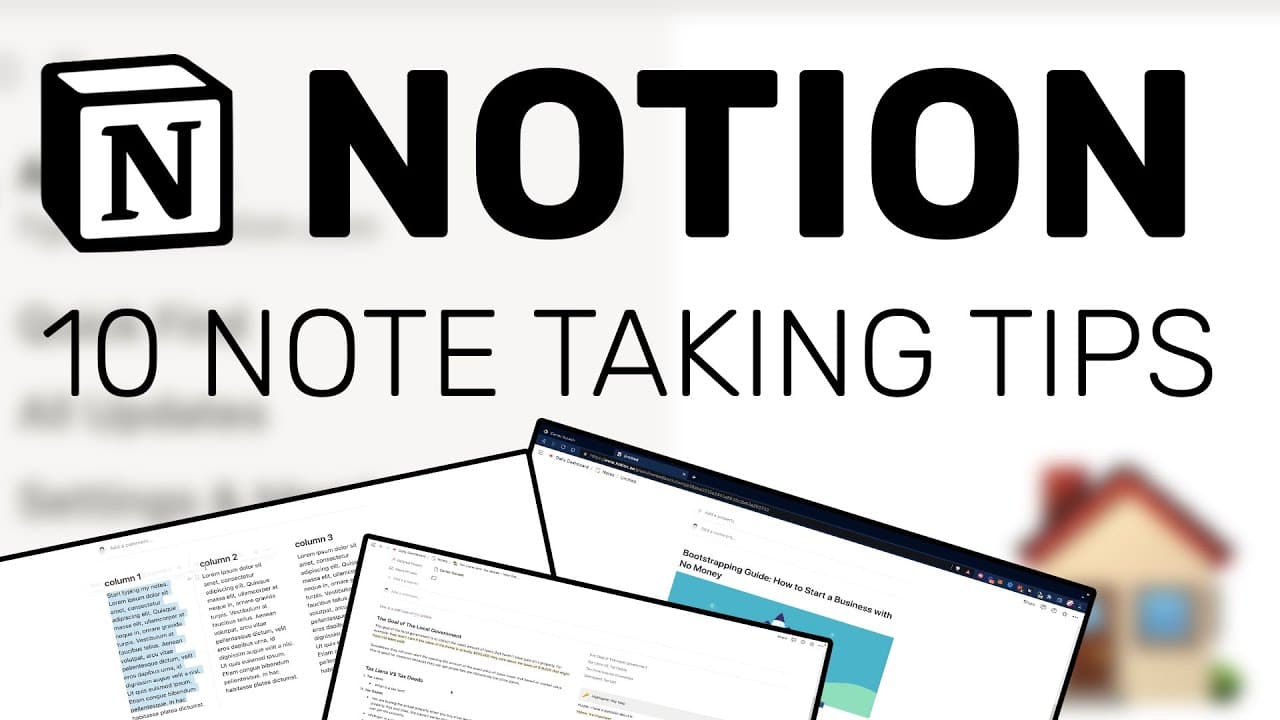
Notion App Tutorial: 10 Tips To Improve Your Notes in Notion for 2022!
TL;DR
Learn how to create flashcards in Notion and improve note-taking by using features like galleries, properties, and filters.
Transcript
all right i've got a question for you guys to start this one out who is your favorite notion youtuber well i hope the answer is productive dude right well anyways did you guys know that you can actually create flashcards in notion so in today's video i'm going to be showing you some pretty cool tips that will help you escalate your notes to the nex... Read More
Key Insights
- 🛀 Notion can be a valuable tool for creating and organizing flashcards, improving note-taking, and enhancing the overall learning experience.
- 😀 The integration of apps like Glasp.co and tools like Miro can extend the functionality of Notion and provide additional features for highlighting and visual representation in notes.
- 👂 Proper formatting and hierarchy within notes, such as headings, bullet lists, and callouts, can improve readability and organization.
- 🕸️ The Notion web clipper tool enables users to capture and save web content directly into their notes, making research and reference easier.
Install to Summarize YouTube Videos and Get Transcripts
Explore YouTube Video Summarizer or Get YouTube Transcript Extractor
Questions & Answers
Q: How can flashcards be created in Notion?
To create flashcards in Notion, start with a blank page, type "gallery" using the slash command, choose either inline or full-page gallery, and set the card preview to none. Add questions and answers, and categorize them using properties and filters for easy sorting.
Q: Can flashcards be categorized in Notion?
Yes, flashcards in Notion can be categorized by adding a "class" property and using the select option. This allows for easy sorting and filtering of flashcards based on different classes or categories.
Q: How can highlights and notes from web content be added to Notion?
Install the Glasp.co app and use it to highlight and take notes on web content. The highlights and notes can be easily transferred to Notion by using the share highlight feature or copying the content and pasting it into a Notion page.
Q: What formatting options can be used to create hierarchy in Notion notes?
Headings can be used to create hierarchy in Notion notes by selecting the desired text and choosing heading styles. Bullet and numbered lists can also be used to create a structured hierarchy within the notes.
Q: How can visual representation be added to Notion notes?
Diagrams and images created in tools like Miro can be added to Notion by exporting them as images and dragging them into a Notion page. This allows for enhanced visual representation in the notes.
Q: How can the Notion web clipper tool be used to capture web content?
Install the Notion web clipper tool in a Google Chrome browser and use it to capture and save web content directly into Notion. The tool allows for easy clipping of text and images from web pages.
Q: What is the benefit of creating a personalized notes database in Notion?
Creating a personalized notes database in Notion allows for efficient organization and sorting of different types of notes. Tags, types, and related people can be used to categorize and group notes for easy access and reference.
Q: How can callouts be used in Notion notes?
Callouts in Notion can be used to highlight important information or add side notes within the main note. Different colors and formatting options can be used to distinguish between different types of callouts.
Key Insights:
- Notion can be a valuable tool for creating and organizing flashcards, improving note-taking, and enhancing the overall learning experience.
- The integration of apps like Glasp.co and tools like Miro can extend the functionality of Notion and provide additional features for highlighting and visual representation in notes.
- Proper formatting and hierarchy within notes, such as headings, bullet lists, and callouts, can improve readability and organization.
- The Notion web clipper tool enables users to capture and save web content directly into their notes, making research and reference easier.
- Creating a personalized notes database in Notion allows for efficient organization and sorting of different types of notes, enhancing productivity and knowledge management.
Summary & Key Takeaways
-
Notion can be used to create flashcards by using the gallery feature and setting the card preview to none.
-
Flashcards can be categorized using properties and filters, making it easier to sort and organize different types of flashcards.
-
The Glasp.co app can be used alongside Notion to highlight and take notes on web content, and these highlights and notes can be easily transferred to Notion.
-
Heading formatting, bullet and numbered lists, callouts, and tables of contents can be used to create hierarchy and structure in notes.
-
Diagrams and images created in tools like Miro can be added to Notion to enhance visual representation in notes.
-
The Notion web clipper tool enables users to capture and save web content directly into their notes.
-
Creating a personalized notes database in Notion allows for efficient organization and sorting of different types of notes.
Read in Other Languages (beta)
Share This Summary 📚
Summarize YouTube Videos and Get Video Transcripts with 1-Click
Try YouTube Summary with ChatGPT & Claude or YouTube Transcript Generator
Explore More Summaries from Productive Dude 📚

![34 Unique Notion Tips and Tricks [2023 Notion Tutorial] ✨💻 thumbnail](/_next/image?url=https%3A%2F%2Fi.ytimg.com%2Fvi%2FjotMZGebDxU%2Fhqdefault.jpg&w=750&q=75)
![Notion Tutorial - Full Course for Beginners [2025] thumbnail](/_next/image?url=https%3A%2F%2Fi.ytimg.com%2Fvi%2FkOf3QSBV29Y%2Fhqdefault.jpg&w=750&q=75)
Summarize YouTube Videos and Get Video Transcripts with 1-Click
Try YouTube Summary with ChatGPT & Claude or YouTube Transcript Generator