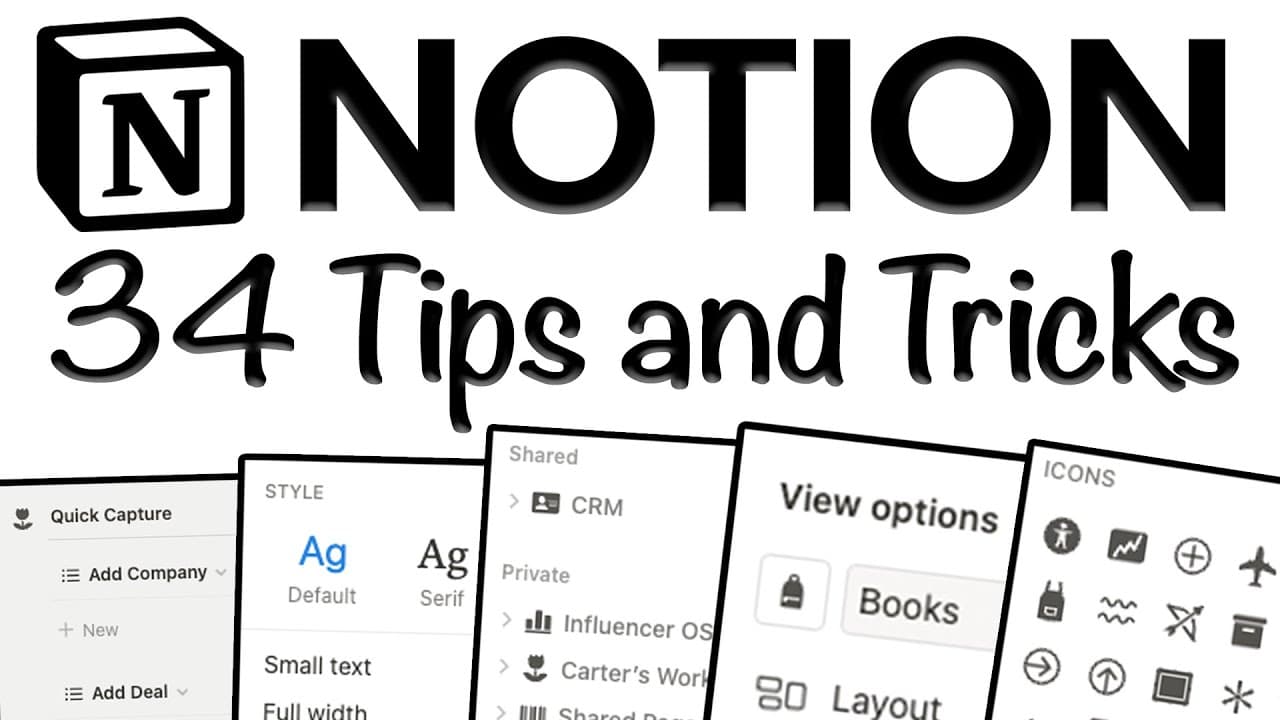
34 Unique Notion Tips and Tricks [2023 Notion Tutorial] ✨💻
TL;DR
This video provides 34 useful tips and tricks to enhance productivity in Notion, ranging from creating colorful dividers to utilizing subgroups and resizing rows.
Transcript
how's it going guys my name is Carter sarach host of the productive dude YouTube channel and in today's video I'm bringing you 34 fresh tips and tricks to help you get along better in notion the last video I created 49 marvelous notion tips got over a quarter million views and you guys are still watching it and loving it like crazy so that's why I ... Read More
Key Insights
- 👻 Notion allows users to customize their workspace with colorful dividers, aligned images, and custom icons.
- 💦 The mobile Carousel feature makes it easy to navigate and continue working on a specific page.
- ❓ The Notion Enhancer Chrome extension offers additional features and themes to enhance the Notion experience.
- 🆘 Creating recurring templates in Notion helps in task management.
- 🤨 Utilizing subpages, subgroups, and resizing rows provides a cleaner and more organized workspace.
- 👤 Notion certification is available for users interested in showcasing their proficiency in the platform.
- 👻 Using lock features in Notion allows for secure and controlled access to databases and pages.
- 🫥 The ability to hide vertical lines and create public links with automatic expiration adds flexibility and privacy options.
- 👻 Notion's compatibility with mobile devices, such as iPhones, allows for seamless productivity on the go.
Install to Summarize YouTube Videos and Get Transcripts
Explore YouTube Video Summarizer or Get YouTube Transcript Extractor
Questions & Answers
Q: How can I create colorful dividers in Notion?
To create colorful dividers, use the provided code and adjust the color, size, and shape according to your preferences.
Q: How can I quickly edit databases in Notion?
Double-click the border between properties in the database to resize them based on the longest name. You can also click and drag to add tags or other properties throughout the database.
Q: How can I create easy columns in Notion?
Use the slash command followed by "column" to create multiple columns in Notion. You can choose the number of columns you want, and they will be automatically generated.
Q: How can I align images in Notion?
Hover over the image, click "Align," and choose whether you want the image aligned to the left, right, or center of the page.
Key Insights:
- Notion allows users to customize their workspace with colorful dividers, aligned images, and custom icons.
- The mobile Carousel feature makes it easy to navigate and continue working on a specific page.
- The Notion Enhancer Chrome extension offers additional features and themes to enhance the Notion experience.
- Creating recurring templates in Notion helps in task management.
- Utilizing subpages, subgroups, and resizing rows provides a cleaner and more organized workspace.
- Notion certification is available for users interested in showcasing their proficiency in the platform.
- Using lock features in Notion allows for secure and controlled access to databases and pages.
- The ability to hide vertical lines and create public links with automatic expiration adds flexibility and privacy options.
- Notion's compatibility with mobile devices, such as iPhones, allows for seamless productivity on the go.
- Adding notion widgets to your iPhone home screen enables quick access to specific pages in Notion.
Summary & Key Takeaways
-
Tip #1: Use code to create colorful dividers in different sizes and shapes.
-
Tip #2: Double-click the border of a database to quickly resize it according to the longest name.
-
Tip #3: Use the slash command to easily create columns in Notion.
-
Tip #4: Align images to the left, right, or center to enhance visual appeal.
-
Tip #5: Change the default way pages open in Notion to side peak, center peak, or full page.
-
Tip #6: Explore the mobile Carousel feature in Notion for easy navigation.
-
Tip #7: Discover the Notion Enhancer Chrome extension to customize your workspace.
-
Tip #8: Add custom icons to pages, tables, and database views in Notion.
Read in Other Languages (beta)
Share This Summary 📚
Summarize YouTube Videos and Get Video Transcripts with 1-Click
Try YouTube Summary with ChatGPT & Claude or YouTube Transcript Generator
Explore More Summaries from Productive Dude 📚

![Notion App: Full Notion Tutorial for Beginners in 2022! [A-Z Guide] ✨💻 thumbnail](/_next/image?url=https%3A%2F%2Fi.ytimg.com%2Fvi%2FIrIAmq80VEE%2Fhqdefault.jpg&w=750&q=75)

![Airtable Tutorial: A-Z Guide [2025] thumbnail](/_next/image?url=https%3A%2F%2Fi.ytimg.com%2Fvi%2FcnvB7vsYo5I%2Fhqdefault.jpg&w=750&q=75)
Summarize YouTube Videos and Get Video Transcripts with 1-Click
Try YouTube Summary with ChatGPT & Claude or YouTube Transcript Generator