How to use Word for audio transcription (speech to text)
TL;DR
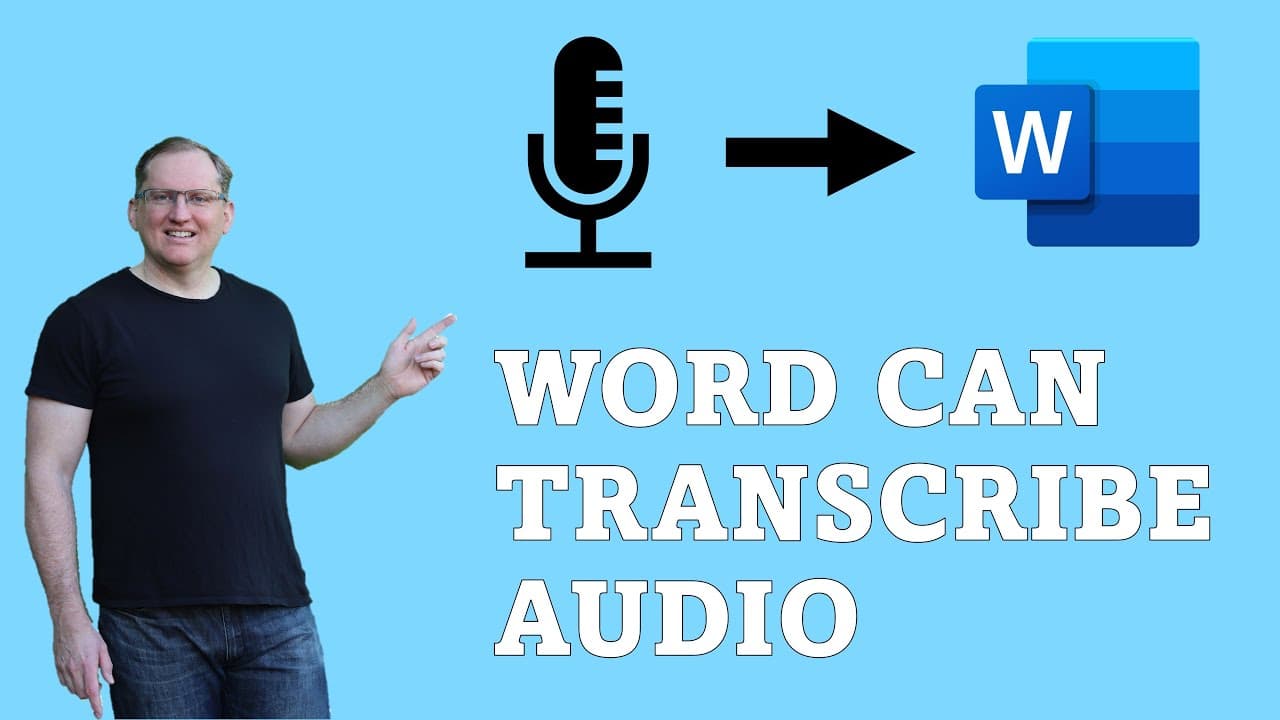
Word now offers an integrated transcription feature that simplifies converting audio files into text.
Transcript
hi friends welcome back to the channel did you know that word can do transcription it's a fairly recent feature and one I've only just discovered myself but if you need to be able to take some audio and get a transcript from it this is going to be really really helpful so here in word we come to the home ribbon the right hand in we have dictate and... Read More
Key Insights
- 💨 Word’s transcription feature provides a convenient way to convert audio to text without external software.
- 💄 The system can differentiate between speakers, making it valuable for various applications such as interviews and meetings.
- 👨🔬 The feature includes timestamps, enhancing the usability of transcripts for research or review purposes.
- 👤 Users are encouraged to review transcriptions for accuracy, especially with difficult audio conditions or less common names.
- 🏃 The transcription process runs smoothly alongside audio file uploading, saving time for users.
- 🏆 Despite its reliability, testing in different environments is recommended to understand its limitations fully.
- 🔨 The integration of transcription in Word signifies a shift towards more efficient digital tools for content generation.
Install to Summarize YouTube Videos and Get Transcripts
Explore YouTube Video Summarizer or Get YouTube Transcript Extractor
Questions & Answers
Q: How do you access the transcription feature in Word?
To access the transcription feature in Word, navigate to the home ribbon and find the dictate button on the right side. Click the small arrow next to it to reveal the transcribe option. From there, you can upload your audio file directly for transcription.
Q: What types of audio files can be transcribed in Word?
Word can transcribe various audio file formats, with WAV files being one common type mentioned in the demonstration. The key is ensuring that the audio is clear and the speakers are distinct to improve transcription accuracy.
Q: Can Word transcribe conversations with overlapping speech?
Currently, the transcription feature may struggle with overlapping speech, especially if speakers have similar voices. It is designed to handle distinct voices effectively, but overlapping dialogue can complicate its accuracy.
Q: Is the transcription feature cost-effective compared to other tools?
Yes, the built-in transcription feature in Word is a cost-effective solution for users requiring transcription services, particularly for smaller projects or those on tight budgets, eliminating the need to invest in third-party transcription software.
Summary & Key Takeaways
-
Word has introduced a transcription feature that allows users to upload audio files for automatic transcription, making it easier to generate text from spoken content.
-
The transcription process identifies different speakers and timestamps, which is particularly beneficial for interviews or discussions with multiple participants.
-
While helpful, users are encouraged to review the transcriptions for potential errors, especially with challenging accents or similar-sounding voices.
Read in Other Languages (beta)
Share This Summary 📚
Summarize YouTube Videos and Get Video Transcripts with 1-Click
Try YouTube Summary with ChatGPT & Claude or YouTube Transcript Generator
Explore More Summaries from Dr Lyndon Walker 📚




Summarize YouTube Videos and Get Video Transcripts with 1-Click
Try YouTube Summary with ChatGPT & Claude or YouTube Transcript Generator