How to Create Summary Tables for Likert Data in R
TL;DR
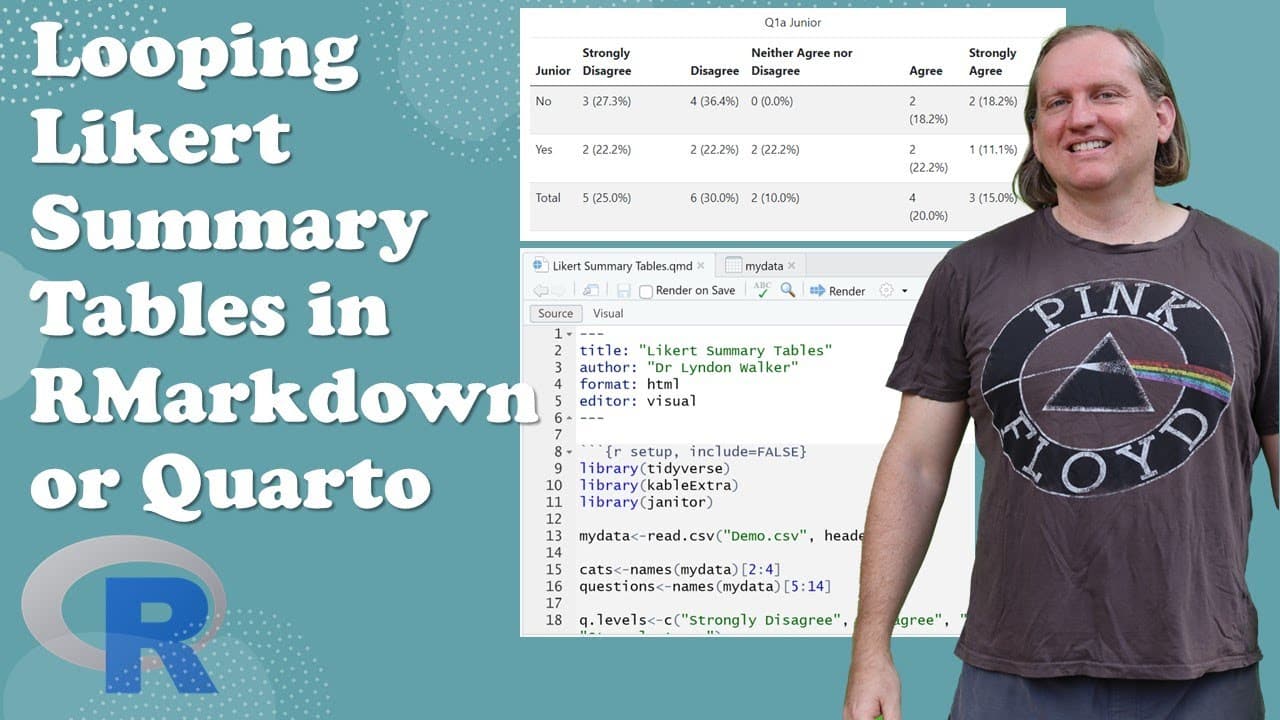
To create summary tables for Likert scale data in R, utilize loops with packages like tidyverse and janitor to automate the process. Start by structuring your data and setting category levels appropriately. The R code enables the generation of comprehensive cross-tabulation results based on various demographic factors and survey questions.
Transcript
hi everyone welcome back to the channel today we are going to look at some r code to help us with like it scale data so what we're going to be doing is using some loops to be able to step through some leica scale data and produce tables for each question across a series of different covariates so different categories that we want to divide our answ... Read More
Key Insights
- 🚰 Using loops in R can streamline the process of generating summary tables from Likert scale survey data.
- 💁 Correctly formatting and labeling data is essential for meaningful visual output, especially in HTML tables.
- 📦 The choice of packages like tidyverse and janitor significantly improves data handling and output presentation.
- ❓ Organizing data into categories facilitates clearer insights and comparisons in survey analysis.
- 😫 Setting proper levels and order for categorical variables ensures accurate representation in outputs.
- 👨💻 The R code can be easily adapted to different datasets by adjusting column references, making it versatile for various applications.
- 🚰 Adjusting table styles and captions in HTML output can enhance presentation and impact for readers.
Install to Summarize YouTube Videos and Get Transcripts
Explore YouTube Video Summarizer or Get YouTube Transcript Extractor
Questions & Answers
Q: What is the main purpose of the R code presented in the video?
The main purpose of the R code is to help users analyze Likert scale data by creating summary tables that display responses across various categories such as gender, department, and junior status. This enables researchers to identify patterns and insights based on different demographic factors in their data.
Q: Can the code be used in both R Markdown and Quarto?
Absolutely! The code presented in the video can be utilized in both R Markdown and Quarto formats. The presenter mentions that while a Quarto file is used in the demonstration, the code will function identically if copied into an R Markdown document, providing flexibility to users based on their preferred environment.
Q: What packages are recommended for organizing table outputs in the R code?
The recommended packages mentioned in the video include tidyverse for general data manipulation, janitor for cleaning data, and cable extra for formatting tables. These packages help enhance the presentation of summary tables and make it easier for users to interpret their results visually through well-structured HTML outputs.
Q: How does the R code handle categorical data?
The R code processes categorical data using a for loop that iterates through both the Likert scale questions and the specified categories such as gender or department. Each iteration calculates and generates tables that summarize responses, allowing for comparisons across demographics. The data is formatted to display both counts and percentages, enhancing analysis.
Summary & Key Takeaways
-
The video provides a tutorial on using R code to analyze Likert scale data, specifically focusing on creating summary tables for different categories and covariates.
-
The presenter explains how to structure the code using packages like tidyverse, janitor, and cable extra, clarifying the format required for the results to be readable and visually appealing.
-
By demonstrating the process step-by-step in RStudio, viewers learn how to utilize loops in their code to automate the generation of cross-tabulation results for various questions and demographics.
Read in Other Languages (beta)
Share This Summary 📚
Summarize YouTube Videos and Get Video Transcripts with 1-Click
Try YouTube Summary with ChatGPT & Claude or YouTube Transcript Generator
Explore More Summaries from Dr Lyndon Walker 📚






Summarize YouTube Videos and Get Video Transcripts with 1-Click
Try YouTube Summary with ChatGPT & Claude or YouTube Transcript Generator