How Did ZX Spectrum Tape Loading Work? Press Play on Tape (Bandersnatch) - Computerphile
TL;DR
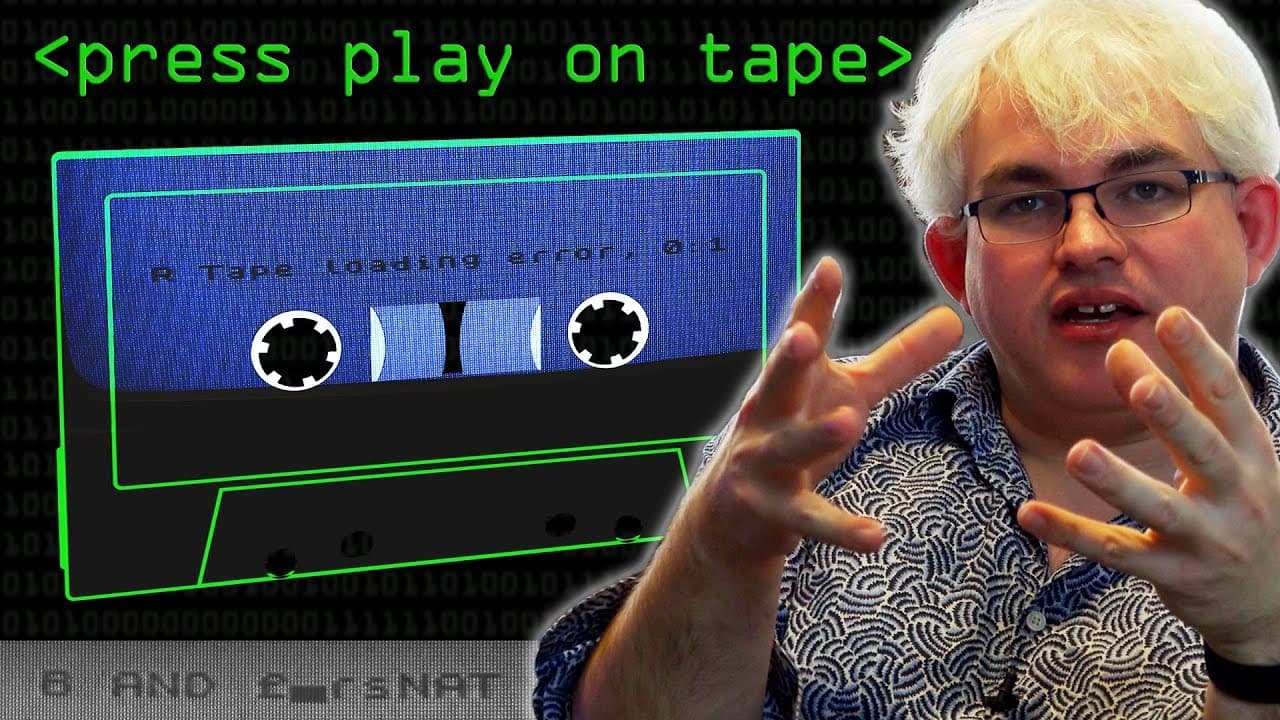
ZX Spectrum programs were loaded by converting binary data into audio tones stored on cassette tapes, then decoding those tones back into data. Users typed LOAD "", pressed Return, and started the tape; a game typically took about three or four minutes to load. Bandersnatch recreated the machine’s recognizable loading sound, and the demonstration reveals why volume settings, tape reliability, and loading errors made the process so memorable.
Transcript
so i'm building up a cable to load a program into my zx spectrum at the moment i've got a stereo jack to jack i stole off dave's desk sorry dave um and i'm just about to modify it to be mono one of these will carry ground and we need to work out which one it is there we go so let's try loading this in now nothing coming out there at all now nope le... Read More
Key Insights
- 🥺 The ZX Spectrum computer used cassette tapes as a storage medium for loading programs, leading to a nostalgic experience for those who grew up in the 1980s.
- 🔇 Loading programs from cassette tapes required precise volume levels and stable recordings to avoid errors.
- 📼 Hardware modifications like dedicated data sets on certain machines improved the reliability of loading programs from cassette tapes.
- 💨 Software solutions like fast loaders aimed to speed up the loading process, but were more vulnerable to errors due to variations in volume and other factors.
- 🥌 The loading process involved encoding binary data into audio tones and decoding them back into data for execution.
- 💁 Specific header blocks indicated the type of file being loaded and contained information about the program's size and memory location.
- ❓ Various graphical representations were used during the loading process to visualize the data being loaded.
Install to Summarize YouTube Videos and Get Transcripts
Explore YouTube Video Summarizer or Get YouTube Transcript Extractor
Questions & Answers
Q: How did people load programs into the ZX Spectrum from cassette tapes?
Users connected a standard tape recorder, typed LOAD "", pressed Return, and started the cassette. The ZX Spectrum read the recorded audio signal and converted it back into the data needed to load the program.
Q: What does the Bandersnatch tape contain for the ZX Spectrum?
A particular set of endings in Black Mirror: Bandersnatch lets viewers hear a tape containing the recognizable ZX Spectrum loading sound. When the presenters successfully loaded it, the Spectrum displayed a QR code leading to the fictional computer games company and games associated with the interactive movie.
Q: Why did the Bandersnatch program initially fail to load?
The presenters spent about two hours trying to load it because the volume from the Apple laptop was not loud enough for the ZX Spectrum to lock onto the signal. After amplifying the sound and then adjusting it when it became too loud, they successfully loaded the program.
Q: How long did a ZX Spectrum game take to load from tape?
A game typically took about three or four minutes to load, according to the demonstration. If the process ended with a tape loading error, the user had to rewind the cassette, adjust the volume, and start again.
Q: What did the striped lines on the ZX Spectrum loading screen mean?
The striped lines visualized the data arriving from the cassette tape. They represented the program’s bits while the computer read them from the stored audio signal.
Q: How was ZX Spectrum program data represented as sound?
The computer switched its output between plus five volts and zero volts, creating patterns and an effective square wave. Those patterns produced audio tones that could be recorded on tape and later interpreted as program data.
Q: Why was cassette loading more reliable on some computers?
Some machines, including the Commodore 64 and certain Amstrad models, used dedicated cassette equipment rather than an ordinary domestic tape recorder. The ZX Spectrum +2 also had a built-in recorder, and the demonstration used one because loading from an actual tape was more reliable than their earlier setup.
Q: What program was loaded during the ZX Spectrum tape demonstration?
The demonstration loaded a game resembling crazy golf on the more advanced 128K ZX Spectrum model. Its controls included A to start, W and Q to change the angle, R and P to rotate the club, and Enter to play the shot.
Summary & Key Takeaways
-
The content explores the process of loading programs into the ZX Spectrum computer using cassette tapes, focusing on the difficulties and nostalgia associated with it.
-
It mentions the special interactive movie "Bandersnatch" by Netflix, set in the 1980s, which featured the recognizable loading sound of the ZX Spectrum.
-
The video demonstrates the process of loading a program into the ZX Spectrum using an Apple laptop as a tape recorder and discusses the challenges faced and solutions employed.
Read in Other Languages (beta)
Share This Summary 📚
Summarize YouTube Videos and Get Video Transcripts with 1-Click
Try YouTube Summary with ChatGPT & Claude or YouTube Transcript Generator
Explore More Summaries from Computerphile 📚


Summarize YouTube Videos and Get Video Transcripts with 1-Click
Try YouTube Summary with ChatGPT & Claude or YouTube Transcript Generator