Intel Edison Video Output External Display using Display Link
TL;DR
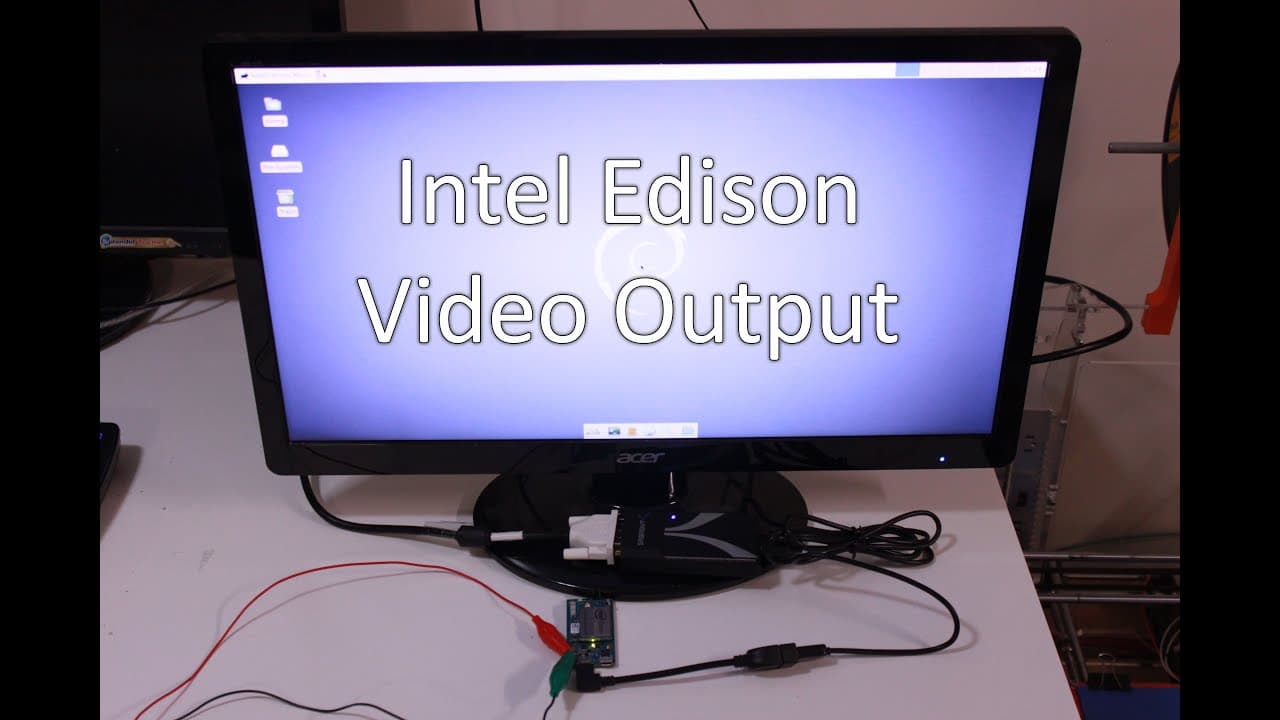
The video demonstrates how to connect an external display to Intel Edison using USB Display Link.
Transcript
what's going on YouTube it's down here from Nova spirit and today we are gonna be adding an external display to our Intel Edison using one of these little display link guys so let's get started alright so these are the things that we need to get this thing going let's start off I had a 12 volt power supply connected to those pins the one closer to ... Read More
Key Insights
- 🈸 An Intel Edison can support external displays, expanding its usability for various applications.
- 😫 Setting up an external display requires a specific combination of hardware and software components to function properly.
- 👤 Users have the option to compile their kernel, which is a valuable skill for enhancing project capabilities.
- 📽️ The project highlights the versatility of Intel Edison in embedded systems, particularly for custom display setups.
- ❓ Display Link technology can be leveraged to connect multiple monitors, enhancing productivity on various devices.
- 🧑💻 The video showcases a practical example of integrating electronics, making it suitable for hobbyists and tech enthusiasts.
- 🫵 Viewers are motivated to engage with the content, highlighting the community aspect of DIY tech projects.
Install to Summarize YouTube Videos and Get Transcripts
Explore YouTube Video Summarizer or Get YouTube Transcript Extractor
Questions & Answers
Q: What components are necessary to set up an external display with Intel Edison?
To set up an external display with Intel Edison, you'll need a 12-volt power supply, a USB on-the-go cable, a powered USB hub, and an HDMI plug converter. These components enable proper power management and connectivity for the display link device.
Q: Why is kernel compilation important for this setup?
Kernel compilation is crucial because the standard kernel may not natively support the Display Link USB drivers required for the external display. Compiling the kernel ensures that the necessary drivers are included, enabling the Intel Edison to recognize and interact with the display correctly.
Q: How can viewers obtain the kernel file required for the setup?
Viewers can download the required kernel file, named "Edison kernel udl KVM that tar.gz," from a provided link in the video description. They can also use tools like 'wget' on a Linux system to download the file directly to their Intel Edison.
Q: What performance can one expect from the external display once set up?
Users can expect decent performance from the external display once configured. Although the refresh rate may be slightly slow, the display is capable of rendering images effectively, and users can even play videos, showcasing its usability in various applications.
Q: How does the video suggest one can contribute ideas for future content?
The video encourages viewers to leave comments regarding their interest in learning how to compile the kernel. This feedback allows the creator to tailor future content to meet the audience's needs effectively.
Summary & Key Takeaways
-
The video provides a step-by-step guide on integrating an external display with an Intel Edison, including necessary components like power supplies and USB hubs.
-
It discusses the importance of compiling the kernel to support the USB Display Link driver, providing a downloadable link for the required files.
-
The completion of the setup is showcased with successful booting and functionality of the display, emphasizing its potential use in various projects.
Read in Other Languages (beta)
Share This Summary 📚
Summarize YouTube Videos and Get Video Transcripts with 1-Click
Try YouTube Summary with ChatGPT & Claude or YouTube Transcript Generator
Explore More Summaries from Novaspirit Tech 📚






Summarize YouTube Videos and Get Video Transcripts with 1-Click
Try YouTube Summary with ChatGPT & Claude or YouTube Transcript Generator