How to Install R Packages from CRAN and GitHub
TL;DR
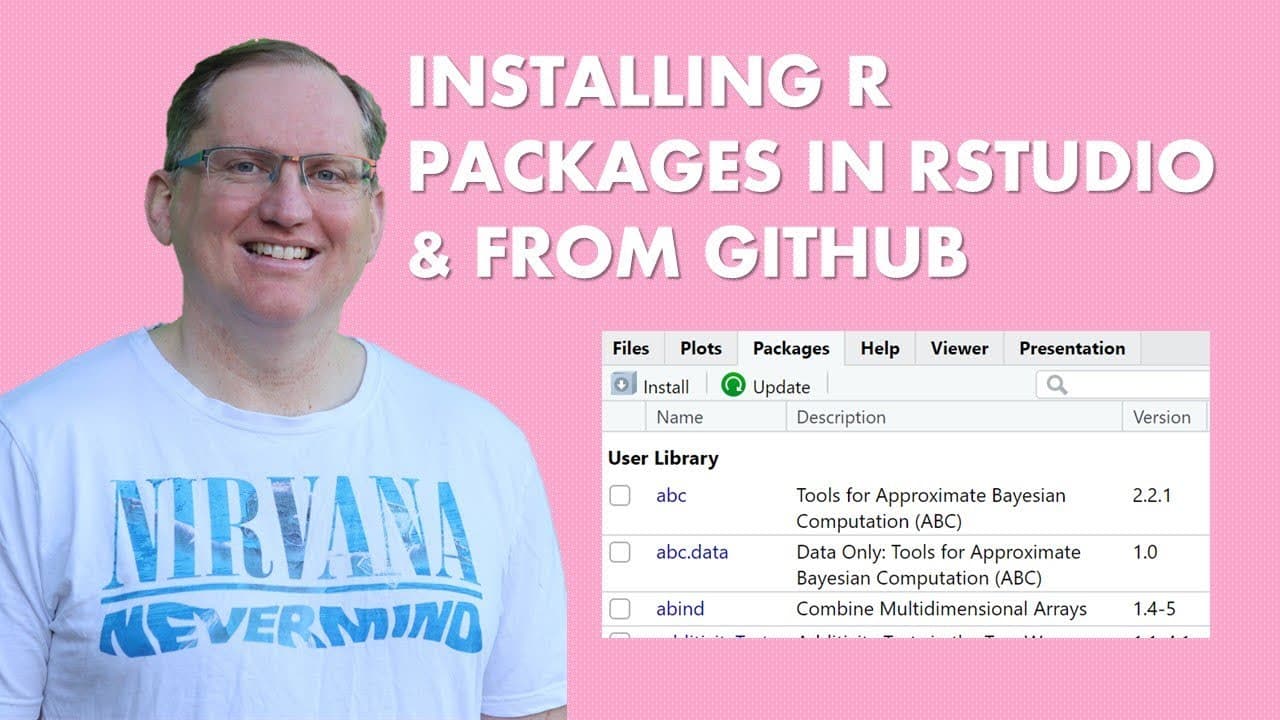
To install R packages from CRAN, use the RStudio packages tab, check 'install dependencies', and select the desired package. For GitHub packages, first install the devtools package, then use the 'install_github' function with the correct capitalization of the GitHub repository name. Regularly check for updates to keep your R environment current.
Transcript
hi friends welcome back to the channel in this video I'm going to show you how to install packages into R both from cran but also from GitHub so here in rstudio we come to the packages tab we hit install and then we just start typing the name of the package that we are interested in as we do we'll see a list come up so we'll just pick one somewhat ... Read More
Key Insights
- 📦 Installing packages in R can be efficiently done through RStudio by navigating to the packages tab and selecting desired packages for installation.
- 👤 Users should always ensure the “install dependencies” option is checked when installing from CRAN to avoid missing required packages.
- 📦 Packages not available on CRAN can be installed from GitHub using the devtools package, which provides the necessary functions for installation.
- 🦖 The importance of capitalization when specifying package names in R is crucial for successful installations.
- 👤 RStudio simplifies the process of tracking files and creating plots alongside package management, enhancing overall productivity for users.
- 💝 After installation, regularly updating packages keeps the R environment running smoothly with the latest features and bug fixes.
- 📦 Familiarizing oneself with functions offered by the devtools package facilitates the installation process for packages hosted on GitHub.
Install to Summarize YouTube Videos and Get Transcripts
Explore YouTube Video Summarizer or Get YouTube Transcript Extractor
Questions & Answers
Q: Why is RStudio recommended over the base R interface for package installation?
RStudio is recommended because it offers a more user-friendly interface for managing packages, plots, and files. It simplifies the process of installing packages, handling dependencies, and tracking files compared to using R alone, making it more efficient for users.
Q: What steps should you take if a desired package is not available on CRAN?
If a package is not on CRAN, you need to install the 'devtools' package first. After installing devtools, you can use the 'install_github' function to install packages directly from GitHub, specifying the repository and package name accurately for proper installation.
Q: How can one ensure all dependencies are installed when adding a new package from CRAN?
When installing a new package from CRAN in RStudio, there is an option to check “install dependencies.” By selecting this, RStudio will automatically install all necessary supporting packages alongside the main package, ensuring proper functionality.
Q: What should you do after installing packages to maintain up-to-date versions?
Once packages are installed, it's good practice to periodically check for updates. In RStudio, you can click on the update button, which will display a list of installed packages versus their available updates, allowing you to update only the necessary ones or all at once.
Summary & Key Takeaways
-
The video provides a tutorial on installing R packages from both CRAN and GitHub, emphasizing the use of RStudio for ease of use.
-
It walks through the installation process of packages in RStudio, including checking dependencies and handling package updates.
-
The tutorial also highlights the necessity of using the devtools package to install GitHub packages and demonstrates the correct syntax for running the installation.
Read in Other Languages (beta)
Share This Summary 📚
Summarize YouTube Videos and Get Video Transcripts with 1-Click
Try YouTube Summary with ChatGPT & Claude or YouTube Transcript Generator
Explore More Summaries from Dr Lyndon Walker 📚






Summarize YouTube Videos and Get Video Transcripts with 1-Click
Try YouTube Summary with ChatGPT & Claude or YouTube Transcript Generator