How to Improve Your Proofreading with Reading Aloud
TL;DR
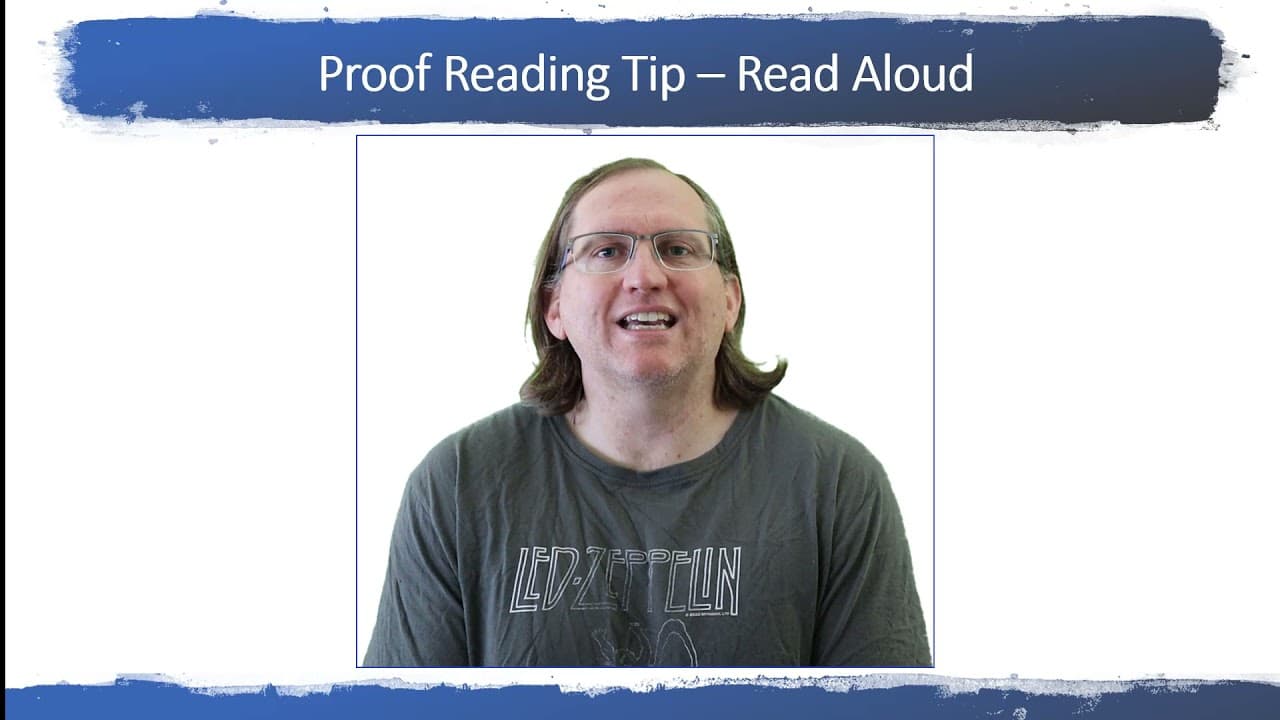
Reading aloud while proofreading significantly enhances error detection, helping you catch grammatical mistakes and awkward phrases. Additionally, Microsoft Word's 'Read Aloud' feature allows for a hands-free option that can also identify issues. Combining both methods will lead to a more thorough proofreading process.
Transcript
hi everyone welcome back to the channel today i wanted to share with you a really simple proof reading tip but one that i found is really effective so when you're proofreading your work what i would encourage you to do is instead of just looking at the page and reading in your head to actually read aloud this might seem like a simple and fairly unu... Read More
Key Insights
- 🫠 Reading aloud is a highly effective strategy for proofreading that can lead to better error detection.
- 🙊 Engaging different senses while proofreading, through speaking or listening, can enhance attention to detail.
- 🫠 Microsoft Word's read aloud tool provides an alternative for those unable to read aloud themselves, ensuring grammar and phrasing issues are noticed.
- 🔨 Combining traditional reading aloud with digital tools can yield the most comprehensive proofreading results.
- ❓ The cognitive load of mental proofreading may reduce retention of details, where audible reading can improve analysis.
- 🫠 It is critical to assess the naturalness of the voice in read-aloud features, as this impacts error detection effectiveness.
- 🤭 Proofreading in a quiet environment can diminish distractions and improve focus, leading to more effective evaluations of writing.
Install to Summarize YouTube Videos and Get Transcripts
Explore YouTube Video Summarizer or Get YouTube Transcript Extractor
Questions & Answers
Q: Why is reading aloud recommended for proofreading?
Reading aloud forces you to engage with the text actively, which helps in catching errors that you might miss when reading silently. This method utilizes auditory processing to identify grammatical mistakes, awkward phrasing, or overly complex sentences that could disrupt the flow of your writing. It also allows for a better evaluation of the overall tone and clarity of the piece.
Q: How can Microsoft Word assist in proofreading?
Microsoft Word provides a "Read Aloud" feature that reads the text back to you with a synthetic voice. This option can be particularly useful when you're tired or need to ensure your writing is coherent under tight deadlines. While the voice may not be natural, listening to the text can reveal issues that one might overlook during silent reading or manual proofreading.
Q: What are the drawbacks of using Word's read aloud feature?
While Microsoft Word's read aloud feature is convenient, it may not always pronounce technical terms accurately, and its synthetic voice can lack the natural inflection of human speech. This can sometimes lead to misunderstandings of the text's intended meaning. Moreover, it requires passively listening, which may not engage your cognitive faculties as deeply as actively reading aloud.
Q: Is there a specific environment recommended for proofreading?
It is advised to find a quiet place to proofread aloud. A distraction-free environment enhances concentration and allows you to focus solely on the text, making it easier to catch errors and evaluate the quality of your writing without interruptions. This can significantly contribute to the thoroughness of your proofreading process.
Summary & Key Takeaways
-
Reading aloud during proofreading is a simple yet highly effective method for identifying errors and awkward phrases in writing, which often go unnoticed during silent reading.
-
Microsoft Word offers a "Read Aloud" feature that allows users to listen to their text being read, providing an alternative way to catch grammatical mistakes and improve clarity without the cognitive load of reading.
-
Using a combination of both reading aloud oneself and employing Word's read aloud feature can optimize the proofreading process and ensure more thorough error detection.
Read in Other Languages (beta)
Share This Summary 📚
Summarize YouTube Videos and Get Video Transcripts with 1-Click
Try YouTube Summary with ChatGPT & Claude or YouTube Transcript Generator
Explore More Summaries from Dr Lyndon Walker 📚




Summarize YouTube Videos and Get Video Transcripts with 1-Click
Try YouTube Summary with ChatGPT & Claude or YouTube Transcript Generator