How to Build a Budget DIY Steam Deck Alternative
TL;DR
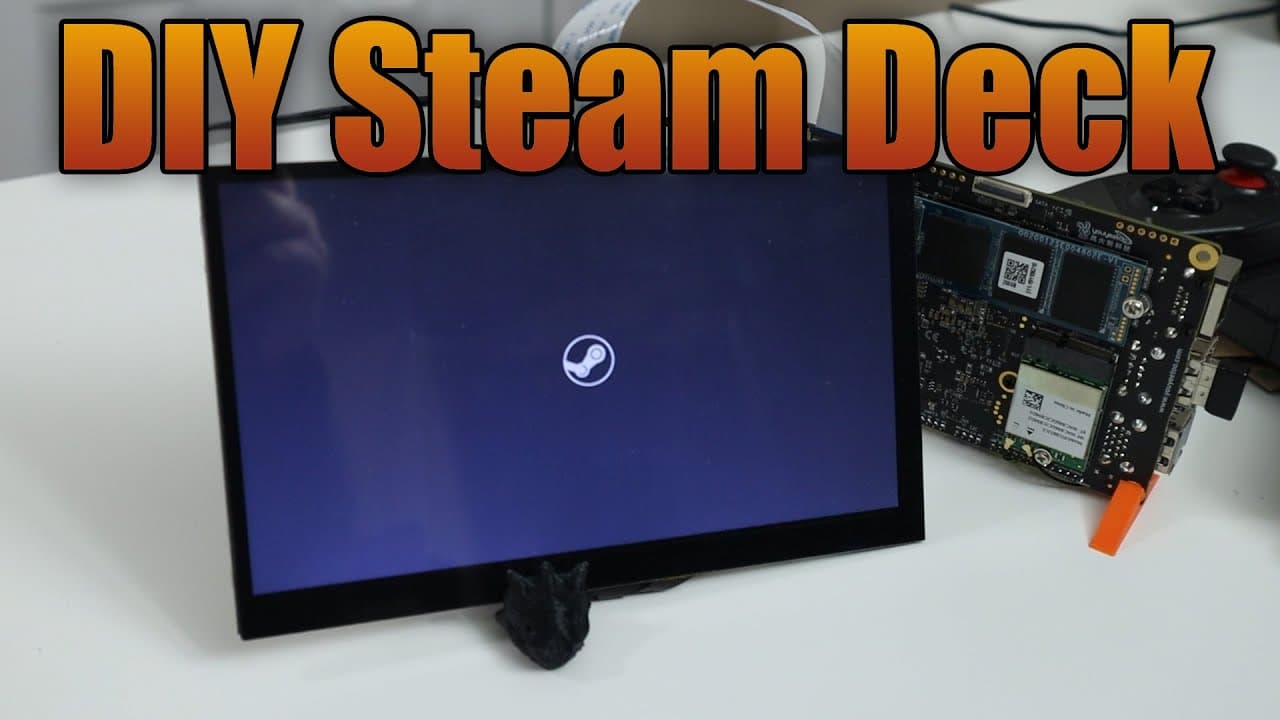
To create a budget DIY Steam Deck, use the U2 X1 board with an Intel N5105 processor and install Cima OS for optimal gaming support. This setup enables smooth gameplay for titles like Gunfire Reborn and Dead Cells, demonstrating satisfactory performance even at lower resolutions. The project encourages customization, including plans for a 3D printed case and enhancements for better user experience.
Transcript
hey guys what's going on it's Don here from Nova Spirit Tech and welcome back to the channel and today we're going to be building ourselves a little DIY steam deck so let's get started now the board we're going to be using for this project is called the U2 X1 which is a board I reviewed a couple of weeks ago which I'll leave a link right over here ... Read More
Key Insights
- 🏂 Using the U2 X1 board, DIY enthusiasts can create a budget-friendly, handheld gaming device inspired by the Steam Deck.
- 🆘 Cima OS provides a promising alternative to more conventional operating systems for gaming setups, especially for emulation.
- 👤 The touch screen used for the project enhances user interaction, making navigation and gameplay more user-friendly.
- 🎮 The video showcases the potential of older and indie games in operating on lower-spec hardware, opening doors for broader gaming accessibility.
- 🍵 Performance benchmarks indicate that this DIY device can handle gaming at satisfactory levels with optimized settings, even with simpler resolution displays.
- 🫵 Active community engagement is encouraged, as Don invites viewers to share their ideas or improvements for the build.
- 🧑💻 Customization and personal flair can elevate DIY tech projects, with plans for unique features like a 3D printed case for aesthetic and functional benefits.
Install to Summarize YouTube Videos and Get Transcripts
Explore YouTube Video Summarizer or Get YouTube Transcript Extractor
Questions & Answers
Q: What are the specifications of the U2 X1 board used in the DIY project?
The U2 X1 board features an Intel N5105 processor, 8GB of RAM, and integrated Intel graphics with 24 execution units. While these specs may not match those of a traditional Steam Deck, they are capable of running certain games effectively, particularly older titles or those designed for lower processing requirements.
Q: Why did Don opt for Cima OS instead of Windows for this project?
Don chose Cima OS over Windows primarily due to Windows' lack of support for FidelityFX Super Resolution (FSR), which is crucial for optimizing game performance. Cima OS was appealing as it promises features similar to Steam OS, including good emulation support, making it more suitable for the project's goals.
Q: How well do the games perform on the DIY Steam Deck setup?
The games demonstrated, such as Gunfire Reborn and Dead Cells, performed impressively, achieving frame rates between 40 to 82 frames per second. The lower resolution of the display (1240 x 600) allows for smoother gameplay, enhancing the overall gaming experience on this DIY setup.
Q: What is the plan for future enhancements to the DIY Steam Deck?
Future enhancements include creating a custom 3D-printed case, exploring portable speaker solutions, and acquiring a new Bluetooth controller that could provide better functionality and hotkey options. These additions aim to improve the usability and finish of the DIY Steam Deck project.
Summary & Key Takeaways
-
Don introduces a DIY project to create a Steam Deck-like device using the U2 X1 board, featuring an Intel N5105 processor, 8GB of RAM, and a touchscreen display.
-
The video discusses setting up the operating system options, focusing on the Cima OS for its gaming support, including Steam OS compatibility and various emulation features.
-
Game performances, such as Gunfire Reborn and Dead Cells, are showcased, highlighting smooth frame rates and responsiveness despite the lower resolution of the display setup.
Read in Other Languages (beta)
Share This Summary 📚
Summarize YouTube Videos and Get Video Transcripts with 1-Click
Try YouTube Summary with ChatGPT & Claude or YouTube Transcript Generator
Explore More Summaries from Novaspirit Tech 📚






Summarize YouTube Videos and Get Video Transcripts with 1-Click
Try YouTube Summary with ChatGPT & Claude or YouTube Transcript Generator