Midjourney V4 - Combine Images: INSANE Results! 🔥
TL;DR
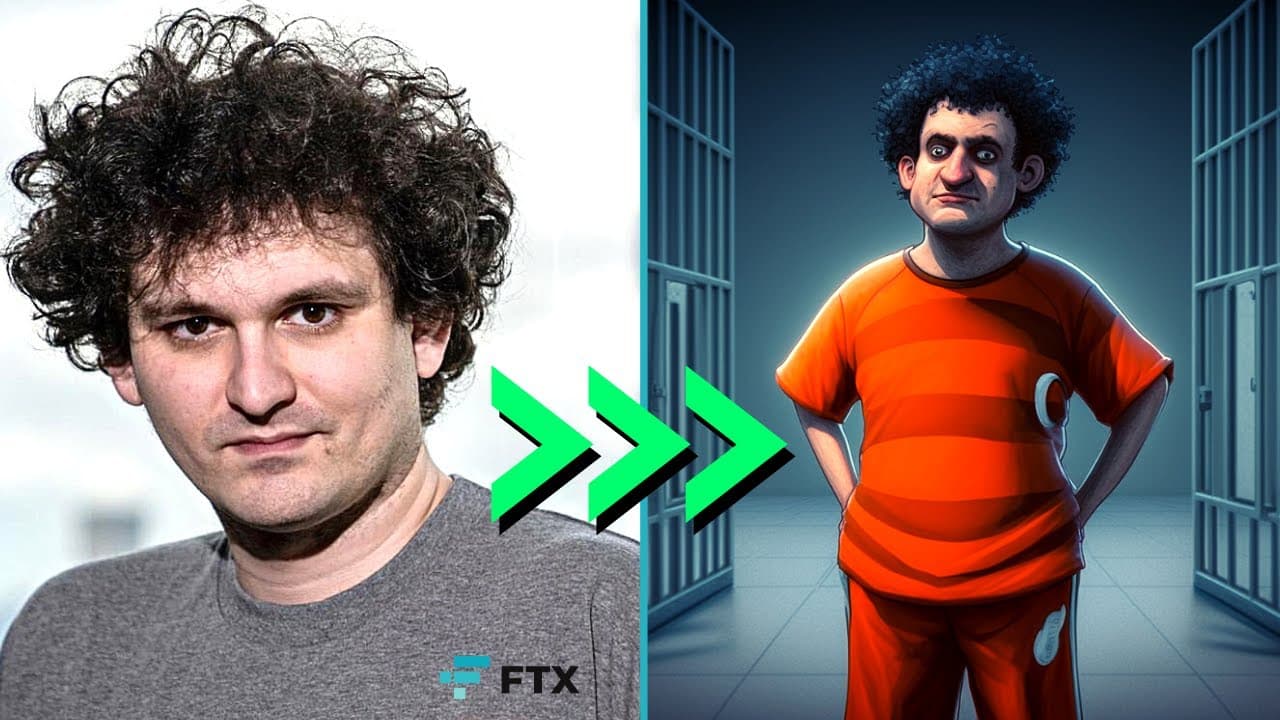
Learn how to combine two or more images using Mid-Journey V4 to create stunning outcomes.
Transcript
today we are looking at how you can combine two or more images in mid-journey V4 can we create something awesome let's find out okay so when we're gonna combine two or more images the first thing we need to do is just go to our mid Journey bot click on the plus sign upload a file choose the first image just hit enter click upload a file again just ... Read More
Key Insights
- 👻 Mid-Journey V4 allows users to combine multiple images to create visually appealing outputs.
- 🪜 Adding a prompt description can add a specific theme or style to the image combination.
- 🥺 Experimenting with different prompts can lead to amusing or interesting results.
- ❓ Combining images with a prompt enhances creativity and generates unique outcomes.
- 👤 The process is user-friendly and does not require advanced technical skills.
- ❓ It is possible to combine more than two images to create complex compositions.
- ❓ Adjustments and modifications can be made to the combined images after the initial process.
Install to Summarize YouTube Videos and Get Transcripts
Explore YouTube Video Summarizer or Get YouTube Transcript Extractor
Questions & Answers
Q: How do I combine two or more images using Mid-Journey V4?
Start by uploading the images to the Mid-Journey bot. Then, create a prompt with the "/imagine" command, pasting the image URLs. Add a prompt description to enhance the combination.
Q: What happens if I don't include a prompt description?
If no prompt description is added, the images will be combined without any specific theme or style. The result will be a straightforward combination of the images.
Q: Can I combine more than two images?
Yes, you can combine multiple images by uploading them sequentially and creating a prompt with the respective image URLs. Experiment with different combinations to achieve unique results.
Q: Is it possible to adjust the combined images after the process?
Yes, the results can be adjusted or modified based on personal preference. The combined images can be further edited or enhanced using image editing software or tools.
Summary & Key Takeaways
-
To combine images, access the Mid-Journey bot and upload the first image, followed by the second image.
-
Create a prompt by using the "/imagine" command and pasting the URLs of the images. Add a prompt description if desired.
-
Experiment with different prompts to create unique combinations of images.
Read in Other Languages (beta)
Share This Summary 📚
Summarize YouTube Videos and Get Video Transcripts with 1-Click
Try YouTube Summary with ChatGPT & Claude or YouTube Transcript Generator
Explore More Summaries from All About AI 📚
Summarize YouTube Videos and Get Video Transcripts with 1-Click
Try YouTube Summary with ChatGPT & Claude or YouTube Transcript Generator