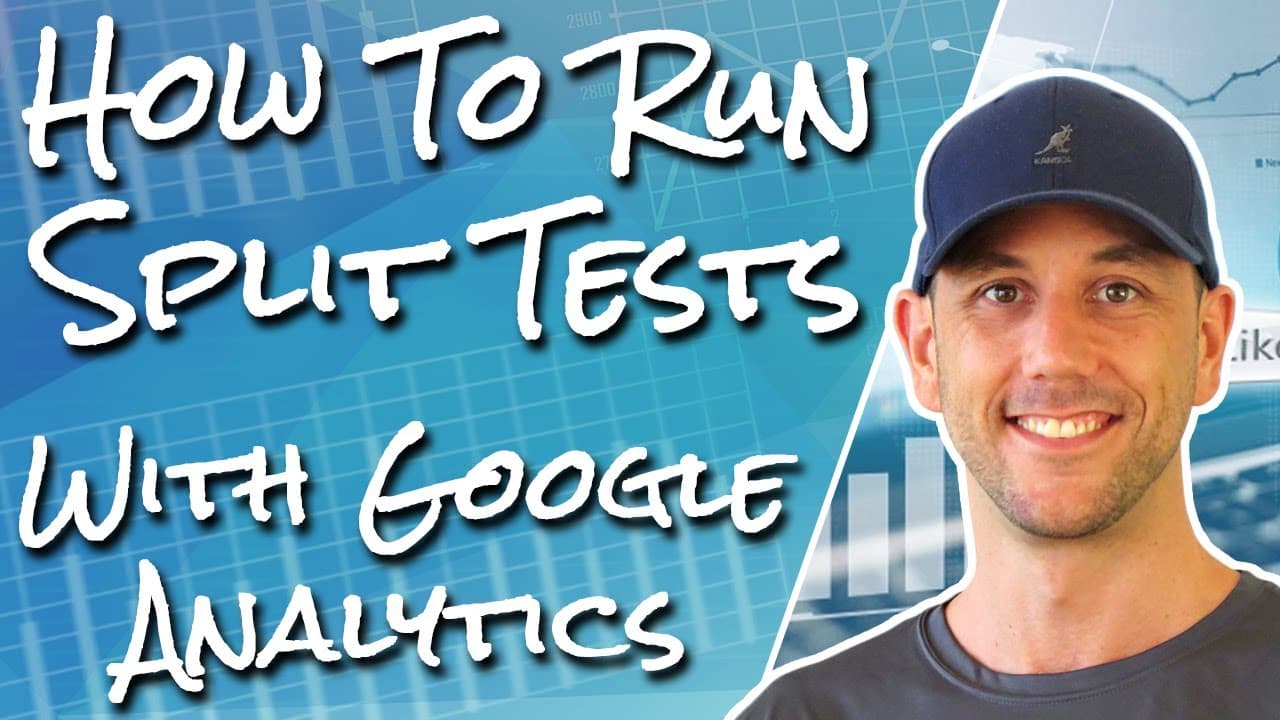
How To Run A Split Test On Thrive Themes With Google Analytics Experiments - DIY Sales Funnel #8
TL;DR
Learn to set up split tests on Thrive Themes using Google Analytics.
Transcript
hey miles here miles Becker calm and in this video I'm going to show you how to set up a split test on your WordPress based sales funnel so if you're doing the DIY sales funnel saying I totally commend you and this video is going to show you how to use analytics Google's analytics platform to run and manage your split tests now in this example I'm ... Read More
Key Insights
- Split testing is essential for improving website conversion rates by allowing data-driven decisions based on user behavior.
- Google Analytics Experiments can be used to run split tests on WordPress websites, specifically with Thrive Themes.
- The process involves setting up tracking codes and creating conversion goals to measure the success of different page variations.
- Split tests should focus on one change at a time, such as headlines, to determine which element affects conversion rates.
- The video provides a step-by-step guide on how to clone pages, add tracking codes, and set up experiments in Google Analytics.
- The importance of statistical significance is emphasized, requiring enough data to make informed decisions about page performance.
- The ultimate goal is to increase conversion rates by testing different elements of a sales funnel, starting with opt-in pages.
- Using free tools like Google Analytics is a cost-effective alternative to expensive platforms like Clickfunnels for running split tests.
Install to Summarize YouTube Videos and Get Transcripts
Explore YouTube Video Summarizer or Get YouTube Transcript Extractor
Questions & Answers
Q: What is the purpose of split testing in marketing?
Split testing, or A/B testing, is used in marketing to compare two versions of a webpage or element to determine which performs better in terms of conversion rates. It allows marketers to make data-driven decisions by analyzing user behavior, ultimately improving the effectiveness of their sales funnels and increasing conversions.
Q: How can Google Analytics Experiments be used with Thrive Themes?
Google Analytics Experiments can be integrated with Thrive Themes by setting up tracking codes and creating conversion goals within Google Analytics. This allows marketers to run split tests on different page variations, measuring their performance based on user interactions and conversions. The tutorial provides a step-by-step guide on implementing these tests effectively.
Q: What is the importance of statistical significance in split testing?
Statistical significance in split testing ensures that the results are reliable and not due to random chance. It requires a sufficient amount of data to confidently determine whether a particular change, such as a headline modification, has a genuine impact on conversion rates. Without statistical significance, decisions based on test results may be inaccurate or misleading.
Q: Why is it recommended to test one element at a time in split testing?
Testing one element at a time in split testing is crucial to accurately identify which specific change influences the conversion rate. If multiple elements are altered simultaneously, it becomes impossible to determine which change was responsible for any observed improvement or decline, leading to inconclusive results and ineffective optimization strategies.
Q: What are the steps to set up a split test using Google Analytics?
To set up a split test using Google Analytics, first, install tracking codes on your website and create conversion goals. Then, duplicate the page you wish to test, making a single change to one element. Set up an experiment in Google Analytics, defining the original and variant pages, and monitor the results to determine which variation performs better.
Q: How does split testing contribute to conversion rate optimization?
Split testing contributes to conversion rate optimization by systematically testing different elements of a webpage to identify what resonates best with users. By analyzing data from these tests, marketers can make informed decisions to refine their sales funnels, ultimately enhancing user experience and increasing the likelihood of conversions.
Q: What are the benefits of using Google Analytics for split testing?
Using Google Analytics for split testing offers several benefits, including its cost-effectiveness as a free tool and its robust data analysis capabilities. It allows marketers to track user interactions, set up conversion goals, and run experiments without the need for expensive platforms like Clickfunnels, making it accessible for businesses of all sizes.
Q: Why is it important to start split testing with the opt-in page?
Starting split testing with the opt-in page is important because it typically receives more traffic than other pages in a sales funnel, allowing for quicker data collection and analysis. Optimizing the opt-in page can significantly impact the overall conversion rate, as it is often the first point of engagement with potential customers, setting the stage for subsequent interactions.
Summary & Key Takeaways
-
The video tutorial explains how to set up split tests using Google Analytics Experiments on WordPress sites with Thrive Themes. It covers the importance of split testing for conversion rate optimization and provides a detailed walkthrough of the process, including setting up tracking codes and conversion goals.
-
The host demonstrates how to clone pages, add necessary tracking codes, and configure experiments in Google Analytics. The focus is on testing one element at a time, such as headlines, to determine their impact on conversion rates, emphasizing the need for statistically significant data.
-
The tutorial concludes by highlighting the benefits of using free tools like Google Analytics for split testing, offering a cost-effective alternative to platforms like Clickfunnels. The presenter encourages viewers to rely on data-driven decisions to enhance their sales funnel's performance.
Read in Other Languages (beta)
Share This Summary 📚
Summarize YouTube Videos and Get Video Transcripts with 1-Click
Try YouTube Summary with ChatGPT & Claude or YouTube Transcript Generator
Explore More Summaries from Miles Beckler 📚






Summarize YouTube Videos and Get Video Transcripts with 1-Click
Try YouTube Summary with ChatGPT & Claude or YouTube Transcript Generator