Moving your website to a different host
TL;DR
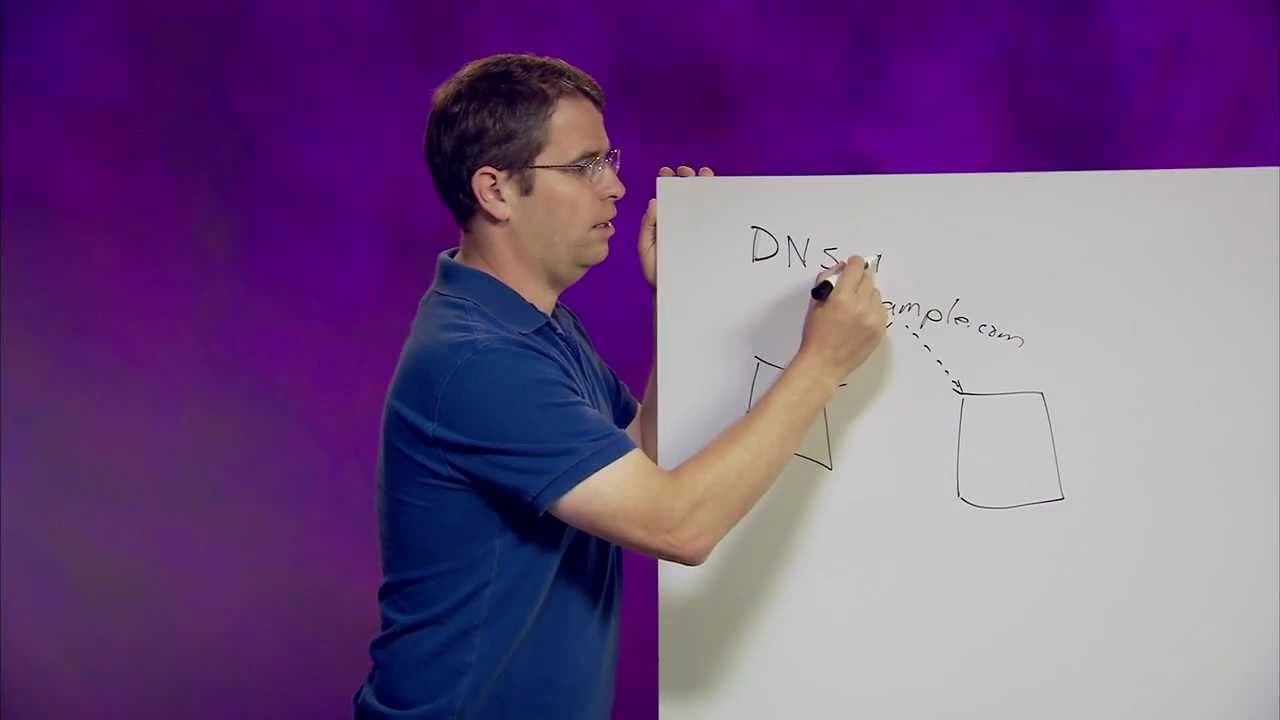
Matt Cutts explains how to move your website to a new host.
Transcript
MATT CUTTS: Hi everybody. This is Matt Cutts. Today I wanted to talk a little bit about how to move your stuff from one web host to another web host. So maybe you didn't like the deal that you were getting with your current guy, and you're switching to a new web host. Your domain name remains the same. So maybe it's mattcutts.com or example.com. Yo... Read More
Key Insights
- Matt Cutts provides a step-by-step process for moving a website from one web host to another, ensuring minimal downtime and disruption.
- Understanding DNS and TTL is crucial when switching web hosts, as it determines how quickly users will reach your new IP address.
- Setting a low TTL can speed up the transition by prompting DNS to check for updates more frequently, thus reducing potential downtime.
- It's important to have your website content live on both the old and new servers during the transition to ensure availability.
- Googlebot and other web crawlers typically refresh IP address information daily, which helps in a smooth transition to the new host.
- Keeping the content on both servers for a short period helps in monitoring traffic patterns and ensuring a successful migration.
- Once traffic has shifted to the new host, the old host can be safely decommissioned.
- Switching hosts is a manageable process and understanding DNS settings is beneficial for webmasters.
Install to Summarize YouTube Videos and Get Transcripts
Explore YouTube Video Summarizer or Get YouTube Transcript Extractor
Questions & Answers
Q: What is the role of DNS in switching web hosts?
DNS, or Domain Name Server, is responsible for mapping domain names like example.com to IP addresses. When switching web hosts, updating DNS settings is crucial to redirect traffic from the old IP address to the new one, ensuring users reach the correct server hosting the website.
Q: How does TTL affect the transition to a new web host?
TTL, or Time To Live, determines how long DNS records are cached. By setting a low TTL, webmasters can ensure that DNS updates propagate quickly, minimizing downtime during the transition to a new web host. This allows users to access the new IP address sooner rather than later.
Q: Why is it important to have content on both old and new servers during a host switch?
Having content on both servers ensures that users can access the website regardless of whether their DNS has updated to the new IP address. This redundancy minimizes downtime and disruption, allowing for a seamless transition as traffic gradually shifts to the new host.
Q: How often does Googlebot refresh IP address information?
Googlebot typically refreshes IP address information daily. This regular check helps ensure that Google is accessing the correct server for a website, facilitating a smooth transition to a new host as the DNS updates are recognized and traffic is redirected accordingly.
Q: What should webmasters monitor during the host transition?
Webmasters should monitor traffic patterns to ensure that users and bots are accessing the new server. Observing a decline in traffic to the old host and an increase to the new one indicates a successful transition. It's also important to verify that Googlebot is crawling the new IP address.
Q: When is it safe to decommission the old server?
Once traffic has shifted predominantly to the new server and the old server sees minimal activity, it's safe to decommission the old server. This typically occurs after DNS changes have fully propagated and both users and bots consistently access the new host.
Q: Is switching web hosts a risky process?
Switching web hosts is not overly risky if done correctly. By understanding DNS settings, setting a low TTL, and maintaining content on both servers during the transition, webmasters can ensure a smooth migration with minimal downtime and disruption.
Q: What is the benefit of understanding DNS settings for webmasters?
Understanding DNS settings allows webmasters to manage domain name mappings effectively, ensuring users reach the correct server. Knowledge of DNS settings is crucial for tasks like switching web hosts, as it enables webmasters to minimize downtime and ensure a smooth transition by controlling how quickly DNS updates propagate.
Summary & Key Takeaways
-
Matt Cutts discusses the process of moving a website to a new host, focusing on DNS settings and the importance of TTL for a smooth transition. He emphasizes the need to keep content on both old and new servers during the switch.
-
Cutts explains the role of DNS in mapping domain names to IP addresses and how setting a low TTL can help expedite the transition process. He also advises monitoring Googlebot and user traffic to ensure the new host is correctly serving the website.
-
The video reassures webmasters that switching hosts is not overly risky if done correctly. By understanding DNS settings and maintaining content availability on both servers, webmasters can ensure a seamless migration with minimal downtime.
Read in Other Languages (beta)
Share This Summary 📚
Summarize YouTube Videos and Get Video Transcripts with 1-Click
Try YouTube Summary with ChatGPT & Claude or YouTube Transcript Generator
Explore More Summaries from Google Search Central 📚






Summarize YouTube Videos and Get Video Transcripts with 1-Click
Try YouTube Summary with ChatGPT & Claude or YouTube Transcript Generator