How to Make Animated Videos using ChatGPT? | Animated video using AI
TL;DR
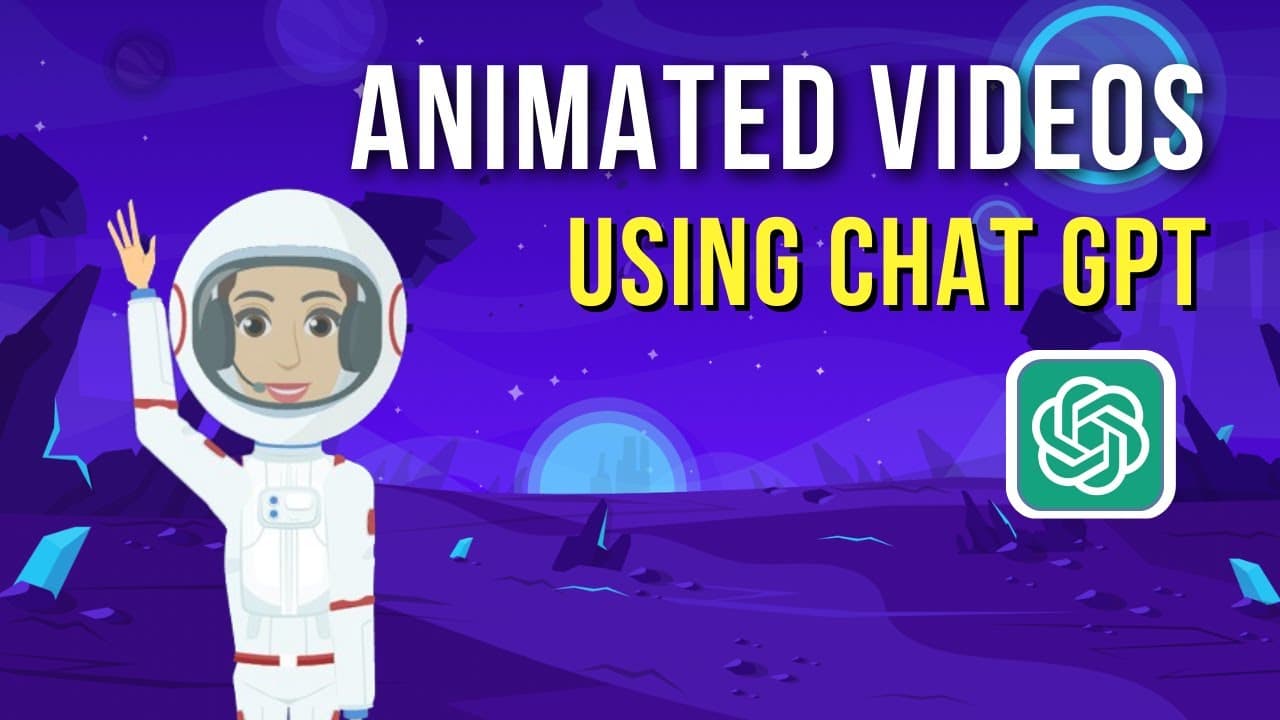
Learn how to make an animated YouTube video using ChatGPT and Animaker, with steps including creating a script, designing characters, adding voiceovers, backgrounds, illustrations, transitions, music, and subtitles.
Transcript
Hey everyone! Welcome back to the channel! Today we will see how to make an animated YouTube video using Chatgpt. First, we will create a script for the video using chatGPT. Then we will convert that script to an animated video by adding characters, backgrounds, and voice-overs. So, After watching this video you can also create an animated video li... Read More
Key Insights
- 🎮 ChatGPT and Animaker can be used together to create an animated YouTube video.
- 🧡 Animaker offers a wide range of customization options for designing animated characters.
- 😯 Voiceovers can be added to characters using recorded audio, uploaded files, or the text-to-speech option.
- 🎮 Backgrounds, illustrations, animation effects, transitions, and music can enhance the visual appeal of the video.
Install to Summarize YouTube Videos and Get Transcripts
Explore YouTube Video Summarizer or Get YouTube Transcript Extractor
Questions & Answers
Q: What tools are used to create an animated YouTube video?
The video demonstrates the use of ChatGPT for creating a script and Animaker for animating the video.
Q: How can I customize the appearance of animated characters?
In Animaker, you can customize various aspects of characters, such as skin tone, hairstyle, facial features, attire, and accessories, offering billions of unique character combinations.
Q: What options are available for adding voiceovers to animated characters?
You can add voiceovers to characters by directly recording your voice, uploading a pre-recorded audio file, or using the text-to-speech option, which allows you to paste the script from ChatGPT and customize the voice.
Q: Can I add subtitles to the animated video?
Yes, Animaker provides an AI-powered subtitle generator that automatically analyzes the audio track and adds subtitles. You can further edit the subtitles and customize their style before downloading the video.
Key Insights:
- ChatGPT and Animaker can be used together to create an animated YouTube video.
- Animaker offers a wide range of customization options for designing animated characters.
- Voiceovers can be added to characters using recorded audio, uploaded files, or the text-to-speech option.
- Backgrounds, illustrations, animation effects, transitions, and music can enhance the visual appeal of the video.
- The AI-powered subtitle generator in Animaker simplifies the process of adding subtitles to the video.
Summary & Key Takeaways
-
Learn how to create a script for an animated YouTube video using ChatGPT and how to convert it into an animated video using Animaker.
-
Follow step-by-step instructions to design animated characters and customize their appearance using Animaker.
-
Add voiceovers to the characters using recorded audio, uploaded files, or text-to-speech options.
-
Customize background, illustrations, animation effects, transition effects, and music.
-
Generate subtitles for the video using an AI-powered subtitle generator.
Read in Other Languages (beta)
Share This Summary 📚
Summarize YouTube Videos and Get Video Transcripts with 1-Click
Try YouTube Summary with ChatGPT & Claude or YouTube Transcript Generator
Explore More Summaries from Animaker 📚
Summarize YouTube Videos and Get Video Transcripts with 1-Click
Try YouTube Summary with ChatGPT & Claude or YouTube Transcript Generator