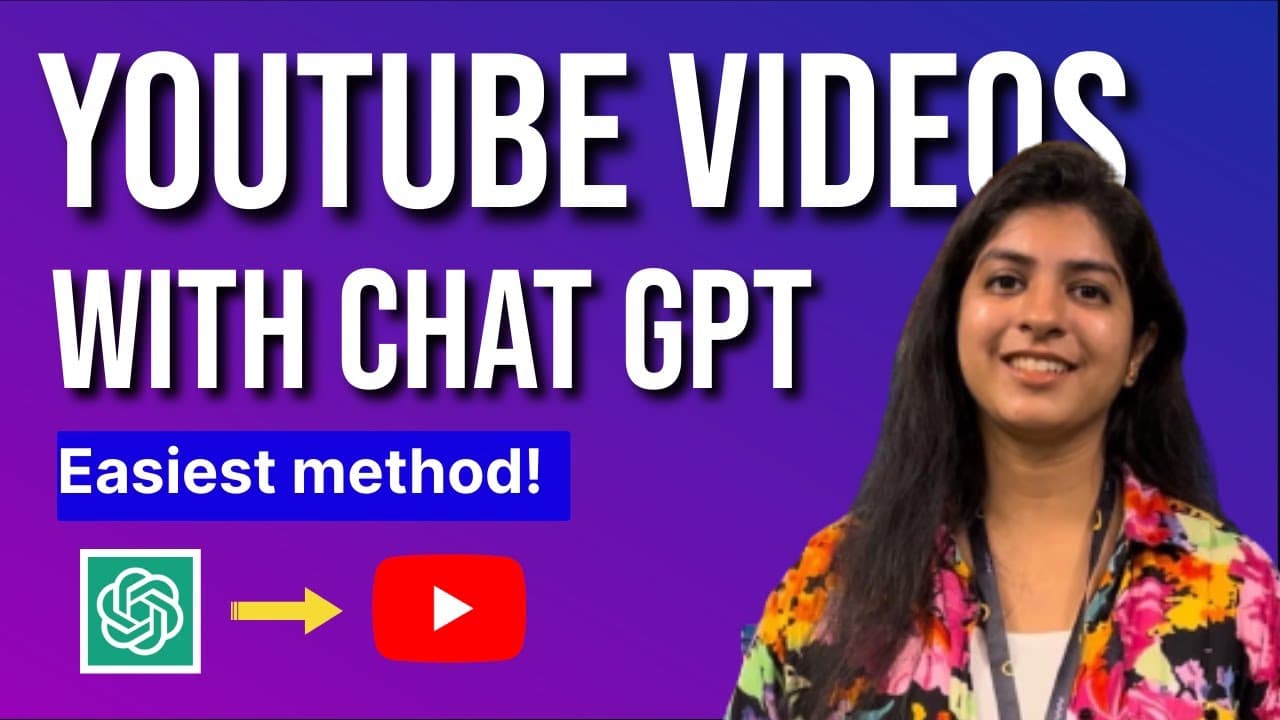
How to make AI Youtube Videos Using Chat GPT (Easiest method!)
TL;DR
Learn how to create a YouTube video script using ChatGPT and then convert it into a video using Animaker.
Transcript
in this video we'll see how to create an amazing YouTube video using chanti pt3 we have divided the video into two parts in the first part we'll see how to create a YouTube script using chargpt3 and in the second part we see how to convert the script into a video using animaker here is a video that I've created using chat DPT and animaker today we'... Read More
Key Insights
- 🎥 The Great Wall of China is not visible from space with the naked eye, despite popular belief. It is not wide or tall enough to be seen from space.
- 🌍 The world's largest pyramid is located in Mexico, not Egypt. The Great Pyramid of Cholula is four times larger than the Great Pyramid of Giza.
- 💦 The world's tallest waterfall is not in South America, but rather the Vincent Massif. It cascades over the edge of an ice cap and falls for a distance of 4,000 feet.
- 💬 When using the Chat GPT tool, clarity, conciseness, and relevance are key for effective communication. Use specific queries and define the boundaries and scope of the conversation.
- 💡 To generate YouTube video scripts using Chat GPT, use the "act as" command to specify the role you want the AI to take. For example, you can ask it to act as a YouTube video title generator.
- 🎬 Converting a generated script into a video can be done using the Animaker website. Add stock videos, voiceovers, and subtitles to create a visually engaging video.
- 🎶 Reduce the volume of the music track in the video to ensure it doesn't overpower the voiceover track.
- 👍 Download the finished video using the publish option in Animaker and share it with your audience on YouTube.
Install to Summarize YouTube Videos and Get Transcripts
Explore YouTube Video Summarizer or Get YouTube Transcript Extractor
Questions & Answers
Q: How can ChatGPT help in creating a YouTube video script?
ChatGPT can be used as a YouTube video title generator and provide ideas for video scripts. By giving it a specific role, like a YouTuber, it can generate relevant and concise answers to your questions, assisting in scriptwriting.
Q: What is Animaker and how does it help in video creation?
Animaker is a website where you can create videos by combining short clips called scenes. It provides a workspace, a timeline, and a library of elements to create professional-looking videos. Users can add stock videos, voiceovers, subtitles, and animations to bring their script to life.
Q: Can you explain how to add voiceovers and subtitles to a video using Animaker?
In Animaker, voiceovers and subtitles can be added to a video. Voiceovers can be imported or recorded directly within the application, while text-to-speech can create voiceovers using the script. Subtitles can be added from the library and edited for font style, color, and size.
Q: How can transition effects and music tracks be incorporated into a video?
Animaker allows users to add transition effects between scenes, enhancing the flow of the video. Users can select from various options available in the transition menu. Background music tracks can also be added from the music library, and their volume can be adjusted to complement the voiceover.
Q: How can the final video be previewed and downloaded?
After completing the video creation process, users can preview the entire video using the preview button. Once satisfied with the content, the video can be downloaded by selecting the publish option. The video will be rendered and made available for download within a few minutes.
Summary & Key Takeaways
-
Part 1: Learn how to create a YouTube script using ChatGPT.
-
Part 2: Convert the script into a video using Animaker.
-
Follow step-by-step instructions and tips to create engaging YouTube videos.
Read in Other Languages (beta)
Share This Summary 📚
Summarize YouTube Videos and Get Video Transcripts with 1-Click
Try YouTube Summary with ChatGPT & Claude or YouTube Transcript Generator
Explore More Summaries from Animaker 📚
Summarize YouTube Videos and Get Video Transcripts with 1-Click
Try YouTube Summary with ChatGPT & Claude or YouTube Transcript Generator