The Mac FN (Globe) Key: Everything It Can Do
TL;DR
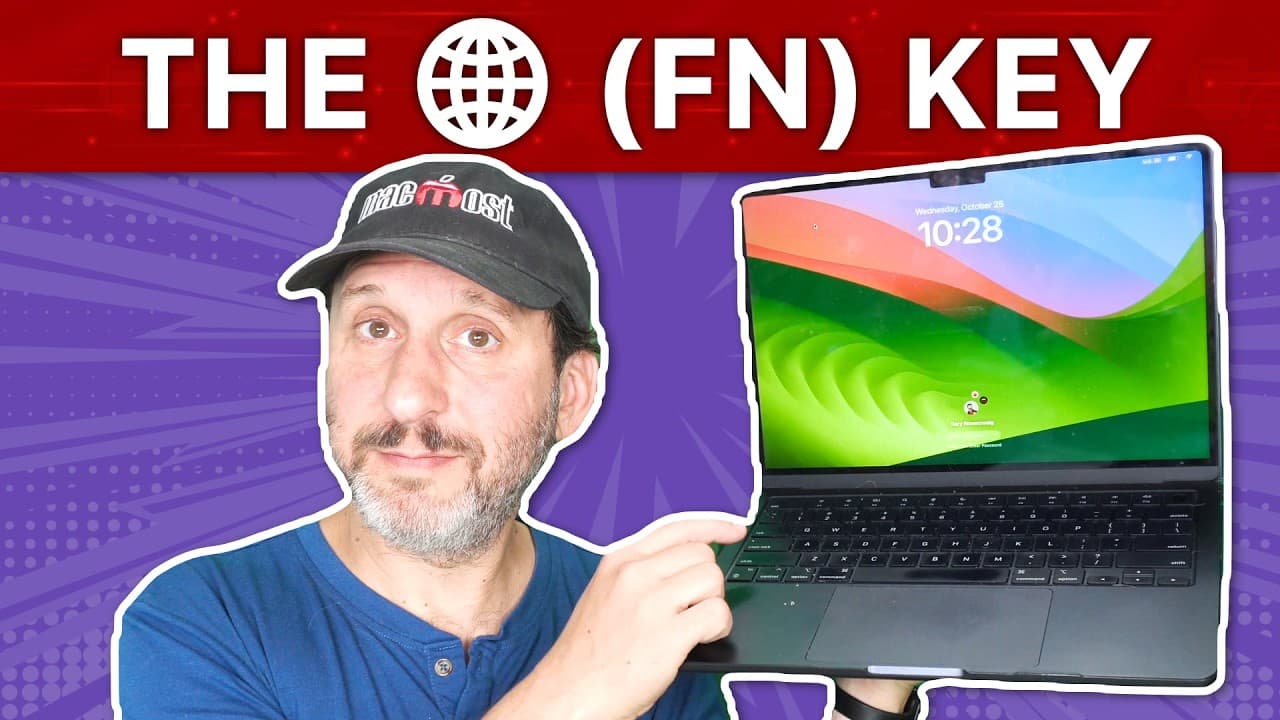
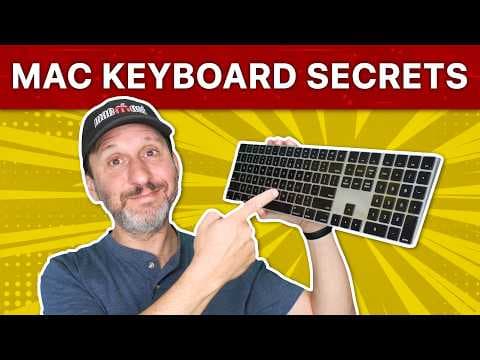
The FN or Globe key on your Mac keyboard is a versatile modifier key that can be used for various functions and keyboard shortcuts.
Transcript
hi this is Gary with mmos.com let's take a look at the FN or glow key on your Mac keyboard and everything that it can do maos is brought to you thanks to a great group of more than a thousand supporters go to mmos.com patreon there you could read more about it join us and get exclusive content and course discounts so on your Mac keyboard you've got... Read More
Key Insights
- 🎹 The FN or Globe key on a Mac keyboard can be used as a modifier key or as a standalone trigger for various functions and shortcuts.
- 🔣 It can be customized to switch between input sources, show the Emoji and symbols viewer, start dictation, or be disabled altogether.
- 🎹 The FN key can be modified to function as a different key, such as control, option, or command, providing flexibility in keyboard usage.
- ❓ It can be used in shortcuts for Mission Control, Notification Center, Launchpad, and other system features.
- 🤩 The FN key can be used in combination with other keys to bring up the Notification Center, Control Center, Launchpad, or enter full-screen mode.
- 🎹 It can be used for keyboard navigation in the dock, allowing users to launch apps and navigate menus using arrow keys and letter keys.
- 🎹 The FN key can simulate various functions, such as page up, page down, home, end, and forward delete, depending on the keyboard layout.
Install to Summarize YouTube Videos and Get Transcripts
Explore YouTube Video Summarizer or Get YouTube Transcript Extractor
Questions & Answers
Q: What is the purpose of the FN or Globe key on a Mac keyboard?
The FN or Globe key is a modifier key that can be used in combination with other keys for special features or as a normal trigger for keyboard shortcuts.
Q: How can I customize the FN key on my Mac keyboard?
You can customize the FN key by going to the keyboard settings and selecting the desired function, such as switching between input sources, showing the Emoji and symbols viewer, starting dictation, or disabling it.
Q: Can I change the FN key to function as a different key?
Yes, you can modify the FN key to function as a different key, such as control, option, or command, by going to the keyboard settings and selecting the desired key in the modifier keys section.
Q: Are there any specific shortcuts that can be used with the FN key?
Yes, there are several shortcuts that can be used with the FN key, such as bringing up the Notification Center, Control Center, Launchpad, or entering full-screen mode. These shortcuts can be customized in the keyboard settings.
Key Insights:
- The FN or Globe key on a Mac keyboard can be used as a modifier key or as a standalone trigger for various functions and shortcuts.
- It can be customized to switch between input sources, show the Emoji and symbols viewer, start dictation, or be disabled altogether.
- The FN key can be modified to function as a different key, such as control, option, or command, providing flexibility in keyboard usage.
- It can be used in shortcuts for Mission Control, Notification Center, Launchpad, and other system features.
- The FN key can be used in combination with other keys to bring up the Notification Center, Control Center, Launchpad, or enter full-screen mode.
- It can be used for keyboard navigation in the dock, allowing users to launch apps and navigate menus using arrow keys and letter keys.
- The FN key can simulate various functions, such as page up, page down, home, end, and forward delete, depending on the keyboard layout.
- Customizing the FN key and utilizing its functions can enhance productivity and accessibility in using a Mac keyboard.
Summary & Key Takeaways
-
The FN or Globe key can be found on Mac keyboards and can be used in conjunction with the function keys for special features or as a normal trigger for keyboard shortcuts.
-
The FN key can also be customized to switch between input sources, show the Emoji and symbols viewer, start dictation, or be disabled altogether.
-
The FN key can be modified to function as a different key, such as control, option, or command, and can be used in shortcuts for Mission Control, Notification Center, Launchpad, and more.
Read in Other Languages (beta)
Share This Summary 📚
Summarize YouTube Videos and Get Video Transcripts with 1-Click
Try YouTube Summary with ChatGPT & Claude or YouTube Transcript Generator
Explore More Summaries from macmostvideo 📚

Summarize YouTube Videos and Get Video Transcripts with 1-Click
Try YouTube Summary with ChatGPT & Claude or YouTube Transcript Generator