LATENT Tricks - Amazing ways to use ComfyUI
TL;DR
Discover fascinating ways to use node-based UIs like Comfy UI to transform images, create diverse characters, and experiment with backgrounds.
Transcript
fascinating ways to use comfy UI hello my friends how are you doing so today I want to show you several ideas what you can do with node based uis like conf UI in this video I show you how to install that set everything up I've created a zip file with an image from each of these projects so when you drag that into your comfy UI you will actually hav... Read More
Key Insights
- 👶 Comfy UI offers a range of possibilities for image manipulation and transformation, including changing ethnicity, injecting new styles, and improving image quality through upscaling techniques.
- 👤 The use of latent images and rendering processes allows for the generation of diverse characters within consistent background settings.
- 🉑 Customization and experimentation are encouraged in Comfy UI, with users being able to create their own nodes and contribute to the open-source project's growth.
- 🚡 The software's node-based UI provides a user-friendly and visually intuitive way to manipulate images and explore creative ideas.
- 💳 Comfy UI can be combined with other image editing tools to enhance and refine the final output.
- 🛰️ The Comfy UI community, including the developer's Discord channel, is an active and collaborative space for sharing ideas and techniques.
- 🏑 The potential applications of Comfy UI extend beyond image manipulation, with opportunities to explore other fields such as animation and visual effects.
Install to Summarize YouTube Videos and Get Transcripts
Explore YouTube Video Summarizer or Get YouTube Transcript Extractor
Questions & Answers
Q: How does changing the ethnicity of a person in an image work with Comfy UI?
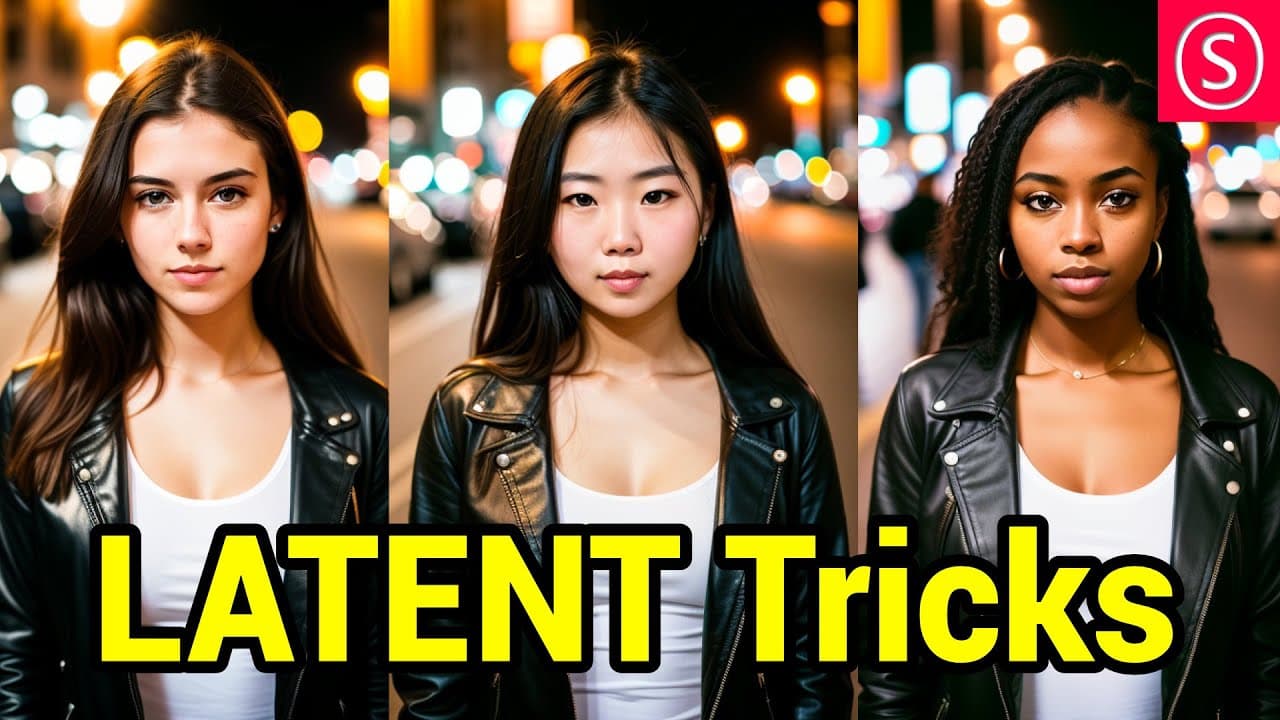
Comfy UI allows for the manipulation of latent images, which are the pre-decoded forms of pixel images. By altering the latent image and using different positive prompts, users can change the ethnicity of a person in an image, while keeping other elements consistent.
Q: What is the benefit of using latent upscaling instead of normal upscaling in Comfy UI?
Latent upscaling involves doubling the size of the latent image before decoding it into a pixel image. This process allows the AI to add more details to the image during upscaling, resulting in higher-quality images with enhanced details compared to traditional upscaling methods.
Q: How can Comfy UI be used to combine different characters with the same background?
By utilizing latent images and rendering processes, Comfy UI enables the composition of different characters on the same background. Users can create masks and control net pose images to specify the desired character attributes, allowing for the creation of diverse characters within a consistent background setting.
Q: Is it possible to experiment with background images in Comfy UI?
Yes, Comfy UI provides the flexibility to experiment with background images. Users can drag and drop custom background images into the software and incorporate them into their node-based workflows, allowing for unique and personalized compositions.
Key Insights:
- Comfy UI offers a range of possibilities for image manipulation and transformation, including changing ethnicity, injecting new styles, and improving image quality through upscaling techniques.
- The use of latent images and rendering processes allows for the generation of diverse characters within consistent background settings.
- Customization and experimentation are encouraged in Comfy UI, with users being able to create their own nodes and contribute to the open-source project's growth.
- The software's node-based UI provides a user-friendly and visually intuitive way to manipulate images and explore creative ideas.
- Comfy UI can be combined with other image editing tools to enhance and refine the final output.
- The Comfy UI community, including the developer's Discord channel, is an active and collaborative space for sharing ideas and techniques.
- The potential applications of Comfy UI extend beyond image manipulation, with opportunities to explore other fields such as animation and visual effects.
- Continued development and collaboration within the Comfy UI community can lead to the expansion of the software's functionalities and capabilities.
Summary & Key Takeaways
-
The video showcases several ideas for using Comfy UI, a node-based UI, to manipulate and transform images using latent images and different rendering processes.
-
Different techniques are demonstrated, including changing the ethnicity of a person in an image, injecting new styles into images, and double upscaling images for better quality.
-
The video also explores more complex ideas, such as combining different characters with the same background and using masks and control net pose images for advanced image composition.
Read in Other Languages (beta)
Share This Summary 📚
Summarize YouTube Videos and Get Video Transcripts with 1-Click
Try YouTube Summary with ChatGPT & Claude or YouTube Transcript Generator
Explore More Summaries from Olivio Sarikas 📚






Summarize YouTube Videos and Get Video Transcripts with 1-Click
Try YouTube Summary with ChatGPT & Claude or YouTube Transcript Generator