How to Change Font Colors and Styles in Quarto
TL;DR
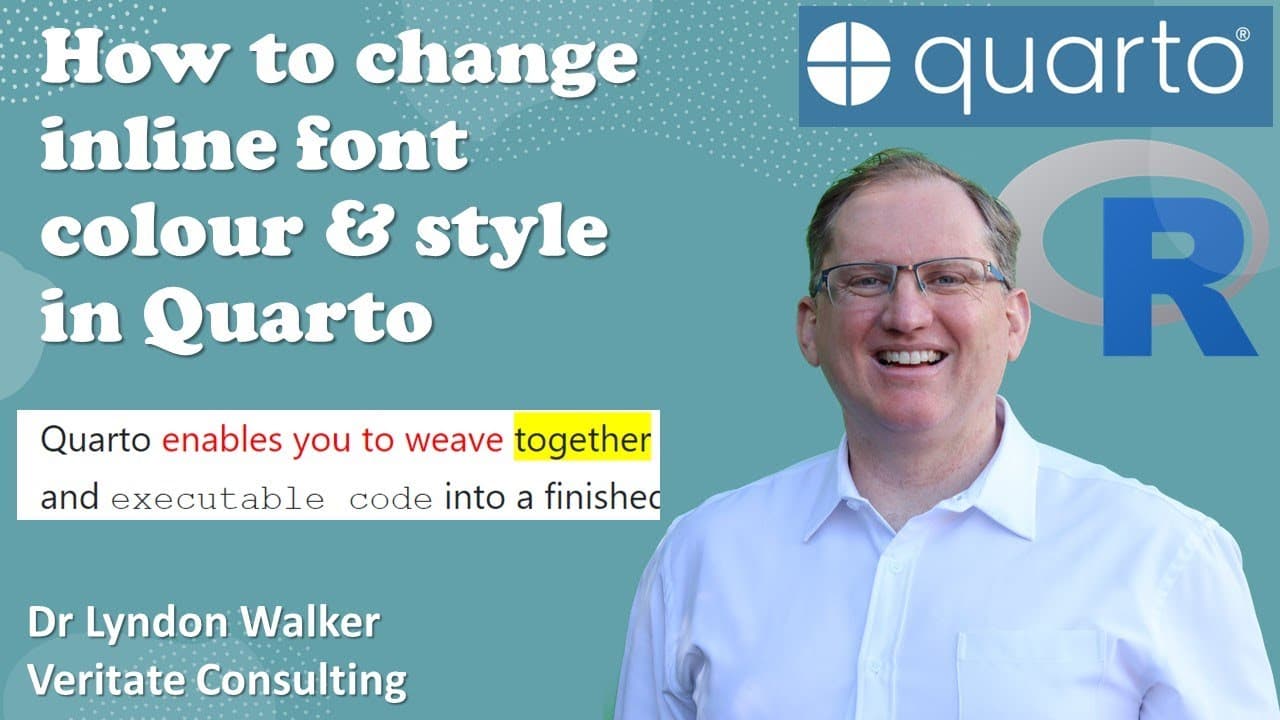
To change inline font colors and styles in Quarto, use square brackets around the text you want to modify, and curly brackets to define CSS styles. For example, format as `[text]{style=
Transcript
hi friends welcome back to the channel today we're just doing a quick quarto video it's been a weird while since I did a quartile video but I got asked a question in one of my other videos and that question was how can you change the font in line so within a piece of writing how can I change a font just there and I had a bit of a search and couldn'... Read More
Key Insights
- 👻 Quarto documents allow for inline styling through CSS for customized text presentation.
- 👪 Specific CSS properties like "color" and "font-family" can dramatically affect visual output.
- ❓ Understanding the syntax of brackets is essential to make successful modifications in Quarto.
- 🫥 The rendering process may reveal changes that are not visible in the initial preview, emphasizing its value.
- 🛟 Customizing fonts can serve practical purposes, such as improving the appeal of academic or professional documents.
- 🫵 The presenter responds to viewer inquiries, showing engagement and responsiveness to the audience's needs.
- 😑 Multiple font families can be utilized for varied textual impacts, enhancing creative expression in documents.
Install to Summarize YouTube Videos and Get Transcripts
Explore YouTube Video Summarizer or Get YouTube Transcript Extractor
Questions & Answers
Q: What is a Quarto document, and why would one want to customize its font?
Quarto is an open-source scientific and technical publishing system that allows users to create documents that combine text and code. Customizing the font enhances readability and aesthetic appeal, allowing creators to better match the formatting to their intended audience or theme.
Q: How does the presenter demonstrate changing the font color in Quarto?
The presenter demonstrates the process by enclosing the desired text in square brackets and using curly brackets to specify the CSS styling. For instance, to change the font color to red, the presenter uses the CSS style "color: red." This approach ensures that specific parts of the text are highlighted as intended.
Q: What specific CSS properties does the presenter use to modify text in the tutorial?
In the video, the presenter uses several CSS properties: "color" for changing font color, "background-color" for altering the background, and "font-family" to specify the typeface. Each property is incorporated within curly brackets following square brackets that enclose the relevant text.
Q: Were there any challenges faced during the demonstration?
Yes, while demonstrating the background color modification, the presenter noted that it did not immediately appear in the preview pane. However, upon rendering the document, the background color was correctly displayed, illustrating the importance of rendering for accurate results in Quarto.
Q: Can you give examples of font families used in the video?
The video cites examples such as "Times" for standard text and "Courier New," which is introduced with a space and thus requires single quotation marks for proper identification in CSS. These font families are used to enhance the document's readability and presentation.
Q: What is the significance of using square and curly brackets in Quarto?
Square brackets are employed to encapsulate the text that requires modification, while curly brackets are utilized for specifying the CSS declarations that control the styling aspects. This syntax is crucial for applying changes effectively and ensuring that the document formats correctly when rendered.
Summary & Key Takeaways
-
This video tutorial addresses a common question about how to change font and background colors within Quarto documents, providing practical demonstrations.
-
The presenter explains the need for specific CSS syntax, showcasing how to apply colors and different fonts to text using square and curly brackets.
-
Despite some preview limitations, the final rendering of the Quarto document shows successful font and color changes, including examples of common font families used.
Read in Other Languages (beta)
Share This Summary 📚
Summarize YouTube Videos and Get Video Transcripts with 1-Click
Try YouTube Summary with ChatGPT & Claude or YouTube Transcript Generator
Explore More Summaries from Dr Lyndon Walker 📚






Summarize YouTube Videos and Get Video Transcripts with 1-Click
Try YouTube Summary with ChatGPT & Claude or YouTube Transcript Generator