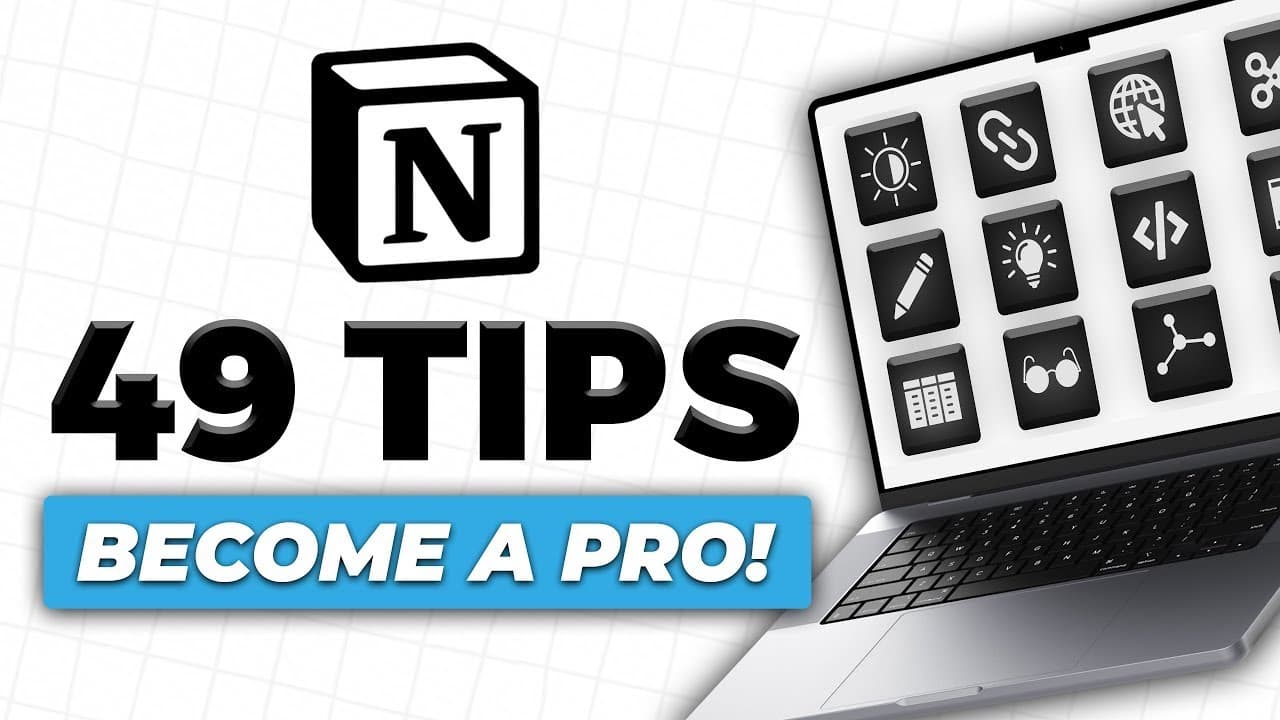
49 Essential Tips for Notion in 2023!
TL;DR
Learn 49 effective tips to optimize your experience with Notion, including using icons and gifs, creating databases, organizing with kanban boards, and more.
Transcript
hey there guys how's it going my name is carter sirach the host of the productive dude youtube channel and in today's video i'm going to give you guys 49 useful tips to help you get along better in notion stick around and i think that you might learn something new i did want to mention that there are lots of resources in this video and if you guys ... Read More
Key Insights
- 🛃 Custom icons and gifs can enhance the visual appeal and organization of Notion pages.
- 📄 Full-page databases are more secure and accessible than inline databases.
- 🚴 Utilizing multiple levels in lists and creating toggle lists can help organize and hide content.
- 🚫 Synced block menus and template blocks allow for easier navigation and repetitive task management.
- 🧍♂️ Callouts and different font settings can make titles and headers stand out.
- 🉑 Formulas can be used to connect and concatenate information in tables.
- 👀 Notion offers various integrations, customizable look and feel, and collaboration features.
Install to Summarize YouTube Videos and Get Transcripts
Explore YouTube Video Summarizer or Get YouTube Transcript Extractor
Questions & Answers
Q: How can I find and use custom icons for my Notion pages?
You can find custom icons from websites like Giphy or The Noun Project. Simply search for relevant keywords and save the image. Then, upload the image to Notion and change the page icon.
Q: How can I hide and organize content in Notion?
You can create toggle lists to hide bullet points or text. Simply select the text, click "Turn Into" > "Toggle List," and drag the content inside the toggle list. This allows you to keep information hidden until needed.
Q: What are some tips for designing visually appealing Notion pages?
Consider using gifs as cover photos to make your pages more dynamic. Additionally, utilize different levels in your list hierarchy and use color or callouts to highlight important sections.
Q: How can I create a synced block menu to navigate between multiple pages in Notion?
You can create a synced block menu by using the "Synced Block" command and linking it to relevant pages. This allows you to toggle between pages while keeping the menu consistent.
Key Insights:
- Custom icons and gifs can enhance the visual appeal and organization of Notion pages.
- Full-page databases are more secure and accessible than inline databases.
- Utilizing multiple levels in lists and creating toggle lists can help organize and hide content.
- Synced block menus and template blocks allow for easier navigation and repetitive task management.
- Callouts and different font settings can make titles and headers stand out.
- Formulas can be used to connect and concatenate information in tables.
- Notion offers various integrations, customizable look and feel, and collaboration features.
- Notion's web clipper, dark mode/light mode, and reminders are useful for organizing information and improving productivity.
Summary & Key Takeaways
-
Spice up your Notion pages by using custom icons from sources like Giphy or The Noun Project.
-
Use gifs for cover photos to add visual interest and create a unique look for your pages.
-
Opt for full-page databases instead of inline databases to ensure your data is saved even if it's deleted from the front end.
-
Utilize multiple levels in your lists and convert them into toggle lists to hide and organize content.
Read in Other Languages (beta)
Share This Summary 📚
Summarize YouTube Videos and Get Video Transcripts with 1-Click
Try YouTube Summary with ChatGPT & Claude or YouTube Transcript Generator
Explore More Summaries from Productive Dude 📚
![Notion App: Full Notion Tutorial for Beginners in 2022! [A-Z Guide] ✨💻 thumbnail](/_next/image?url=https%3A%2F%2Fi.ytimg.com%2Fvi%2FIrIAmq80VEE%2Fhqdefault.jpg&w=750&q=75)
Summarize YouTube Videos and Get Video Transcripts with 1-Click
Try YouTube Summary with ChatGPT & Claude or YouTube Transcript Generator