How to sharpen Fuji RAW files in Lightroom - NO WORMS
TL;DR
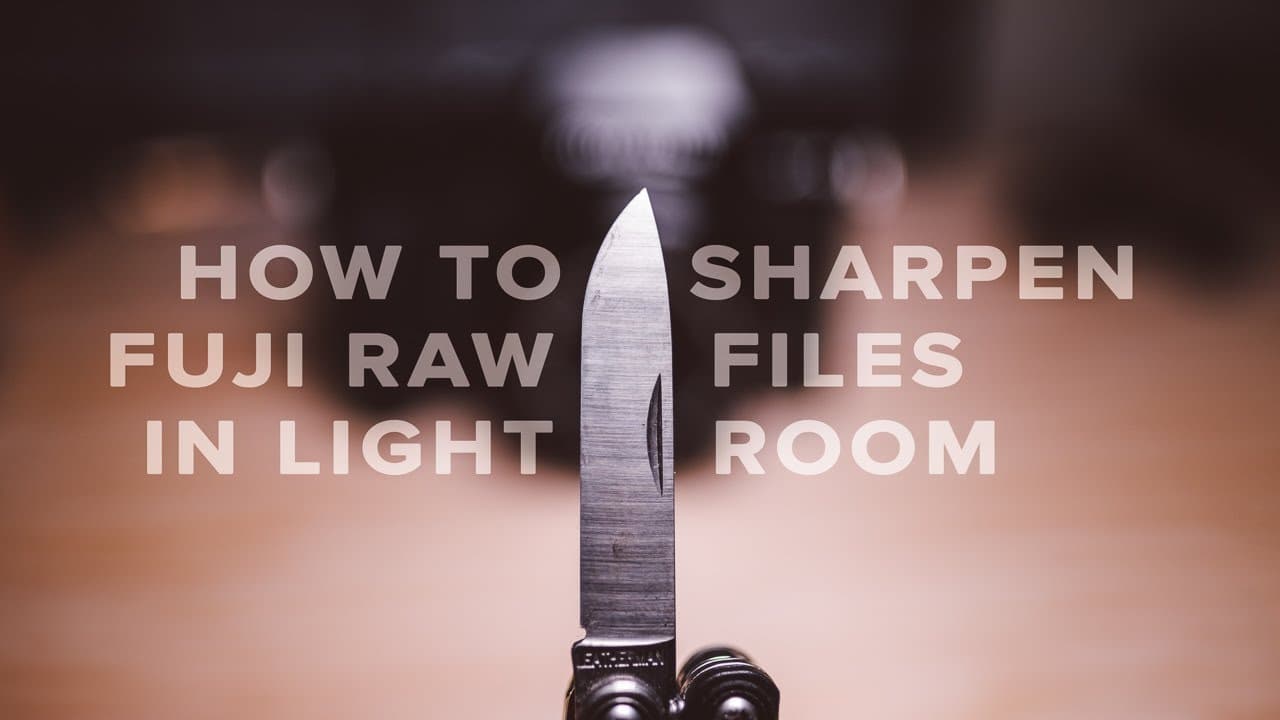
This video explains optimal sharpening techniques for Fuji RAW files in Adobe Lightroom, addressing common artifacts.
Transcript
what's up guys reggie beef over here in today's video i'm going to show you guys how I sharpen my Fuji brow files in Adobe Lightroom me taking a look at my notes during this whole video also I want to apologize in advance if there's a lot of background noise I'm just taking advantage of this downtime I have and I'm filming this video in a public pl... Read More
Key Insights
- 📁 Fuji RAW files often produce unwanted artifacts when sharpened excessively due to their sharpness characteristics inherent to the X-Trans sensor.
- 📁 The default settings in Adobe Lightroom may be unsuitable for Fujifilm files, requiring photographers to adjust their approach for optimal results.
- 🎮 Understanding the functions of the sharpening sliders—amount, radius, detail, and masking—enables more precise control over the sharpening process.
- 🥺 Effective sharpening is about finding a balance; too much sharpening can lead to artifacts, while too little results in loss of clarity.
- 🎥 The video highlights the importance of correctly assessing image detail when selecting Lightroom settings based on the camera type and sensor utilized.
- ⌛ Community feedback on sharpening techniques helps photographers learn and improve their editing skillsets over time.
- 🤩 Noise reduction can be a useful tool in combination with sharpening to eliminate artifacts while maintaining sharpness in key image areas.
Install to Summarize YouTube Videos and Get Transcripts
Explore YouTube Video Summarizer or Get YouTube Transcript Extractor
Questions & Answers
Q: What specific problems do Fujifilm RAW files face when sharpened in Lightroom?
Fujifilm RAW files often exhibit unwanted artifacts, referred to as "worms," when the sharpening settings are too high. This occurs because Fuji uses an X-Trans sensor that generates sharper images straight out of the camera, meaning even slight over-sharpening can lead to visible artifacts. This is contrary to other camera types that use a Bayer filter array.
Q: Why is it important to adjust the detail slider carefully when sharpening?
The detail slider defines how fine edges are sharpened in Lightroom. Setting it too high can unnecessarily enhance noise or artifacts, especially in areas where subtle details exist. Therefore, a lower detail setting is preferred for Fujifilm photos to avoid exacerbating any issues caused by over-sharpening.
Q: What is the recommended starting point for sharpening Fujifilm RAW files in Lightroom?
The recommended starting point is to maintain the default radius at 1, set the detail slider to 0, and adjust the amount slider between 70 to 100. This approach helps to focus sharpening where needed while preventing excessive artifacts in the final image.
Q: How can masking help improve sharpening results?
Masking allows the user to dictate which areas of the photo should not receive sharpening. By increasing the masking slider, users can prevent background areas from being sharpened, which helps to avoid enhancing unwanted noise and maintains the focus on the subject of the photo.
Q: How does the sensitivity to sharpening settings differ between Fujifilm and other brands?
Fujifilm cameras produce sharper images from the outset due to their unique X-Trans sensor configuration. This results in a lower threshold for applying sharpening compared to cameras using a Bayer filter array, where adjustments can be applied more liberally without immediate negative effects.
Q: What should photographers do if they still notice artifacts after adjusting settings?
If artifacts remain after careful adjustments, photographers are encouraged to apply slight noise reduction in Lightroom. This can help smooth out any lingering issues without compromising the overall sharpness of the subject.
Q: Why do photographers often switch to other software instead of using Lightroom?
Some Fujifilm users have shifted to software like Capture One due to perceived inadequacies in Lightroom’s sharpening capabilities. However, the video argues that Lightroom still offers essential organizational and workflow benefits that many photographers find irreplaceable.
Q: How can users share their own sharpening settings for Fujifilm cameras?
The video encourages viewers to comment with their own sharpening settings per camera model. This collaborative approach can help build a community of users sharing effective techniques tailored to different Fuji models.
Summary & Key Takeaways
-
The video discusses how to effectively sharpen Fujifilm RAW files in Adobe Lightroom, acknowledging the common issue of artifacts that arise from over-sharpening.
-
Reggie highlights specific settings in Lightroom, including the amount, radius, detail, and masking sliders, to demonstrate how they affect the final image quality.
-
By adjusting these sliders correctly, he explains how to minimize unwanted artifacts and achieve sharp images without compromising detail.
Read in Other Languages (beta)
Share This Summary 📚
Summarize YouTube Videos and Get Video Transcripts with 1-Click
Try YouTube Summary with ChatGPT & Claude or YouTube Transcript Generator
Explore More Summaries from Reggie Ballesteros 📚


Summarize YouTube Videos and Get Video Transcripts with 1-Click
Try YouTube Summary with ChatGPT & Claude or YouTube Transcript Generator