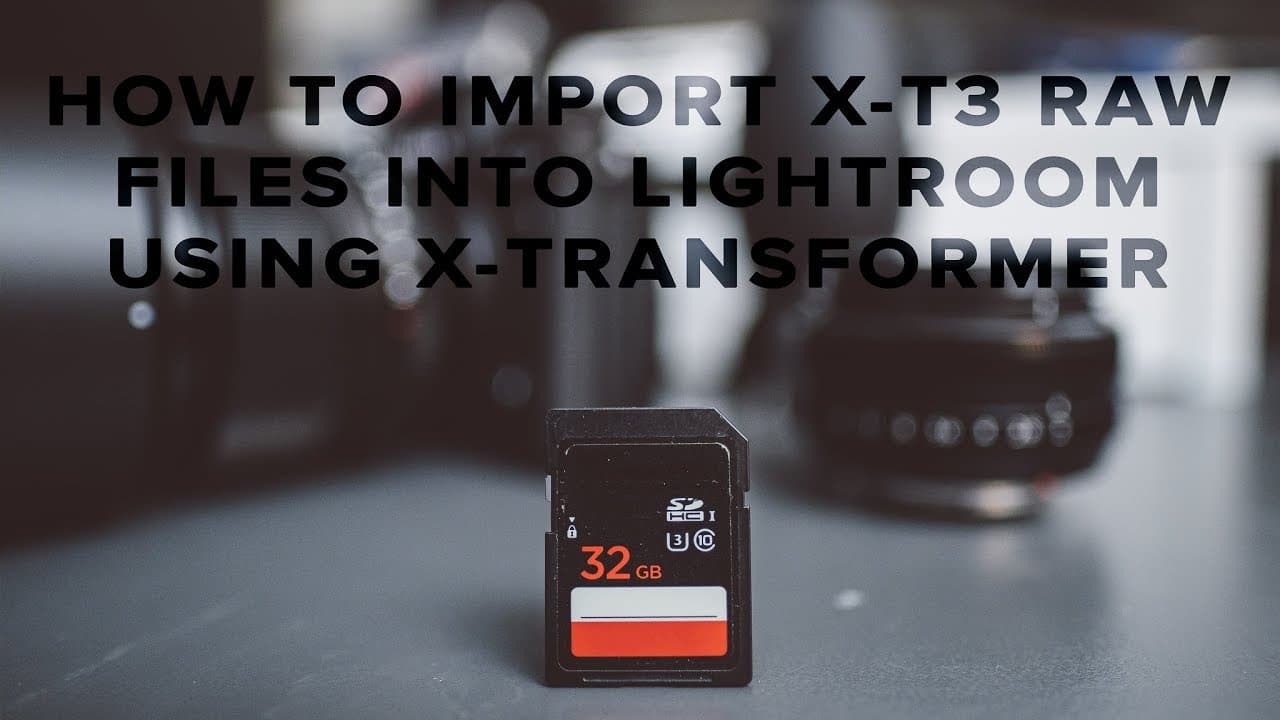
How to import Fuji X-T3 RAW files into Lightroom - Iridient X-Transformer
TL;DR
Learn to convert XE3 files into DNG format for easier editing in Lightroom.
Transcript
what's up guys Reggie B photo here and in today's video I'm gonna show you guys how to convert your xe3 files into dgn files using a radiant X transformer that way you can finally import and edit your photos on Lightroom so the X III has been out for about a week now and if you're watching this video you're probably aware that Lightroom currently d... Read More
Key Insights
- 📁 Lightroom does not currently support XE3 RAW files, necessitating alternative solutions for photographers.
- 💁 The Radiant X Transformer offers a quick workaround to convert Fujifilm RAW files into a more compatible format for editing.
- 🎮 Features like sharpening control and noise reduction settings in the transformer help maintain the quality of photos during conversion.
- 😷 The presenter encourages interaction, asking viewers to share their experiences and opinions on XE3 image quality and editing workflows.
- 🦻 Radiant X Transformer provides options to preserve file dates, which aids in organizing and syncing images from multiple cameras.
- 👀 The video tutorial format makes it accessible for photographers looking to improve their editing capabilities swiftly.
- 🫵 Viewers are prompted to engage with the content by liking the video and discussing its utility in their workflows.
Install to Summarize YouTube Videos and Get Transcripts
Explore YouTube Video Summarizer or Get YouTube Transcript Extractor
Questions & Answers
Q: Why do you need to convert XE3 files into DNG format?
The XE3 files, which are RAW images from the Fujifilm camera, are not natively supported by Lightroom at the time of their release. Converting them into DNG format allows users to bypass this limitation and edit their photos immediately, rather than waiting for Adobe to provide RAW support, which can take weeks or even months.
Q: What is a Radiant X Transformer and how does it work?
A Radiant X Transformer is software designed to convert Fujifilm RAW files into DNG files. It processes RAW images, applying user-defined settings like sharpening and noise reduction, to create DNG files compatible with Lightroom, ensuring minimal loss of quality and flexibility for editing.
Q: What settings should be used in Radiant X Transformer for the best results?
For optimal results, you should select 'smoother' under RAW options to minimize sharpening and set luminance noise reduction and color noise reduction to none. Also, enable the option to preserve the original file date to maintain synchronization across multiple camera files.
Q: How can I import converted DNG files into Lightroom?
After converting XE3 files to DNG using Radiant X Transformer, open Lightroom and select the DNG files you wish to import. If everything is set up correctly, the files will appear for selection, and you can proceed with editing like any standard RAW file.
Summary & Key Takeaways
-
This tutorial explains how to use a Radiant X Transformer to convert XE3 RAW files into DNG format for compatibility with Lightroom.
-
The speaker highlights the delay in RAW support from Adobe for new cameras, emphasizing the need for immediate solutions for editing workflows.
-
Step-by-step instructions are provided for the conversion process and importing DNG files into Lightroom for standard editing.
Read in Other Languages (beta)
Share This Summary 📚
Summarize YouTube Videos and Get Video Transcripts with 1-Click
Try YouTube Summary with ChatGPT & Claude or YouTube Transcript Generator
Explore More Summaries from Reggie Ballesteros 📚



Summarize YouTube Videos and Get Video Transcripts with 1-Click
Try YouTube Summary with ChatGPT & Claude or YouTube Transcript Generator