The Cheat Code to Video for Photographers (Fujifilm XS20, X100VI, XT5)
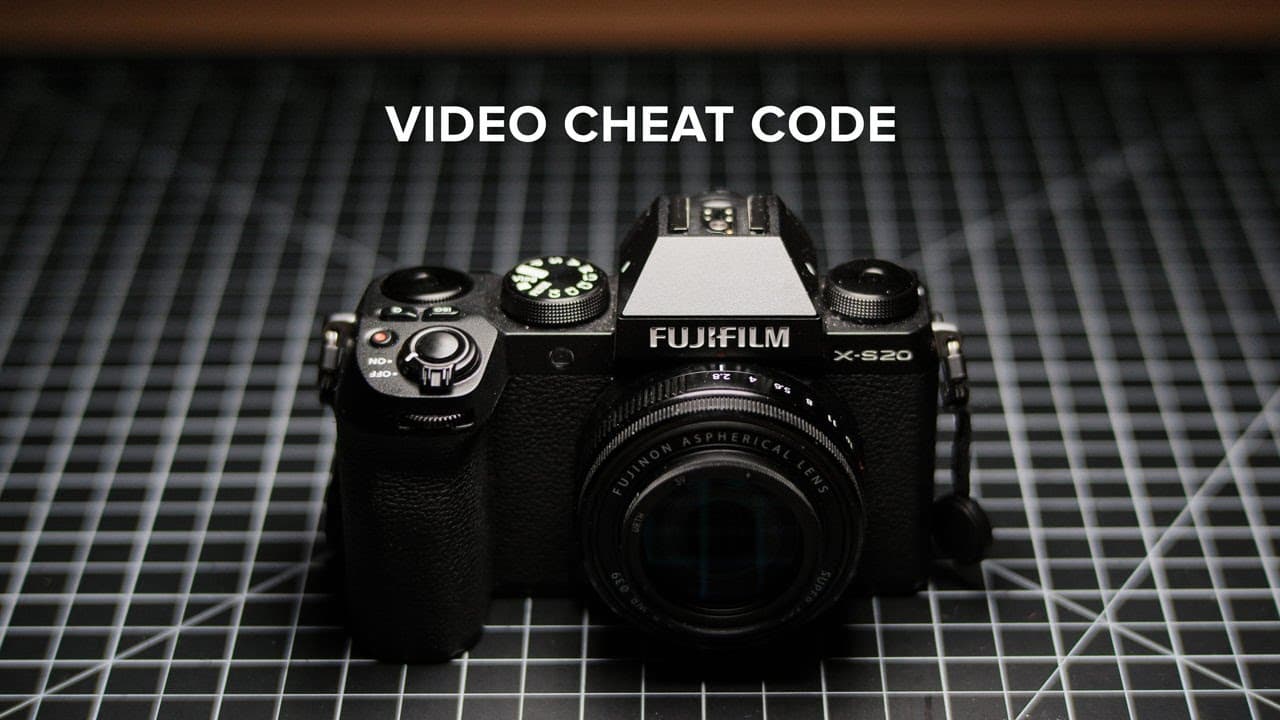
TL;DR
Incorporating motion elements into photography can elevate your visuals significantly.
Transcript
(gentle music) (indistinct chatting) - Before I drop the cheat code, I did want to thank today's video sponsor, Squarespace. I've actually been using Squarespace for over 10 years. Their templates and ETUs interface make it incredibly simple to create and maintain a professional looking website without any coding experience necessary. My Squarespac... Read More
Key Insights
- ❓ Motion elements in photography can greatly enhance the visual narrative and engagement of images.
- ☠️ Technical settings, including autofocus modes, frame rates, shutter speeds, and ISO levels, all significantly impact the quality of photography and videography.
- 😒 The use of ND filters can help manage bright scenes and achieve a desirable depth of field without compromising exposure.
- 🎥 Handheld stabilization techniques and the use of camera straps can make a significant difference in reducing video shake and achieving a natural look.
- 🔊 Monitoring audio levels during filming is critical to ensure high-quality sound; an optimal peak volume level is around -12 decibels.
- 👶 Practicing and experimenting with video features can improve overall photography skills, revealing new dimensions in still image composition.
- 😫 Continuous learning and adaptation are essential for photographers looking to expand their skill set into videography.
Install to Summarize YouTube Videos and Get Transcripts
Explore YouTube Video Summarizer or Get YouTube Transcript Extractor
Questions & Answers
Q: What is the main cheat code mentioned for enhancing photography?
The cheat code highlighted in the video is to observe and capture any motion elements within a scene, such as people or water, for a dynamic effect. By recording short video clips, photographers can capture the richness of the environment, which adds context and emotion to still images. This technique leverages the natural elements already present, enhancing the overall appeal of the photography.
Q: What autofocus settings does the presenter recommend for stable footage?
The presenter suggests using either autofocus single or manual focus with peaking for stable footage. This prevents the common issue of focus drifting that can make videos appear amateurish. By using manual focus or a single autofocus setting, filmmakers can attain greater control over the focus points, thereby producing a cleaner and more polished result, especially in situations requiring precise framing.
Q: How does shutter speed relate to frame rate, according to the video?
The video explains the 180-degree shutter angle rule, which states that the shutter speed should be approximately double the frame rate to achieve realistic motion blur. For instance, if filming at 24 frames per second, the shutter speed should be set to 1/48 seconds. If a camera doesn't support this exact shutter speed, the presenter advises adjusting it to the nearest value, like 1/50 seconds, to maintain proper exposure.
Q: What role does aperture play when filming?
Aperture is significant for controlling exposure and depth of field in a scene. Photographers may need to stop down the aperture to manage exposure, particularly in bright conditions. The presenter often prefers a slightly reduced aperture unless a shallow depth of field is necessary. The choice of aperture can help create a desired aesthetic while ensuring that scenes are captured without overexposure.
Summary & Key Takeaways
-
The video emphasizes the importance of incorporating motion into photography for creating dynamic and engaging visuals, suggesting that photographers should take a moment to notice any moving elements in the scene before capturing an image.
-
Technical advice is offered on settings such as autofocus options, frame rate, shutter speed, aperture, and ISO based on the desired visual effect and lighting conditions, ensuring more professional-looking footage.
-
The content encourages photographers to experiment with video techniques, highlighting the necessity of practical learning and continuous improvement in both photography and videography.
Read in Other Languages (beta)
Share This Summary 📚
Summarize YouTube Videos and Get Video Transcripts with 1-Click
Try YouTube Summary with ChatGPT & Claude or YouTube Transcript Generator
Explore More Summaries from Reggie Ballesteros 📚

Summarize YouTube Videos and Get Video Transcripts with 1-Click
Try YouTube Summary with ChatGPT & Claude or YouTube Transcript Generator