How to Build a Budget Home Lab Media Server
TL;DR
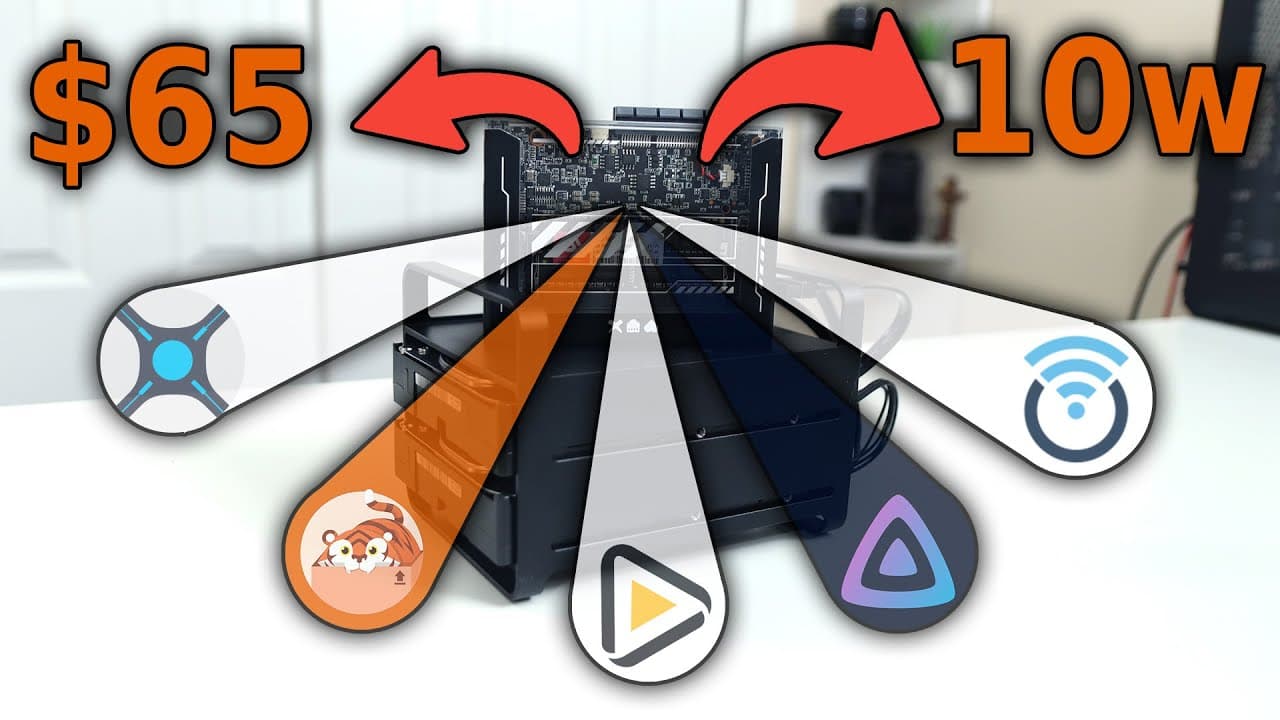
To build a budget home lab media server, the Zema Blade, priced at $65 plus $20 for RAM, is a cost-effective choice. It supports around six direct streams and two transcodings with a low power consumption of 10 watts at idle, ideal for beginners seeking to explore media server capabilities.
Transcript
hey guys what's going on it's Don here from Nova Spirit Tech and welcome back to the channel and today we're going to be checking out my budget media server so let's get started now for the past couple of weeks I actually been working on this project where we're building the proxmox server jelly fin some R services and a few other things all incorp... Read More
Key Insights
- 😘 The Zema Blade is an affordable introduction to building a media server, costing only $65, which is significantly lower than many alternatives.
- 😘 It combines sufficient processing power with low operational costs, making it suitable for budget-conscious tech enthusiasts.
- 👻 The integration of onboard graphics allows for transcoding without needing additional hardware, simplifying setup for new users.
- 👤 Users can expand the capabilities of the Zema Blade by using PCIe for storage and networking upgrades, enhancing its functionality.
- 👻 This server is particularly designed for low-noise operation, allowing placement in living spaces without disturbance.
- 🧗 With only 8 GB of RAM needed, users can build a functioning home lab without excessive investment.
- 🛟 The performance may be limited when compared to high-end servers, but it serves as a great learning tool for beginners in home lab environments.
Install to Summarize YouTube Videos and Get Transcripts
Explore YouTube Video Summarizer or Get YouTube Transcript Extractor
Questions & Answers
Q: What are the main features of the Zema Blade that make it suitable for a media server?
The Zema Blade features an Intel Celeron J3455 processor with a base clock of 1.5 GHz, 8 GB of RAM, and 32 GB of eMMC storage. It supports h265 decoding and has exposed PCIe slots for upgradeable configurations, making it flexible for various media server setups.
Q: How does the power consumption of the Zema Blade compare to typical desktop servers?
The Zema Blade is highly power-efficient, running at about 9.5 to 10 watts while idle. Under stress, such as during transcoding, it only rises to around 18 watts. This is significantly lower than traditional desktop servers, making it ideal for continuous operation in a home lab.
Q: What kind of performance can users expect when using the Zema Blade for media tasks?
Users can expect solid performance for basic media tasks, with the ability to handle up to six direct streams and two transcodings simultaneously. While it may not compare to higher-end CPUs, it provides sufficient capability for home lab beginners to test various applications.
Q: Are there upgrade options available for the Zema Blade to enhance performance?
Yes, users can upgrade the Zema Blade by utilizing its exposed PCIe slots for additional components like SSDs for faster storage or a dedicated graphics card to improve transcoding performance. This flexibility allows users to tailor the server to their specific needs.
Summary & Key Takeaways
-
The Zema Blade is a cost-effective single-board computer priced at $65, with additional RAM costs bringing the total to around $85. Its budget nature makes it suitable for creating a home media server.
-
Equipped with an Intel Celeron J3455 processor, the Zema Blade can handle around six direct streams and two transcodings, ideal for beginner setups looking to explore home lab projects.
-
The server's power efficiency is notable, consuming about 10 watts at idle and only rising to 18 watts under load, making it a suitable choice for those wanting a low-noise operation in a home environment.
Read in Other Languages (beta)
Share This Summary 📚
Summarize YouTube Videos and Get Video Transcripts with 1-Click
Try YouTube Summary with ChatGPT & Claude or YouTube Transcript Generator
Explore More Summaries from Novaspirit Tech 📚






Summarize YouTube Videos and Get Video Transcripts with 1-Click
Try YouTube Summary with ChatGPT & Claude or YouTube Transcript Generator