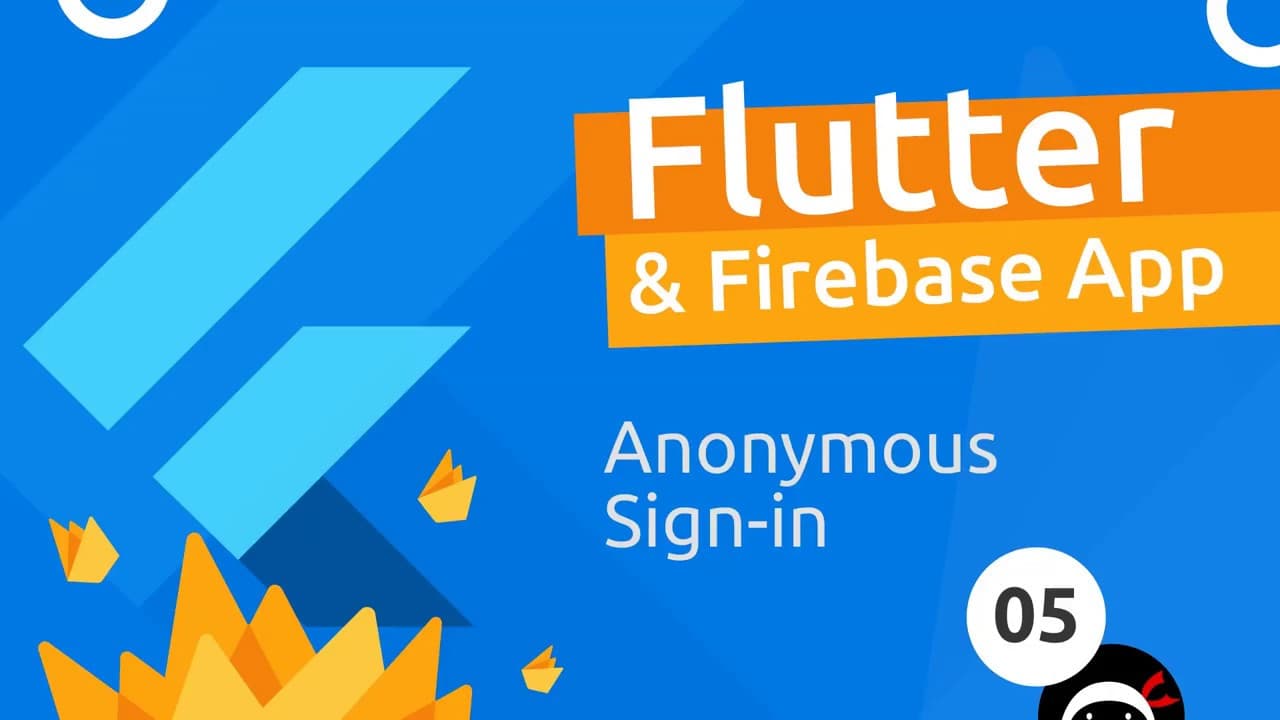
Flutter & Firebase App Tutorial #5 - Anonymous Sign In
TL;DR
Learn how to create a sign-in widget in a Flutter app to enable anonymous login using Firebase.
Transcript
Oh Clinton gang so now we have our all service class set up we can now go ahead and use that to log in anonymously inside our app now we want to do that from this sign-in widget right down here and that is going to sit beneath the authenticate widget so in this lesson we're going to create this sign-in widget so that we can use the auth service ins... Read More
Key Insights
- 👍 The content demonstrates the process of creating a sign-in widget in a Flutter app for anonymous login.
- 🚡 The scaffold widget offers a convenient way to structure and customize the sign-in screen.
- 🎨 Accessing the auth service class allows the widget to trigger the sign-in anonymously function.
- 👍 The returned Firebase user object can be customized to fit the app's specific requirements.
- 👍 Utilizing asynchronous functions and the await keyword enables the app to handle time-consuming tasks efficiently.
- 👍 By implementing error handling, the app can provide feedback to users in case of unsuccessful sign-in attempts.
- 👤 The potential for further customization of the user object showcases the flexibility of working with Firebase in Flutter.
Install to Summarize YouTube Videos and Get Transcripts
Explore YouTube Video Summarizer or Get YouTube Transcript Extractor
Questions & Answers
Q: How does the sign-in widget facilitate anonymous login in the Flutter app?
The sign-in widget utilizes the auth service class to trigger the sign-in anonymously function, enabling users to log in anonymously within the app.
Q: What is the purpose of the scaffold widget in the sign-in widget?
The scaffold widget is used to provide a structured layout for the sign-in screen, allowing the addition of components like an app bar and defining the body of the screen.
Q: How is the sign-in button implemented in the sign-in widget?
The sign-in button is implemented using a raised button with the text "Sign In", and an onPressed property that triggers an asynchronous function responsible for handling the sign-in process.
Q: How can the Firebase user object be customized for the app's requirements?
The content suggests converting the Firebase user object into a custom user object, adding only the necessary properties like the UID, which can be used throughout the app.
Key Insights:
- The content demonstrates the process of creating a sign-in widget in a Flutter app for anonymous login.
- The scaffold widget offers a convenient way to structure and customize the sign-in screen.
- Accessing the auth service class allows the widget to trigger the sign-in anonymously function.
- The returned Firebase user object can be customized to fit the app's specific requirements.
- Utilizing asynchronous functions and the await keyword enables the app to handle time-consuming tasks efficiently.
- By implementing error handling, the app can provide feedback to users in case of unsuccessful sign-in attempts.
- The potential for further customization of the user object showcases the flexibility of working with Firebase in Flutter.
- This video content is part of a series, and the next lesson will focus on converting the Firebase user object into a custom user object.
Summary & Key Takeaways
-
The content highlights the process of creating a sign-in widget in a Flutter app to facilitate anonymous login.
-
The sign-in widget is created using the stateful widget and scaffold widget, with a raised button for signing in anonymously.
-
The widget accesses the auth service class to trigger the sign-in anonymously function.
-
The Firebase user object is returned upon successful login, and the content explores the possibility of customizing the user object.
Read in Other Languages (beta)
Share This Summary 📚
Summarize YouTube Videos and Get Video Transcripts with 1-Click
Try YouTube Summary with ChatGPT & Claude or YouTube Transcript Generator
Explore More Summaries from Net Ninja 📚

Summarize YouTube Videos and Get Video Transcripts with 1-Click
Try YouTube Summary with ChatGPT & Claude or YouTube Transcript Generator