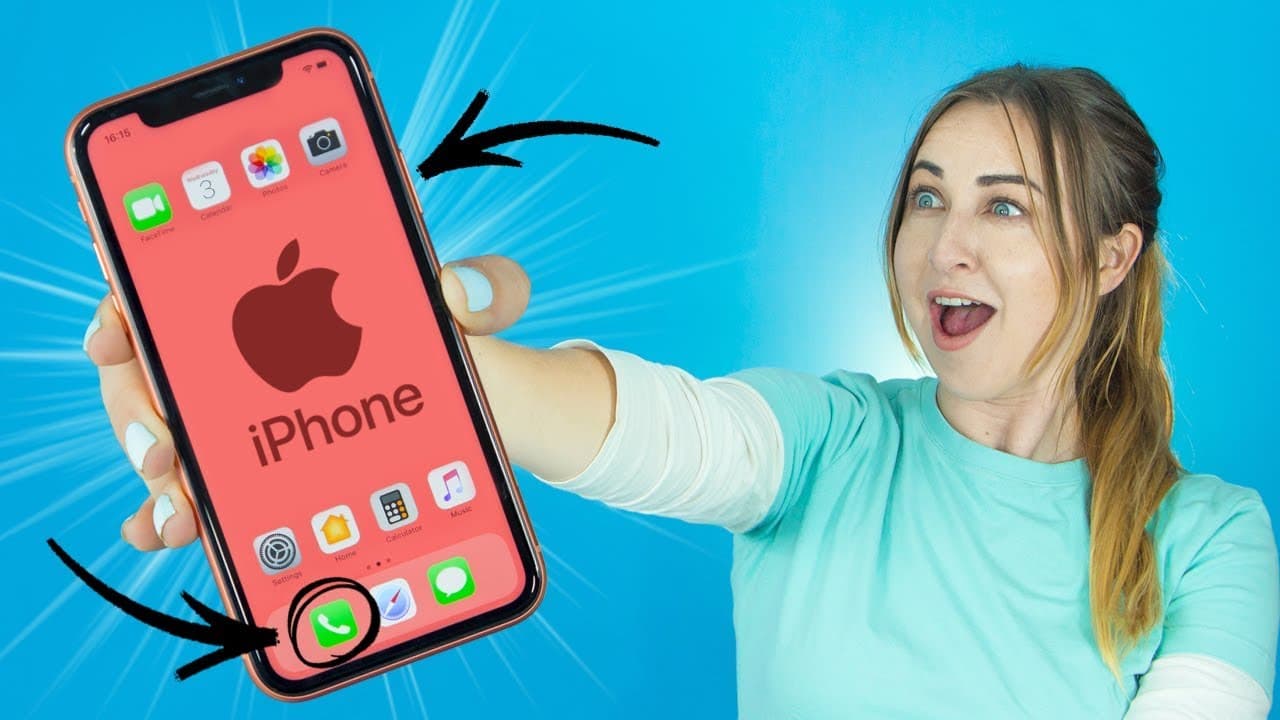
15 iPhone XR Tips, Tricks & Hidden Features! | YOU MUST TRY!
TL;DR
Discover 15 helpful iPhone tips, tricks, and hidden features, including zoom window, reachability mode, cursor placement, and more.
Transcript
hey guys what's up what's up how you doin in this video I'm going to be going through 15 I phone tips tricks and hidden features that you may not have known existed okay definitely stay until the end of the video because there I will show you my favorite tip it is thebomb.com oh I also did a review on the iPhone 10 R I'll have it linked in the card... Read More
Key Insights
- 🔍 The iPhone offers a zoom window feature, activated through the accessibility settings, which allows users to magnify images and text.
- 👏 Reachability mode makes it easier to use the iPhone with one hand by moving the entire screen down with a single swipe.
- 🥹 A mini trackpad feature can be accessed by clicking and holding down on the spacebar, making it simpler to place the cursor within text.
- 👪 The home button functionality can be customized through the AssistiveTouch feature, offering options such as accessing the home menu, notifications, or volume control.
- 👻 Swiping from the left up diagonally allows for quicker access to recent applications.
- 🈸 Swiping on the bottom of the screen toggles between all open applications, providing a convenient way to switch between apps.
- ♿ Using long presses and dragging over characters allows for quick access to symbols and character changes on the keyboard.
- 👻 Tapping under the notch or speaker takes users to the top of the screen, allowing for easy navigation in various applications.
- 🤕 iTunes can be used to search for songs based on lyrics, providing a useful way to identify songs stuck in your head.
- ⏲️ Setting a timer for music playback in the Clock app ensures that the music stops playing when the timer ends.
- 🔑 Siri can help retrieve forgotten passwords by showing a list of passwords for different applications.
- 👻 Swiping left on the calculator allows users to quickly remove a typed number without clearing the entire calculation.
- 🎮 The control center can be customized to include additional quick access controls, offering a more personalized user experience.
- 📲 Personalized custom vibrations can be created for specific contacts, providing a unique way to identify incoming calls.
Install to Summarize YouTube Videos and Get Transcripts
Explore YouTube Video Summarizer or Get YouTube Transcript Extractor
Questions & Answers
Q: How can I activate the zoom window feature on my iPhone?
To activate the zoom window, go to Settings, click on General, then Accessibility, and toggle the zoom option on. You can then tap the screen with three fingers to access the zoom window.
Q: How does reachability mode work?
Reachability mode can be activated by swiping down once on the bottom of the screen. This feature moves the entire screen down, making it easier to select apps or features with one hand.
Q: How can I accurately place the cursor within a text?
Click and hold down on the spacebar to turn the keyboard into a mini trackpad. This allows you to easily place the cursor exactly where you want it within your paragraph or email.
Q: Can I customize the appearance and functionality of the home button on my iPhone?
Yes, you can go to Settings, click on General, then Accessibility, and toggle on AssistiveTouch. This will allow you to create a virtual home button that can be customized to perform various actions and be placed anywhere on your screen.
Summary & Key Takeaways
-
Use the zoom window feature to magnify images and text by tapping the screen with three fingers and accessing it through the accessibility settings.
-
Activate reachability mode by swiping down on the bottom of the screen once, making it easier to use the phone with one hand.
-
Utilize the mini trackpad feature by clicking and holding down on the spacebar to accurately place the cursor within text.
Read in Other Languages (beta)
Share This Summary 📚
Summarize YouTube Videos and Get Video Transcripts with 1-Click
Try YouTube Summary with ChatGPT & Claude or YouTube Transcript Generator
Explore More Summaries from Hayls World 📚






Summarize YouTube Videos and Get Video Transcripts with 1-Click
Try YouTube Summary with ChatGPT & Claude or YouTube Transcript Generator