How to Increase YouTube Video Views Effectively
TL;DR
To increase YouTube video views, focus on selecting trending or highly searched topics, creating engaging content with a strong hook, and optimizing your title and thumbnail for higher click-through rates. These steps leverage YouTube's algorithm to recommend your videos more frequently, thus driving more views and engagement.
Transcript
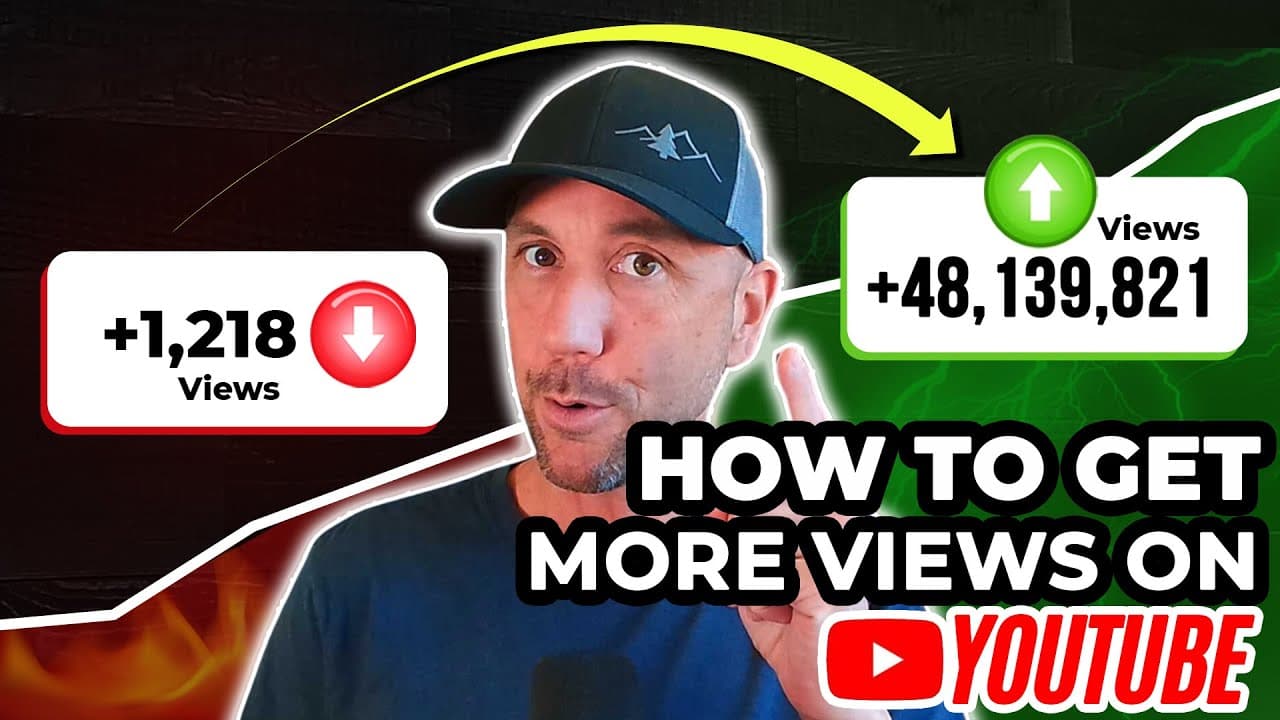
this video reveals my simple three-step process for getting more views on your YouTube channel based on my wife and my results from us driving over 48 million views here on YouTube with a couple of channels that have combined over 550,000 subscribers so the first step is to come up with the right topic something that your people are interested in s... Read More
Key Insights
- Choosing the right topic is crucial for video success on YouTube.
- Keyword research helps in identifying topics that have high search volume.
- Riding trends can boost video visibility and engagement quickly.
- Analyzing competitors' successful videos provides insights into effective content strategies.
- A strong hook in the first 30 seconds retains viewer attention.
- YouTube monitors view duration and engagement to rank videos.
- Optimizing titles and thumbnails increases click-through rates.
- Studying copywriting and persuasion enhances title effectiveness.
Install to Summarize YouTube Videos and Get Transcripts
Explore YouTube Video Summarizer or Get YouTube Transcript Extractor
Questions & Answers
Q: How to choose the right topic for a YouTube video?
Choosing the right topic involves conducting keyword research to find highly searched phrases, analyzing trending topics to capitalize on current interests, and reviewing competitors' successful videos to identify content gaps or opportunities. Combining these approaches ensures your video addresses audience demand and increases its chances of gaining views.
Q: What makes a YouTube video engaging?
An engaging YouTube video starts with a compelling hook in the first 30 seconds to capture attention. It should deliver valuable content quickly, maintain a clear focus without unnecessary tangents, and incorporate storytelling or unique angles to keep viewers interested. Monitoring viewer retention analytics helps refine these elements.
Q: Why is optimizing titles and thumbnails important?
Optimizing titles and thumbnails is crucial because they are the first elements viewers see, influencing their decision to click. A captivating thumbnail paired with a persuasive title increases the click-through rate, signaling to YouTube's algorithm that the video is engaging, which can lead to more recommendations and views.
Q: How does YouTube's algorithm affect video visibility?
YouTube's algorithm affects video visibility by analyzing metrics like click-through rate, view duration, and engagement. Videos that perform well in these areas are more likely to be recommended in users' feeds, search results, and suggested videos, increasing their exposure and potential views.
Q: What role does keyword research play in YouTube success?
Keyword research is pivotal for YouTube success as it identifies what potential viewers are searching for. By targeting high-volume keywords, creators can optimize their video titles and descriptions to rank higher in search results, thereby attracting more organic traffic and increasing the likelihood of gaining views.
Q: How can I improve my video’s click-through rate?
Improving a video's click-through rate involves crafting eye-catching thumbnails and compelling titles that evoke curiosity or emotion. Testing different designs and titles through A/B testing can determine what resonates best with your audience. Additionally, understanding your audience's preferences and leveraging persuasive language can enhance click appeal.
Q: What tools can help grow a YouTube channel?
Tools like TubeBuddy assist in growing a YouTube channel by providing features for keyword research, A/B testing thumbnails, and analyzing competitors. These tools streamline content optimization processes, helping creators make data-driven decisions to enhance video performance and channel growth.
Q: How important is content creation in retaining viewers?
Content creation is crucial for retaining viewers as it directly impacts engagement and view duration. High-quality content that delivers on its promise, maintains a clear narrative, and includes a strong opening hook will keep viewers interested and encourage them to watch more of the video, improving overall retention metrics.
Summary & Key Takeaways
-
Increasing views on YouTube involves a three-step process: selecting the right topic, creating engaging content, and optimizing video presentation. Start with keyword research and trend analysis to choose a topic, then craft a compelling video with a strong hook to retain viewers. Finally, optimize your title and thumbnail to boost click-through rates.
-
Engagement metrics like view duration and click-through rates are pivotal for YouTube algorithms to recommend your video. Consistently applying these strategies can lead to sustained growth in views and subscribers, leveraging YouTube's platform to work in your favor.
-
Utilizing tools like TubeBuddy for A/B testing thumbnails and understanding SEO principles can further enhance your strategy. Continual learning in copywriting and persuasion is beneficial for crafting compelling titles and descriptions that attract and retain viewers.
Read in Other Languages (beta)
Share This Summary 📚
Summarize YouTube Videos and Get Video Transcripts with 1-Click
Try YouTube Summary with ChatGPT & Claude or YouTube Transcript Generator
Explore More Summaries from Miles Beckler 📚





Summarize YouTube Videos and Get Video Transcripts with 1-Click
Try YouTube Summary with ChatGPT & Claude or YouTube Transcript Generator