Easy Canva Animations for Instagram | Ep. 01
TL;DR
Learn how to easily create trendy Instagram animations using free Canva templates and step-by-step instructions.
Transcript
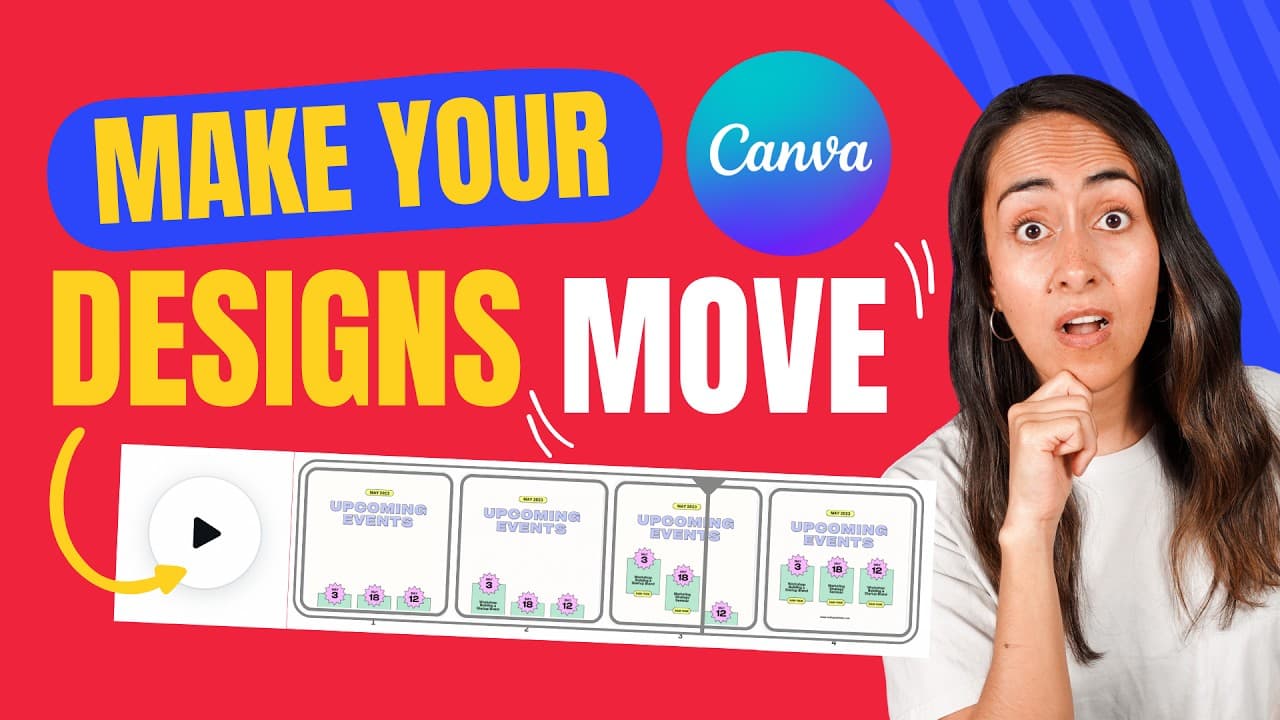
in this video I'm going to show you step by step how to create these two trendy Instagram animations in Camp this is the first one we are going to create in which we see the animation coming from the lateral and the second one is this one in which we are going to see the movement coming from bottom to top this tutorial is beginner proof because the... Read More
Key Insights
- 🥶 Canva offers free templates for creating trendy Instagram animations.
- 💄 The tutorial focuses on the animation aspect, making it beginner-friendly.
- 🧘 Different pages or scenes are created to position elements and create the illusion of movement.
- 🧑🏭 Timing and transitions are important factors in creating fluid and engaging animations.
Install to Summarize YouTube Videos and Get Transcripts
Explore YouTube Video Summarizer or Get YouTube Transcript Extractor
Questions & Answers
Q: What are the main components of creating the Instagram animations in this tutorial?
The tutorial emphasizes using Canva templates and focuses on creating different pages or scenes for positioning elements. Transitions and animations are then added to create movement.
Q: Are the Canva templates used in the tutorial free to use?
Yes, the Canva templates used in the tutorial are completely free to use. The link to the templates is provided in the video description.
Q: How can I adjust the timing of each page in the animation?
To adjust the timing, select a specific page, click on the timing button, and set the desired length. You can also choose to apply the same timing to all pages to save time.
Q: Can the design of the templates be customized?
Yes, Canva allows you to customize the templates by changing text, colors, adding elements, or even adding photos. The tutorial focuses on the animation process, but you have the freedom to personalize the designs.
Summary & Key Takeaways
-
This video tutorial provides step-by-step instructions on how to create two trendy Instagram animations using Canva templates.
-
The templates used in the tutorial are free and easily customizable.
-
The tutorial focuses on the animation aspect, making it beginner-friendly.
-
The animations created include lateral movement and movement from bottom to top.
Read in Other Languages (beta)
Share This Summary 📚
Summarize YouTube Videos and Get Video Transcripts with 1-Click
Try YouTube Summary with ChatGPT & Claude or YouTube Transcript Generator
Explore More Summaries from Design with Canva 📚






Summarize YouTube Videos and Get Video Transcripts with 1-Click
Try YouTube Summary with ChatGPT & Claude or YouTube Transcript Generator