5 YouTube Shorts Templates For Entrepreneurs & Brands - Guide to YouTube Shorts 2022
TL;DR
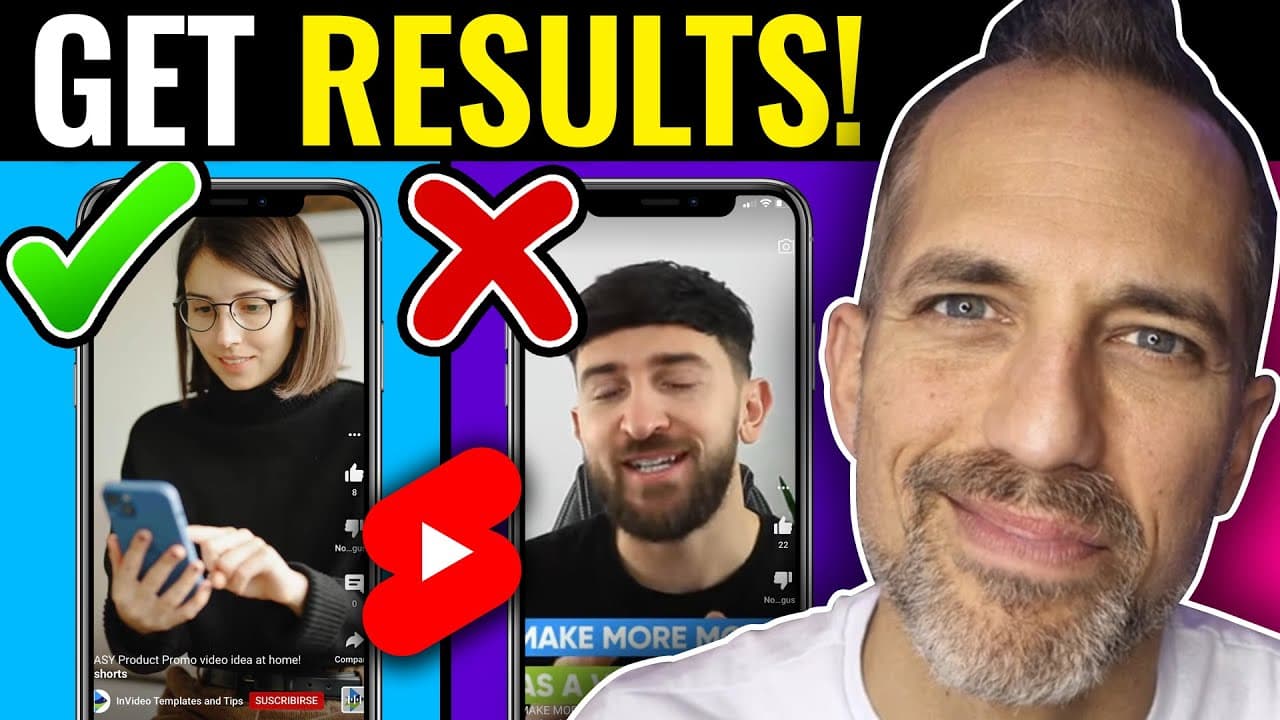
Learn how to easily edit and customize YouTube Shorts templates, add your logo, and create professional-looking videos for your business using InVideo.
Transcript
today i'm going to show you a ton of youtube shorts templates that you can easily edit customize drag and drop and add your logo to add your customer testimonials to them they look fantastic and they're free and you can use them and they have some upgrades and i'm going to show you how to edit them and make them look fantastic for your business we'... Read More
Key Insights
- 🧡 InVideo offers a wide range of templates for different social media platforms, including YouTube Shorts, Instagram Reels, and TikToks.
- 👻 Customizing the templates with your own content, such as images, text, and branding elements, allows for a professional and personalized look.
- 🎮 InVideo's editing tools enable you to add attention-grabbing intros and create engaging storytelling videos.
- 🥌 The ability to replace the music in the templates or add your own ensures that the video aligns with your brand's tone and style.
- 👨💼 InVideo provides a user-friendly interface and simple editing process, making it accessible for business owners to create professional videos without spending too much time on the editing process.
- 👻 The templates available on InVideo cover various industries and topics, allowing businesses to find a suitable template for their specific needs.
- 🥶 InVideo offers both free and paid options, making it accessible to businesses with different budgets.
Install to Summarize YouTube Videos and Get Transcripts
Explore YouTube Video Summarizer or Get YouTube Transcript Extractor
Questions & Answers
Q: Can I use the InVideo templates for different social media platforms?
Yes, InVideo offers templates for YouTube Shorts, Instagram Reels, TikToks, YouTube ads, and more. You can choose the template that suits the platform you want to create content for.
Q: Can I replace the images and text in the templates with my own content?
Absolutely! InVideo allows you to easily replace the images and text in the templates with your own, making it personalized to your business.
Q: What if I don't like the music in the template?
InVideo provides stock music for free, but you can also delete the music and add your own from YouTube's library or any other source that aligns with your brand.
Q: How can I make my videos more engaging and attention-grabbing?
InVideo's editing tools allow you to add small clips at the beginning of your video to capture viewers' attention. This technique helps create a story-like effect and enhances the overall impact of your content.
Summary & Key Takeaways
-
InVideo offers thousands of pre-made templates for YouTube Shorts, Instagram Reels, TikToks, and more.
-
Templates can be customized by adding your own images, text, and branding elements.
-
InVideo's editing tools allow you to create engaging videos with attention-grabbing intros and customer testimonials.
Read in Other Languages (beta)
Share This Summary 📚
Summarize YouTube Videos and Get Video Transcripts with 1-Click
Try YouTube Summary with ChatGPT & Claude or YouTube Transcript Generator
Explore More Summaries from Owen Video 📚
Summarize YouTube Videos and Get Video Transcripts with 1-Click
Try YouTube Summary with ChatGPT & Claude or YouTube Transcript Generator