What Are the Best ChatGPT Chrome Extensions?
TL;DR
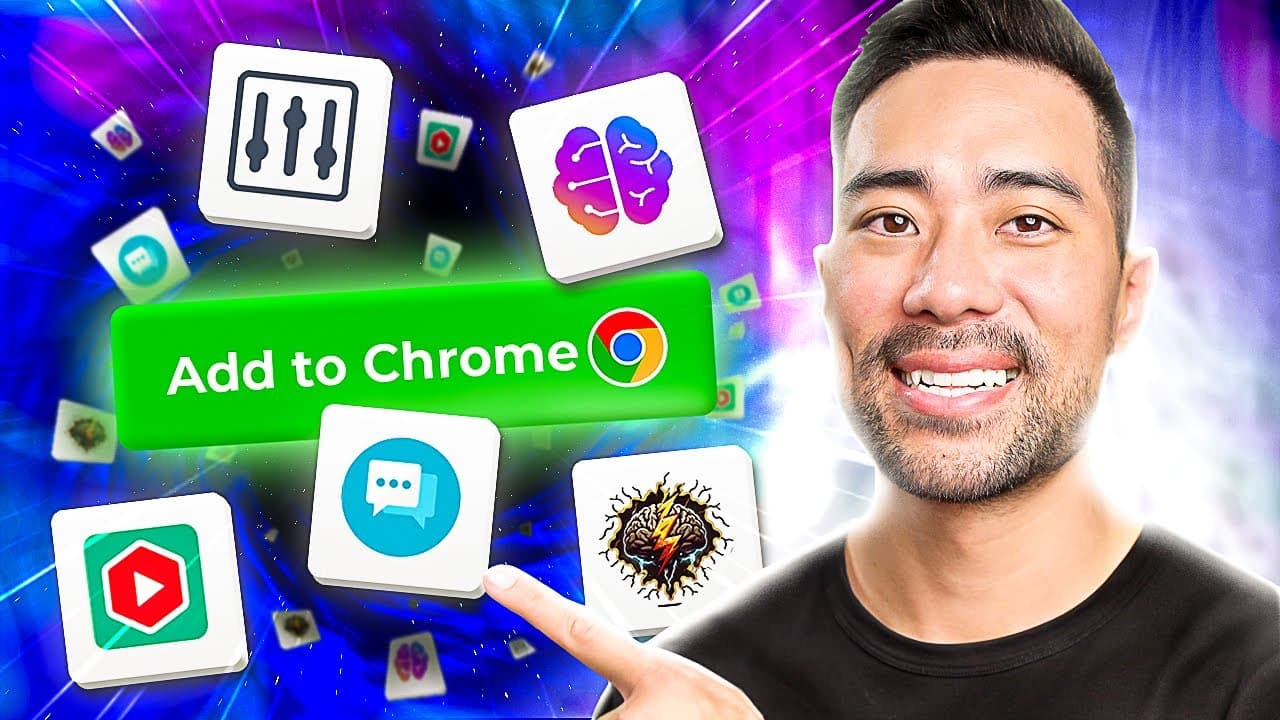
Five essential Chrome extensions can boost your productivity with ChatGPT. They enable features like voice input, sidebar access for quick prompts, YouTube video summaries, enhanced search result insights, and advanced functionalities to streamline your workflow.
Transcript
- Hey, it's Aurelius. Welcome back to the channel. In this video, you're going to learn five super useful ChatGPT Chrome extensions that'll help enhance your use of ChatGPT making you more productive. First of all, to use these extensions, make sure you have an OpenAI account, which is free. Simply go to chat.openai.com, and then you can sign up fo... Read More
Key Insights
- 🎙️ Using the Promptheus extension allows you to talk to ChatGPT by enabling your microphone, making it more natural and productive to enter prompts.
- 📚 The ChatGPT Sidebar extension allows you to have ChatGPT enabled on your sidebar while browsing the web, providing quick access to prompts and various tools like summarizing, grammar checks, translation, Q&A, and more.
- 🔍 The ChatGPT Transcript and Summary extension provides a summary of any YouTube video by adding captions and using ChatGPT, allowing you to quickly get an overview without watching the entire video.
- 🔎 The ChatGPT for Search Engines extension enhances your search experience by providing a summary of the search query on the right side of the search results, saving you time and giving you a brief understanding of the topic.
- 💪 The Superpower ChatGPT extension enhances the ChatGPT interface by adding features like word and character counts, continue buttons, a prompt library, exporting chats, and the ability to close/open the sidebar for a more focused experience.
- 💡 These ChatGPT Chrome extensions offer diverse functionalities, including voice input, summarization, grammar checks, YouTube video summaries, enhanced search results, and advanced features to optimize productivity and user experience.
- 🌐 The extensions mentioned in the video make it easier for users to access ChatGPT and its features while working, browsing the web, watching videos, and conducting online searches, saving time and improving efficiency.
- 🗂️ By leveraging these extensions, users can leverage the power of ChatGPT in various contexts, such as content creation, research, learning, and communication, expanding their capabilities with AI-powered tools.
Install to Summarize YouTube Videos and Get Transcripts
Explore YouTube Video Summarizer or Get YouTube Transcript Extractor
Questions & Answers
Q: How can Promptheus improve productivity in using ChatGPT?
Promptheus is a ChatGPT extension that enables voice input, allowing users to speak their prompts instead of typing them. This can significantly enhance productivity by saving time and making the interaction process more natural. Simply install the extension, grant microphone access, and speak your prompts to ChatGPT.
Q: How does ChatGPT Sidebar make it easier to use ChatGPT on any web page?
ChatGPT Sidebar is a Chrome extension that integrates ChatGPT into a sidebar on any web page. This means you can have ChatGPT readily available while browsing the web, including popular platforms like Google Docs. With the sidebar, you can quickly enter prompts, access predefined prompts for various tasks, and utilize functions like summarizing, grammar checking, translating, and more.
Q: What is the purpose of the Transcript and Summary extension for ChatGPT?
The Transcript and Summary extension for ChatGPT allows users to generate summaries of any YouTube video. After installing the extension, users can navigate to a YouTube video they want to summarize. By selecting the "Transcript and Summary" option, the extension will provide a summary of the video's content based on the generated transcript. This makes it easy to obtain a brief overview without watching the entire video.
Q: How does ChatGPT for Search Engines enhance the search experience?
ChatGPT for Search Engines is a Chrome extension that enhances search engine results, such as Google or Bing, by providing AI-generated summaries alongside each search result. This enables users to quickly understand the content of the search results without having to click and open each link. The summaries offer concise explanations based on the user's search query, saving time and providing immediate insights.
Q: What additional features does the Superpower ChatGPT extension offer?
The Superpower ChatGPT extension enhances ChatGPT by unlocking several advanced features and options. These include word and character counts for tracked conversations, a "Continue" button to easily continue the conversation without manually typing "continue," a prompt library curated by the GPT community, the ability to export chats, customizable prompts, the option to close/open the sidebar for more focus, and local sync of chat prompts on the user's computer. These features provide more control, customization, and convenience in using ChatGPT.
Summary & Key Takeaways
-
Promptheus: Enables voice input for ChatGPT, allowing users to speak their prompts instead of typing them.
-
ChatGPT Sidebar: Integrates ChatGPT into a sidebar on any web page, providing quick access to prompts and various functions like summarizing, checking grammar, and translating.
-
Transcript and Summary: Summarizes YouTube videos by generating a summary of the video's transcript, making it easy to get an overview of its content.
-
ChatGPT for Search Engines: Enhances search engine results by adding AI-generated summaries to help users quickly understand the content of the search results.
-
Superpower ChatGPT: Unlocks advanced features and options for ChatGPT, such as word and character counts, a prompt library, exporting chats, and customizable prompts.
Read in Other Languages (beta)
Share This Summary 📚
Summarize YouTube Videos and Get Video Transcripts with 1-Click
Try YouTube Summary with ChatGPT & Claude or YouTube Transcript Generator
Explore More Summaries from Aurelius Tjin 📚
Summarize YouTube Videos and Get Video Transcripts with 1-Click
Try YouTube Summary with ChatGPT & Claude or YouTube Transcript Generator