What Are the Most Useful Websites You Haven't Tried?
TL;DR
Explore eight innovative websites designed to make your online experience better. From a time capsule of the internet with Way Back Machine to tools like Vocal Remover and Project Gutenberg, these resources can enhance your productivity, creativity, and entertainment.
Transcript
- Hey, it's Aurelius. In this video you'll learn eight useful and interesting websites you'll use some days. Starting with the first website. Have you ever wanted to know what a website looked like back in the days? For instance, what did YouTube look like in let's say 2006? Well, here it is, you've got YouTube and during its early stages, you can ... Read More
Key Insights
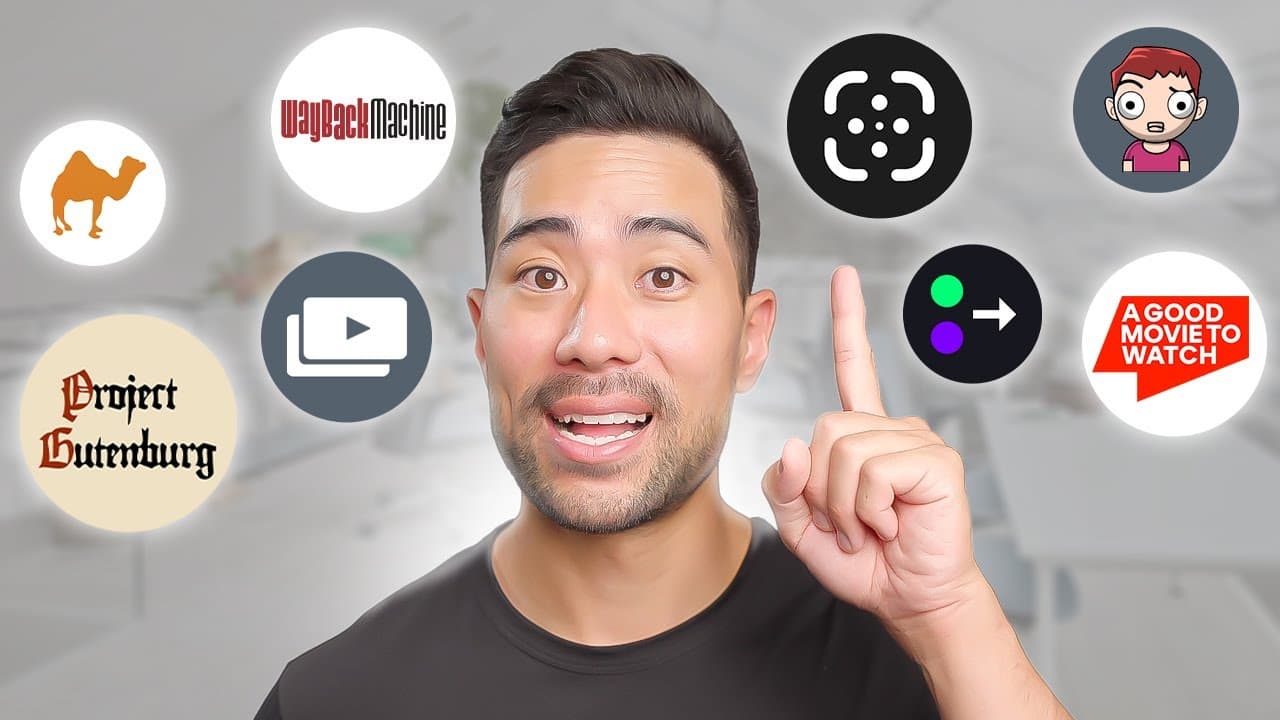
- 🔍 Way Back Machine: A website that allows you to view the historical snapshots of any website, providing a nostalgic look at the internet's past. It can be used for research purposes or simply for fun browsing.
- 🧱 Unscreen: An easy-to-use tool that removes the background from videos, allowing you to add a new background or leave it transparent. Canva also offers a similar feature, but only for pro members.
- 🎥 A Good Movie to Watch: A website that recommends popular movies and shows on streaming platforms like Netflix, based on their IMDb ratings and Rotten Tomatoes approval scores. It helps users find quality content without spending hours browsing.
- 💡 Relight by ClipDrop: A tool that allows you to add artificial lighting to your photos, giving them a new look. You can change the direction, color, and intensity of the lights, enhancing your images without physical lights.
- 🎶 Vocal Remover: A tool that isolates the vocals or music from an audio file, allowing you to adjust the volume of each element. It's useful for creating karaoke tracks or fine-tuning audio recordings.
- 💸 Camel, Camel, Camel: A website that tracks the price history of products on Amazon and alerts you of price drops. It helps you make informed purchasing decisions and get the best deals.
- 👤 Ava Maker: A tool that enables you to create custom avatars by customizing various features like gender, face shape, hair, and clothing. It's great for creating unique online profiles or selling avatar NFTs.
- 📚 Project Gutenberg: A platform offering over 60,000 free eBooks in the public domain. You can download the books in multiple formats or read them online, providing access to a vast library of literary works.
Install to Summarize YouTube Videos and Get Transcripts
Explore YouTube Video Summarizer or Get YouTube Transcript Extractor
Questions & Answers
Q: How does Way Back Machine work and what can you use it for?
Way Back Machine is a website that acts as a time capsule for the internet. It captures snapshots of websites and allows you to see their past designs and content on specific dates. You can use it for historical research, see the evolution of websites, or simply have fun exploring the internet's past.
Q: What features does Unscreen offer for removing video backgrounds?
Unscreen is a tool that allows you to easily remove the background from videos. You can drag and drop your video file onto the website and let it process the video. It automatically removes the background as best as it can and even lets you change the background to something else. You can then download the edited video with the new background.
Q: How does A Good Movie to Watch recommend movies and shows?
A Good Movie to Watch categorizes popular movies and shows based on IMDb ratings and critic approval scores from Rotten Tomatoes. It only recommends titles with a score of at least seven out of ten on IMDb and a 70% critic approval score on Rotten Tomatoes. This ensures that the suggestions are high-quality and worth watching.
Q: What can you do with Relight by ClipDrop?
Relight by ClipDrop is a tool that allows you to add artificial lighting to any image. Once you upload your photo, you can add and customize lights, change their colors, adjust the lighting intensity, and even delete or add new lights. It's a convenient way to enhance your photos with realistic lighting effects.
Q: How does Vocal Remover work for isolating vocals or music?
Vocal Remover is a tool that lets you isolate vocals or music from audio tracks. You can upload your audio file and adjust the balance between vocals and music. It allows you to reduce the volume of either the vocals or the music, or completely remove one while keeping the other. It's useful for creating karaoke versions of songs or focusing on specific elements of a track.
Summary & Key Takeaways
-
Way Back Machine allows you to see historical snapshots of websites and their past designs.
-
Unscreen is a tool that removes the background from videos and lets you add a new background.
-
A Good Movie to Watch recommends popular movies and shows based on IMDb ratings and critic approval scores.
-
Relight by ClipDrop is a tool that adds artificial lighting to any image.
-
Vocal Remover helps isolate vocals or music from audio tracks.
-
Camel Camel Camel tracks price history and notifies you of price drops for products you're interested in.
-
Ava Maker lets you create custom avatars for personal or anonymous profiles.
-
Project Gutenberg offers over 60,000 free eBooks in the public domain.
Read in Other Languages (beta)
Share This Summary 📚
Summarize YouTube Videos and Get Video Transcripts with 1-Click
Try YouTube Summary with ChatGPT & Claude or YouTube Transcript Generator
Explore More Summaries from Aurelius Tjin 📚

Summarize YouTube Videos and Get Video Transcripts with 1-Click
Try YouTube Summary with ChatGPT & Claude or YouTube Transcript Generator